20
INSTRUCTIONS & DIAGRAMS
20
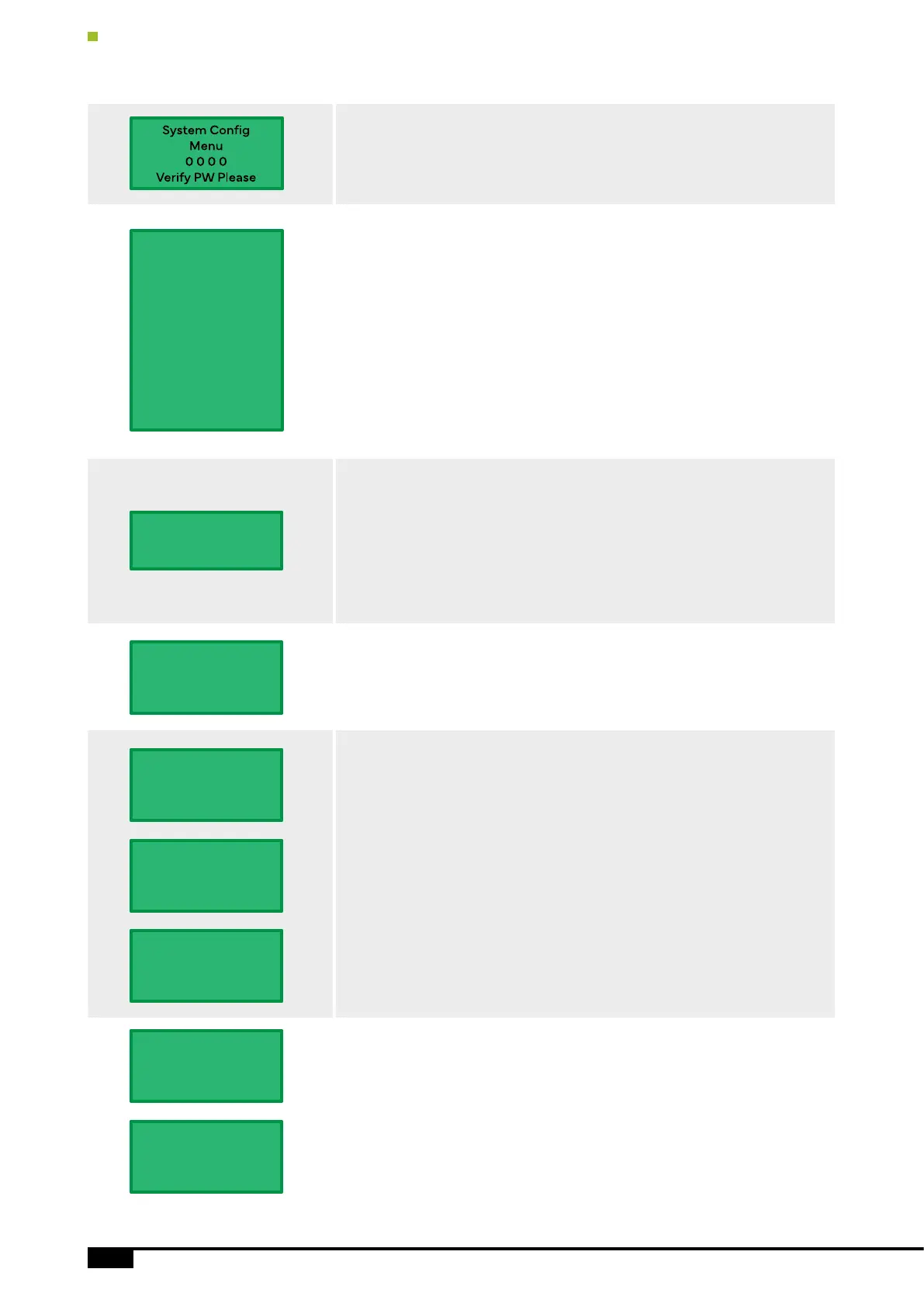
Verify the Password to Enter the Setting Menu
Initial Password: 0000
System Setting
“UP”/”Down” to change the Menu Item
Time for Operation
Inverter Working Time. If the system time within inverter working time,
inverter working, otherwise inverter stop working, and shows “ OFF( Time)”.
HPD5500H
ID: 9792
On(Working)
14:24 07/16/19
Solar Low Power to Hybrid/Stop
Please refer to the pages 20-23.
Dry-Run Detect
Pump Dry-Run (Well Water level) detected by software. When the inverter
is running 45Hz or over 45Hz, it detects the pump current. The inverter
Automatic Stop will commence operation once the pump current less than
the LE Current, the inverter will restart after 10 minutes.
NOTE: If the well sensor is connected and enabled, the dry run function
will disable automatic start.
Ref LE Curt: Current value is 1/3 times of pump rated current. Also the
inverter will give the reference current value when the pump running to
45Hz or over 45Hz with load, then you can according the Ref LE Curt A to
set.
Tank/Well Sensor Setting
Enable/Disable the Sensor.
Working Time
Start - Stop (H:M)
Time: 0 :0 - 23:59
PV Low Power
to Hybrid/Stop
LE: 25 Hz In 20 Sec
15 Min Restart
Tank Sensor Set
Enable
Disable
State Now: Enable
Borehole Sensor
Enable
Disable
State Now: Enable
Dry-Run Setting
Enable/Disable
Parm Setting
Ref LE Curt: 2 A
Dry-Run Protect
Enable
Disable
State Now: Enable
Dry-Run Project
By Software
LE Current 10 (A)
Stop Time: 30 (M)
System Setting
1. Working Time
2. Hybrid/Stop
3. Dry-Run Detect
4. Tank Sensor
5. 5. Borehole Sensor
6. Time Calibrate
7. System PW Set
8. Tank Timer
9. Borehole Timer
10. Esc Key Fun
11. Factory Reset


 To Next Page
 Loading...