EasyManua.ls Logo

Commodore PC - Mkdir (Make Directory)

Commodore PC
414 pages
Print Icon
To Next Page IconTo Next Page
To Previous Page IconTo Previous Page
Loading...
MS-DOS
Commands
67
Mkdir
f>
Synonym:
md
<^
Purpose:
Makes
a
new
directory.
f)
Syntax:
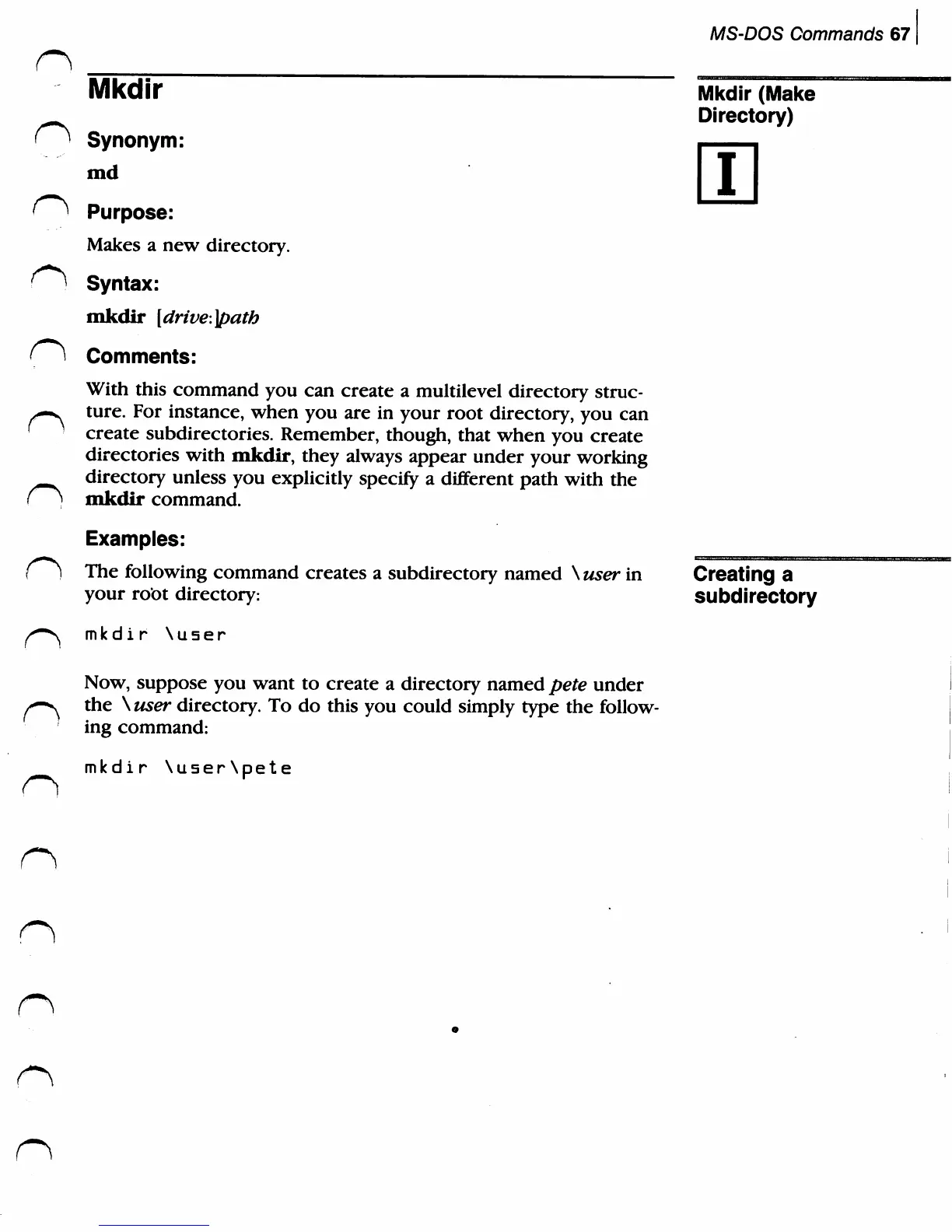
mkdir
[drive.]path
(i
Comments:
With
this
command
you
can
create
a
multilevel
directory
struc-
>—^
ture.
For
instance,
when
you
are
in
your
root
directory,
you
can
'
create
subdirectories.
Remember,
though,
that
when
you
create
directories
with
mkdir,
they
always
appear
under
your
working
^.^^
directory
unless
you
explicitly
specify
a
different
path
with
the
f]
mkdir
command.
Examples:
r>
The
following
command
creates
a
subdirectory
named
\
user
in
your
root
directory:
^-^
mkdir
\user
Now,
suppose
you want
to
create
a
directory
named
pete
under
/-■*^
the
\
user
directory.
To
do
this
you
could
simply
type
the
follow
ing
command:
Mkdir
(Make
Directory)
i
Creating
a
subdirectory
mkdir
\u5er\pete

Related product manuals