EasyManua.ls Logo

Commodore PC - Page 146

Commodore PC
414 pages
Print Icon
To Next Page IconTo Next Page
To Previous Page IconTo Previous Page
Loading...
174
MS-DOS
User's
Reference
The
print
command,
when
used
without
options,
displays
the
contents
of
the
print
queue
on
your
screen
without
affecting
the
queue.
,
\
Note
Each
print
queue
entry
may
contain
a
maximum
of
64
characters,
including
the
drive
name.
So,
if
you
want
to
print
files
I)
in
deep
subdirectories
(many
levels
down),
you
may
need
to
change
directories.
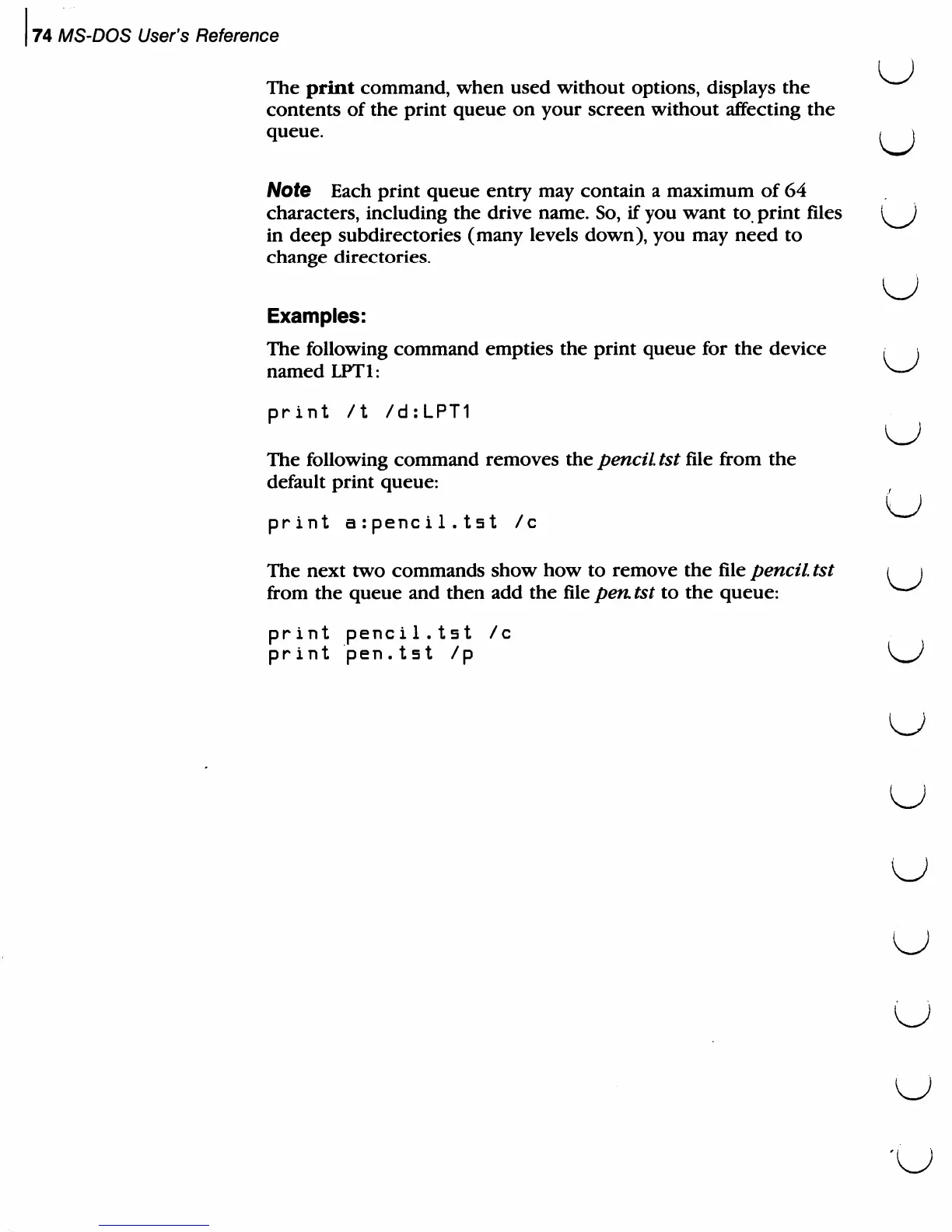
Examples:
The
following
command
empties
the
print
queue
for
the
device
named
LPT1:
print
/t
/d:LPT1
The
following
command
removes
the
pencil
tst
file
from
the
default
print
queue:
print
arpencil.tst
/c
The
next
two
commands
show
how
to
remove
the
file
pencil
tst
from
the
queue
and
then
add
the
file
pen.
tst
to
the
queue:
print
penci1.tst
/c
print
pen.tst
/p
U
U
u

Related product manuals