EasyManua.ls Logo

Commodore PC - Page 181

Commodore PC
414 pages
Print Icon
To Next Page IconTo Next Page
To Previous Page IconTo Previous Page
Loading...
Batch
Processing
109
n
n
n
n
Echo
Purpose:
Turns
the
batch
echo
feature
on
and
off.
Syntax:
echo
[ON]
or
echo
[OFF]
or
echo
[message]
Comments:
Normally,
commands
in
a
batch
file
are
displayed
("echoed")
on
the
screen
when
they
are
received
by
ms-dos.
You
can
turn
off
this
feature
by
using
the
OFF
option
with
the
echo
command.
Simi
larly,
you
can
turn
the
echo
feature
back
on
by
using
the
ON
option
with
echo.
If
you
do
not
specify
ON
or
OFF,
echo
displays
the
current
setting.
The
command,
echo
message
(where
message
is
a
line
of
text),
is
only
useful
if
echo
is
off
and
if
you
are
using
a
batch
file.
If,
in
your
batch
file,
you
type
the
echo
command
followed
by
a
mes
sage,
you
can
print
messages
on
your
screen.
You
can
also
put
several
echo
message
commands
in
your
batch
file
to
display
a
message
that
is
several
lines in
length.
Example:
The
following
is
an
example
of
a
batch
file
message
of
more
than
one
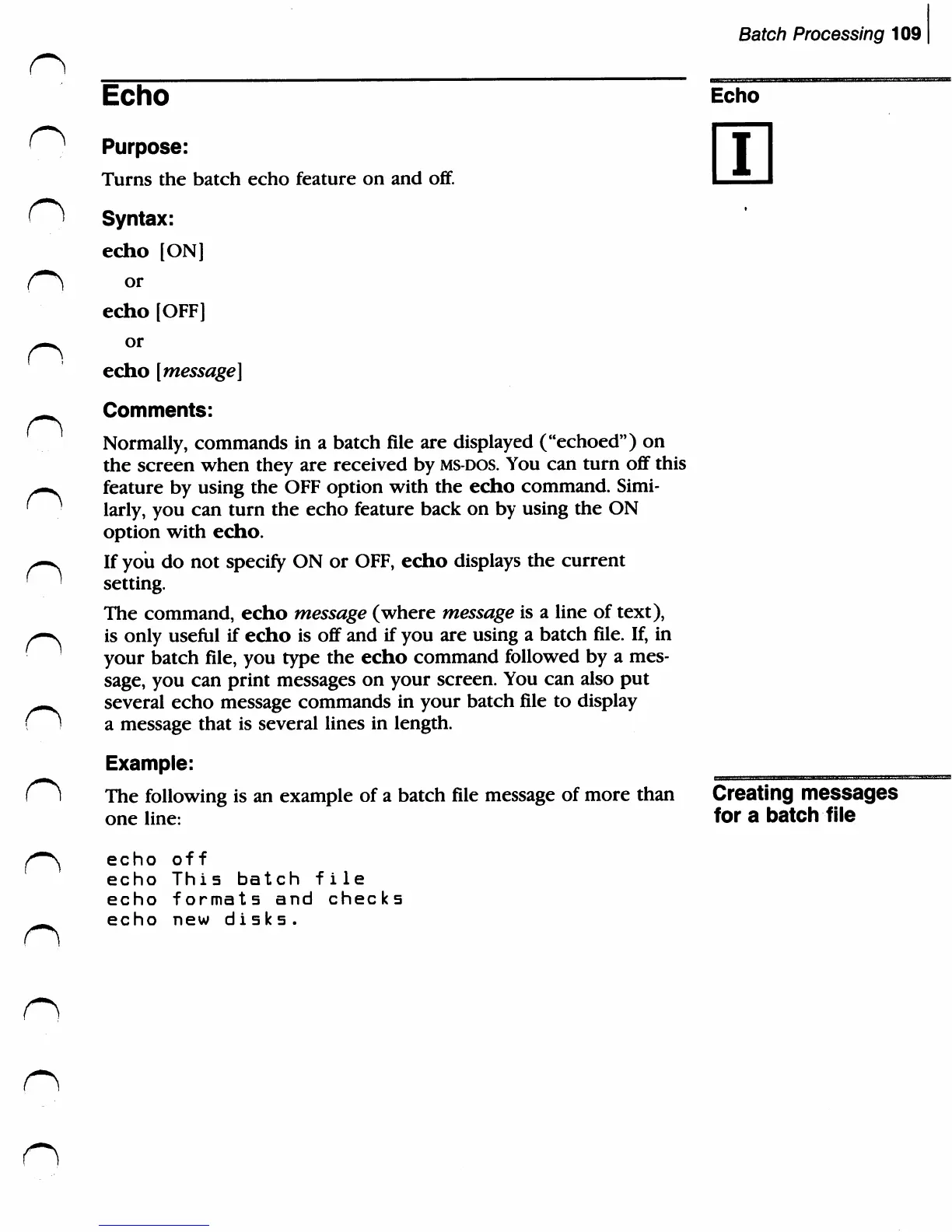
line:
echo
off
echo
This
batch
file
echo
formats
and
checks
echo
new
disks.
Echo
i
Creating
messages
fora
batch
file
n
n

Related product manuals