EasyManua.ls Logo

Commodore PC - Page 203

Commodore PC
414 pages
Print Icon
To Next Page IconTo Next Page
To Previous Page IconTo Previous Page
Loading...
The
Une
Editor
(Edlin)
131
n
n
F3
F3
(^
Purpose:
Copies
the
template
to
the
current
line.
f"*)
Comments:
When
you
press
the
F3
key,
edlin
copies
the
remaining
characters
~^
in
the
template
to
the
current
line.
No
matter
where
the
cursor
is
' '
when
you
press
the
F3
key,
edlin
displays
the
rest
of
the
line
and
leaves
the
cursor
at
the
end
of
the
line.
(~*\
Example:
As
an
example
of
how
to
use
the
F3
key
with
edlin,
type
the
following
line:
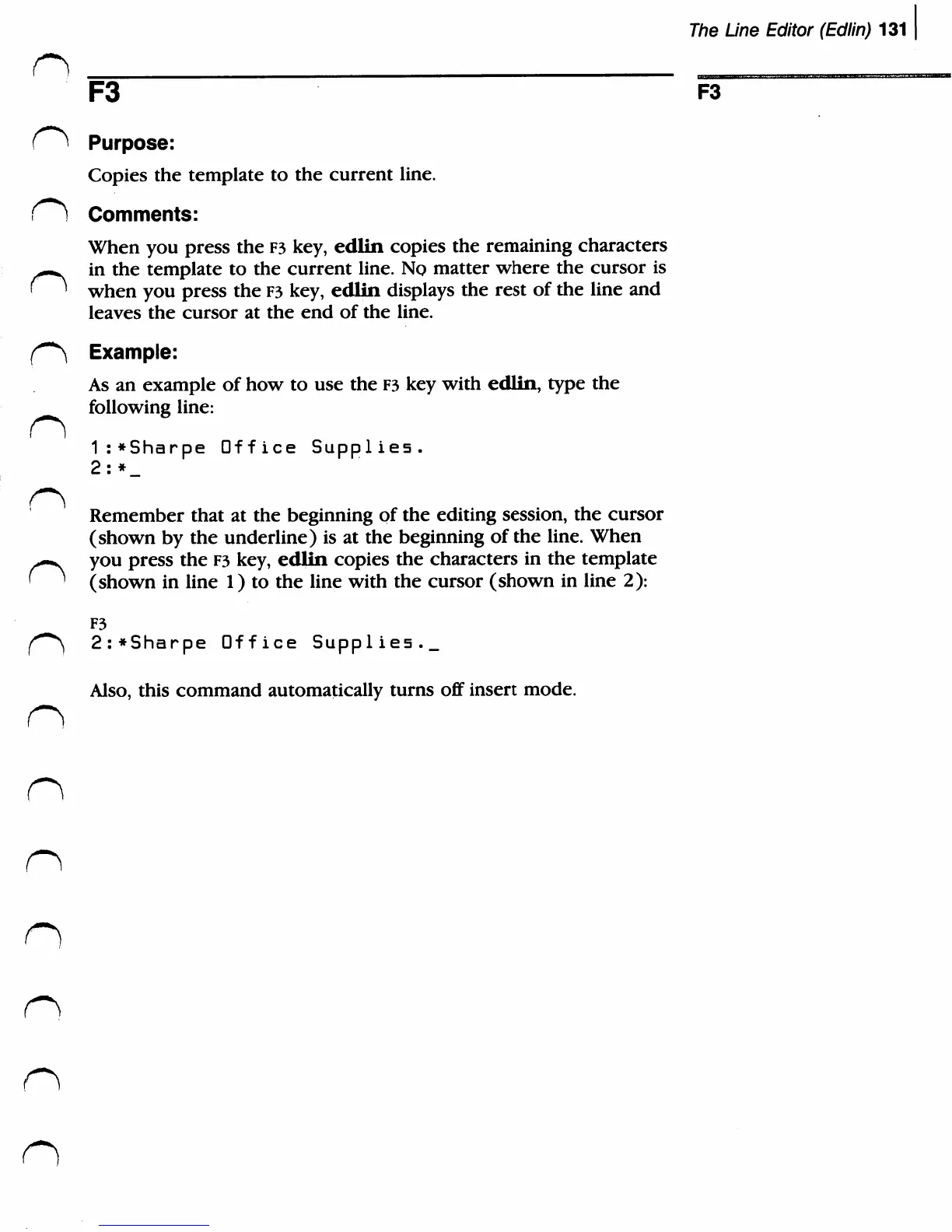
1:*Sharpe
Office
Supplies.
2:*_
Remember
that
at
the
beginning
of
the
editing
session,
the
cursor
(shown
by
the
underline)
is
at
the
beginning
of the
line.
When
^-^
you
press
the
F3
key,
edlin
copies
the
characters
in
the
template
' '
(shown
in
line
1)
to
the
line
with
the
cursor
(shown
in
line
2):
F3
(^
2:*Sharpe
Office
Supplies._
Also,
this
command
automatically
turns
off
insert
mode.
n
n
n
n
n

Related product manuals