EasyManua.ls Logo

Commodore PC - Page 204

Commodore PC
414 pages
Print Icon
To Next Page IconTo Next Page
To Previous Page IconTo Previous Page
Loading...
1132
MS-DOS
User's
Reference
u
DEL
DEL
Purpose:
(j
Skips
over
one
character
in
the
template.
Comments:
i
j
Each
time
you
press
the
del
key,
edlin
skips
over
and
does
not
copy
the
next
character
in
the
template.
The
action
of
the
del
key
is
similar
to
the
fi
key,
except
that
del
skips
a
character
in
the
template
instead
of
copying
it
to
the
current
line.
Example:
.
,
As
an
example
of
how
to
use
the
del
key
with
edlin,
type
the
following
line:
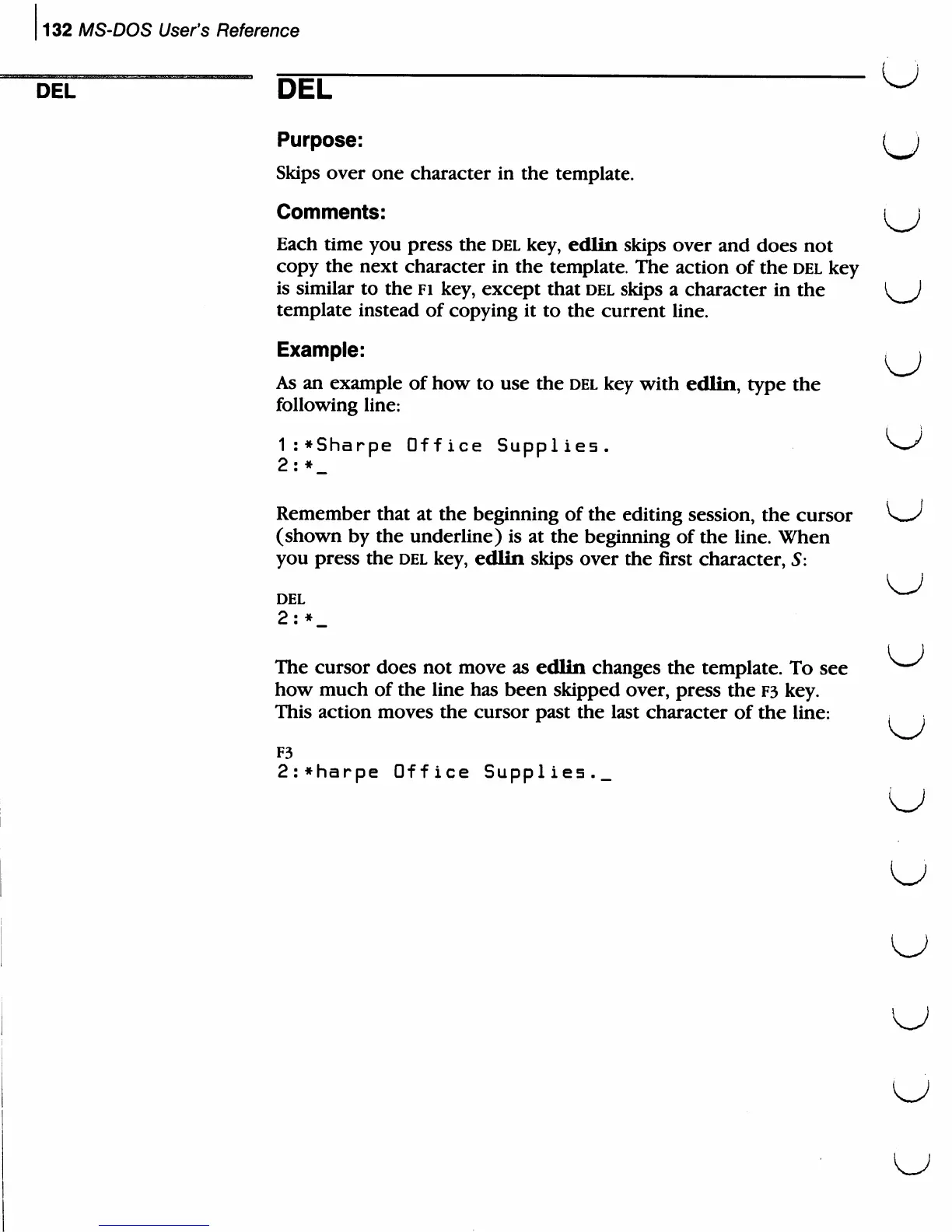
1:*Sharpe
Office
Supplies.
2:*_
Remember
that
at
the
beginning
of
the
editing
session,
the
cursor
(shown
by
the
underline)
is
at
the
beginning
of
the
line.
When
you
press
the
del
key,
edlin
skips
over
the
first
character,
5:
DEL
2:*_
The
cursor
does
not
move
as
edlin
changes
the
template.
To
see
how
much
of
the
line
has
been
skipped
over,
press
the
F3
key.
This
action
moves
the
cursor
past
the
last
character
of
the
line:
, .
F3
2:*harpe
Office
Supplies._

Related product manuals