EasyManua.ls Logo

Commodore PC - Page 206

Commodore PC
414 pages
Print Icon
To Next Page IconTo Next Page
To Previous Page IconTo Previous Page
Loading...
1134
MS-DOS
User's
Reference
u
esc
ESC
Purpose:
M
Quits
input
and
clears
the
current
line.
Comments:
i
j
When
you
press
the
esc
key,
edlin
empties
the
current
line
and
leaves
the
template
unchanged,
esc
also
prints
a
backslash
(
\
),
return,
and
linefeed,
and
turns
insert
mode
off.
The
cursor
(J
(shown
by
the
underline)
is
at
the
beginning
of
the
line.
If
you
then
press
the
F3
key,
edlin
copies
the
template
to
the
current
line,
making
it
appear
as
it
was
before
you
pressed
the
ESC
key.
,
\
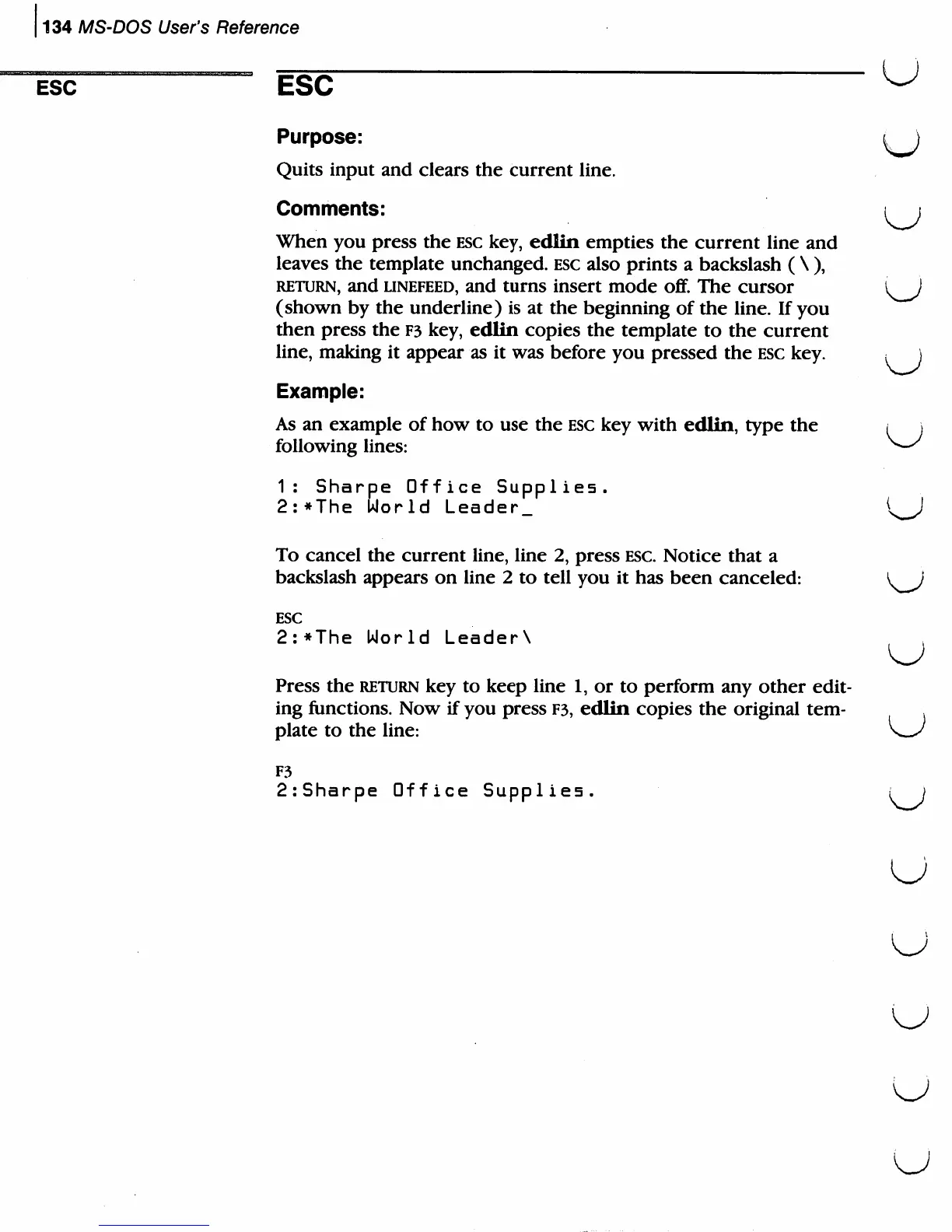
Example:
As
an
example
of
how
to
use
the
esc
key
with
edlin,
type
the
following
lines:
1:
Sharpe
Office
Supplies.
2:*The
World
Leader.
To
cancel
the
current
line,
line
2,
press
esc.
Notice
that
a
backslash
appears
on
line
2
to
tell
you
it
has
been
canceled:
^)
ESC
2:*The
World
LeaderX
}
Press
the
return
key
to
keep
line
1,
or
to
perform
any
other
edit
ing
functions.
Now
if
you
press
F3,
edlin
copies
the
original
tem-
plate
to
the
line:
F3
2:Sharpe
Office
Supplies.
;
)
u

Related product manuals