EasyManua.ls Logo

Commodore PC - Page 256

Commodore PC
414 pages
Print Icon
To Next Page IconTo Next Page
To Previous Page IconTo Previous Page
Loading...
1184
MS-DOS
User's
Reference
Example:
^J
Using
Link
with
The
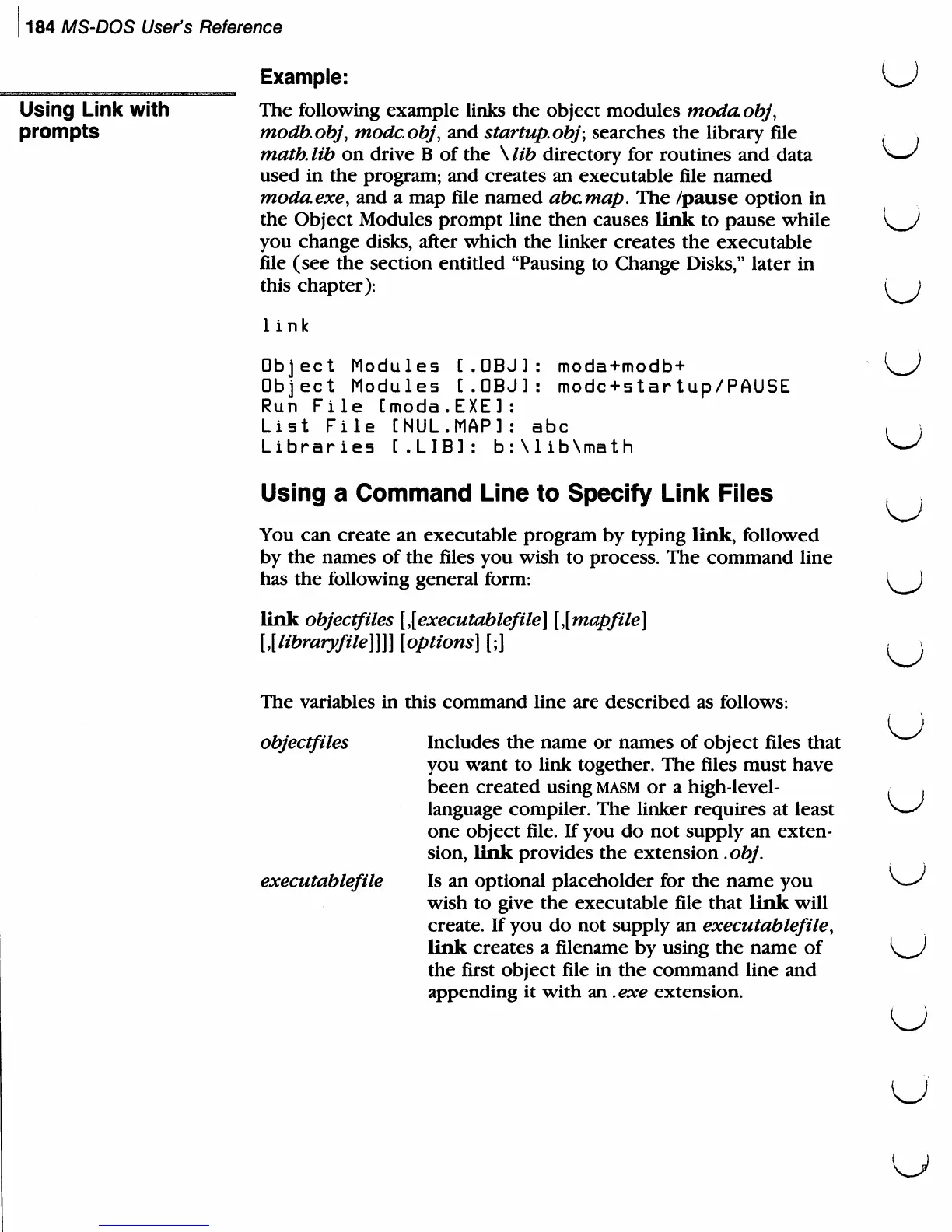
following
example
links
the
object
modules
modaobj,
prompts
modb.obj,
modcobj,
and
startupobj;
searches
the
library
file
,
\
math,
lib
on
drive
B
of
the
\lib
directory
for
routines
and
data
^—^
used
in
the
program;
and
creates
an
executable
file
named
modaexe,
and
a
map
file
named
abcmap.
The
/pause
option
in
the
Object
Modules
prompt
line
then
causes
link
to
pause
while
{^J
you
change
disks,
after
which
the
linker
creates
the
executable
file
(see the
section
entitled
"Pausing
to
Change
Disks,"
later
in
this
chapter):
i
)
link
Object
Modules
[.OBJ]:
moda+modb+
K^J
Object
Modules
[.OBJ]:
modc+startup/PAUSE
Run
File
Cmoda.EXE]:
List
File
CNUL.MAP]:
abc
,
\
Libraries
[.LIB]:
b:\lib\math
^
Using
a
Command
Line
to
Specify
Link
Files
;
You
can
create
an
executable
program
by
typing
link,
followed
by
the
names
of
the
files
you
wish
to
process.
The
command
line
has
the
following
general
form:
I)
link
objectfiles
\\executablefile\
[{mapfile]
Ulibraryfile]]]]
[options]
[;]
,j
The
variables
in
this
command
line
are
described
as
follows:
objectfiles
Includes the
name
or
names
of
object
files
that
^""^
you want
to
link
together.
The
files
must
have
been
created
using
masm
or
a
high-level-
<
,
language
compiler.
The
linker
requires
at
least
^-^
one
object
file.
If
you
do
not supply
an
exten
sion,
link
provides
the
extension
.obj.
executablefile
Is
an
optional
placeholder
for
the
name
you \-^
wish
to
give
the
executable
file
that
link
will
create.
If
you
do
not
supply
an
executablefile,
link
creates
a
filename
by
using
the
name
of
\^J
the
first
object
file
in
the
command
line
and
appending
it
with
an
.exe
extension.

Related product manuals