EasyManua.ls Logo

Commodore PC - Page 264

Commodore PC
414 pages
Print Icon
To Next Page IconTo Next Page
To Previous Page IconTo Previous Page
Loading...
192
MS-DOS
User's
Reference
using
Link
options
The
Link
Options
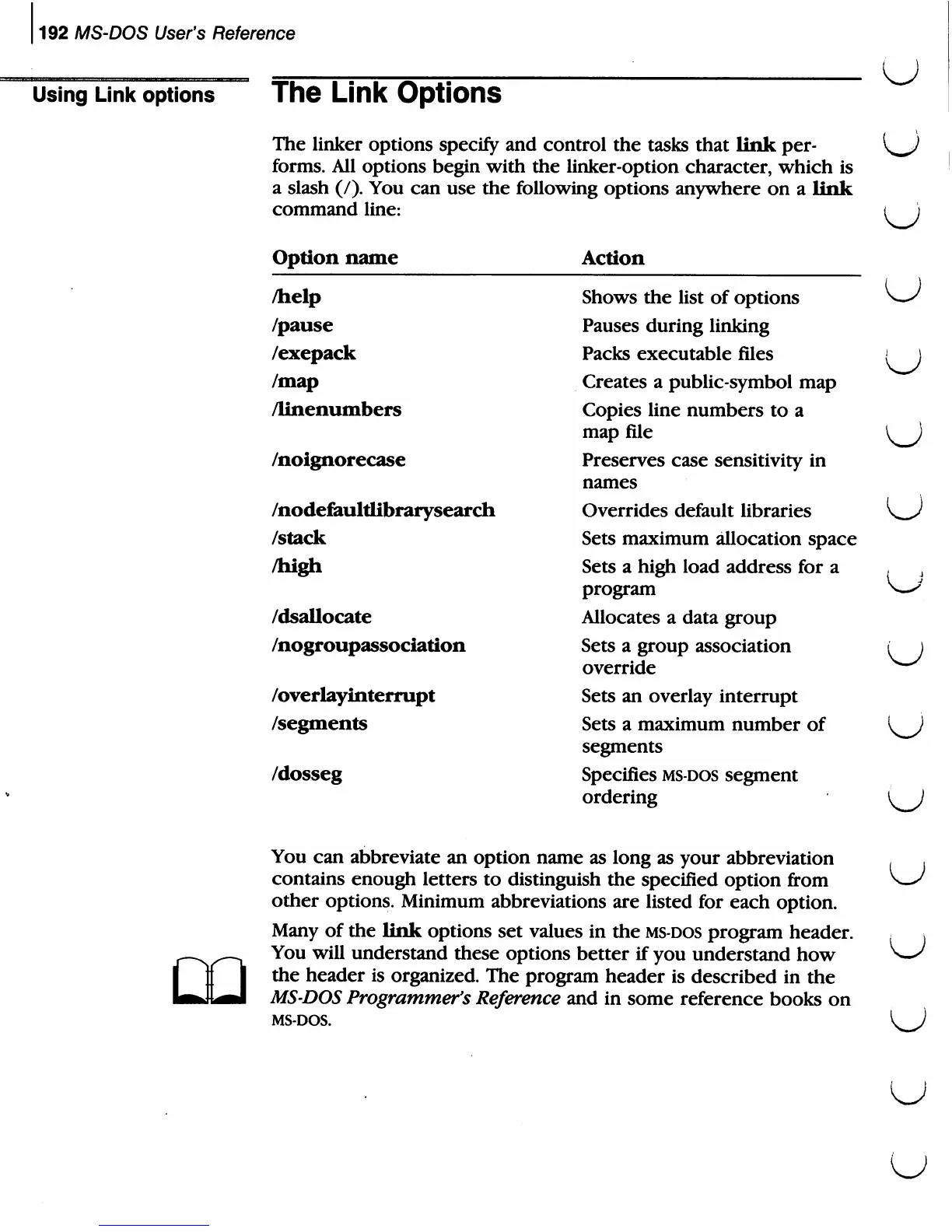
The
linker
options
specify
and
control
the
tasks
that
link
per
forms.
All
options
begin
with
the
linker-option
character,
which
is
a
slash
(/).
You
can
use
the
following
options
anywhere
on
a
link
command
line:
Option
name
/help
/pause
/exepack
/map
/linenumbers
/noignorecase
/nodefaultlibrarysearch
/stack
/high
/dsallocate
/nogroupassociation
/overlayinterrupt
/segments
/<
Action
Shows
the
list
of options
Pauses
during
linking
Packs
executable
files
Creates
a
public-symbol
map
Copies
line
numbers
to a
map
file
Preserves
case
sensitivity
in
names
Overrides
default
libraries
Sets
maximum
allocation
space
Sets
a
high
load
address
for
a
program
Allocates
a
data
group
Sets
a
group
association
override
Sets
an
overlay
interrupt
Sets
a
maximum
number
of
segments
Specifies
ms-dos
segment
ordering
U
u
u
u
You
can
abbreviate
an
option
name
as
long
as
your
abbreviation
contains
enough
letters
to
distinguish
the
specified
option
from
other
options.
Minimum
abbreviations
are
listed
for
each
option.
Many
of
the
link
options
set
values
in
the
ms-dos
program
header.
You
will
understand
these
options
better
if
you
understand
how
the
header
is
organized.
The
program
header
is
described
in
the
MS-DOS
Programmer's
Reference
and
in
some
reference
books
on
MS-DOS.
u

Related product manuals