EasyManua.ls Logo

Commodore PC - Page 32

Commodore PC
414 pages
Print Icon
To Next Page IconTo Next Page
To Previous Page IconTo Previous Page
Loading...
18
MS-DOS
User's
Guide
Setting
the
date
and
Q]
Type
the
date.
For
example,
if
the
date
is
July
6,
1986,
you
time
simply
type
the
following
command,
then
press
the
return
key.
^
)
07-06-86
If
the
date
is
already
correct,
or
you
do
not
want
to
answer
^-^
this
prompt,
press
the
return
key
to
move
to
the
next
step.
H]
Type
the
time
according
to
a
24-hour
clock.
For
example,
if
i
\
it
is
1:30
p.m.,
type
the
following,
then
press
the
return
key:
^—^
u
If
the
time
is
already
correct,
or
you
do
not
want
to
answer
this
prompt,
press
the
return
key.
ms-dos
does
not
accept
your
command
until
you
press the
return
key.
i
.
Note
If
you
make
a
mistake
when
you
are
typing
the
date
or
time,
simply
backspace
over
the
mistake
and
retype.
As
you
use
\^J
the
backspace
key,
you
will
notice
that
the
characters
disappear.
If
you
make
a
mistake
and
have
already
pressed
the
return
key,
press
the
control-alt-del
keys
simultaneously
to
restart
ms-dos
«
j
and
try
again.
^^
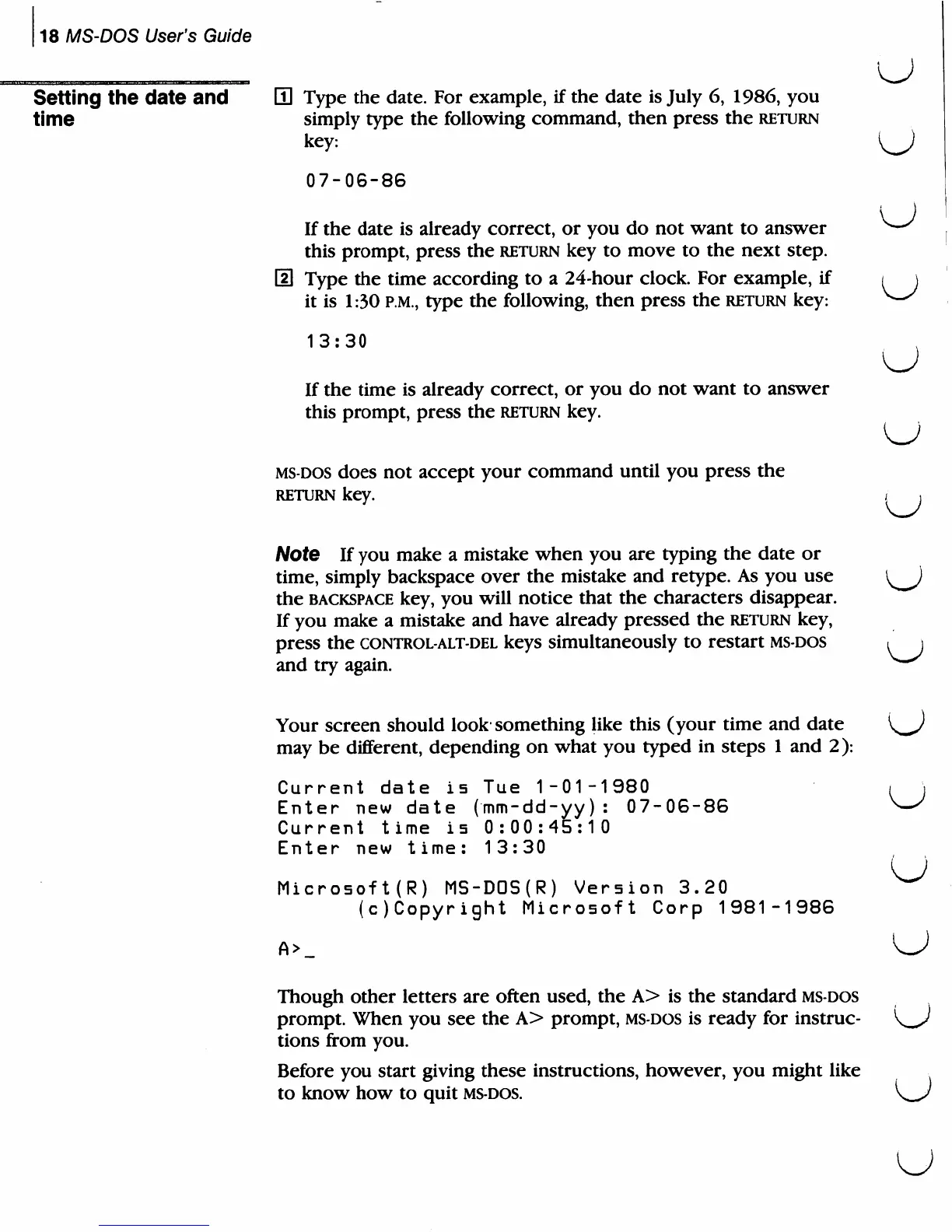
Your
screen
should
look
something
like
this
(your
time
and
date
K^J
may
be
different,
depending
on
what
you
typed
in
steps
1
and
2):
Current
date
is
Tue
1-01-1980
/
\
Enter
new
date
(mm-dd-yy):
07-06-86
^-^
Current
time
i5
0:00:45:10
Enter
new
time:
13:30
Microsoft(R)
MS-DOS(R)
Version
3.20
^
(c)Copyright
Microsoft
Corp
1981-1986
Though
other
letters
are
often
used,
the
A>
is
the
standard
ms-dos
prompt.
When
you
see
the
A>
prompt,
ms-dos
is
ready
for
instruc-
K^
tions
from
you.
Before
you
start
giving
these
instructions,
however,
you
might
like
to
know
how
to
quit
ms-dos.
\_s

Related product manuals