EasyManua.ls Logo

Commodore Plus 4 - Page 169

Commodore Plus 4
464 pages
Print Icon
To Next Page IconTo Next Page
To Previous Page IconTo Previous Page
Loading...
Using
the
Escape
Key
Functions
to
Control
the Screen
157
Scrolling
controls
Cursor
controls
Deletion
and
insertion
operations
Screen-size
reduction
Screen
windowing
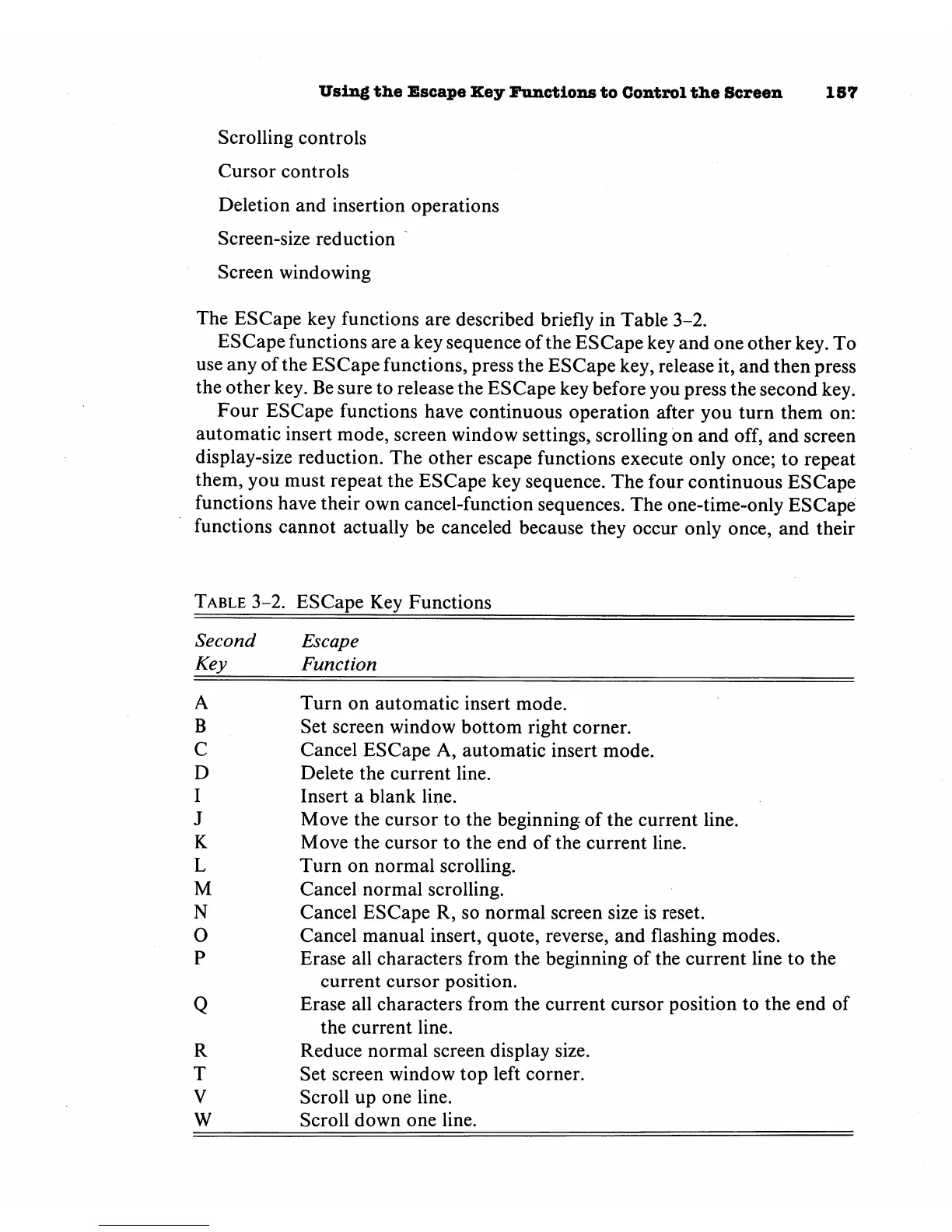
The
ESCape
key
functions
are
described
briefly in
Table
3-2.
ESCape
functions
are
a
key
sequence
of
the
ESCape
key
and
one
other
key.
To
use
any
of
the
ESCape
functions,
press
the
ESCape
key,
release
it,
and
then
press
the
other
key.
Be
sure
to release
the
ESCape
key
before
you
press
the
second
key.
Four
ESCape
functions
have
continuous
operation
after
you
turn
them
on:
automatic
insert
mode,
screen
window
settings,
scrolling
on
and
off,
and
screen
display-size
reduction.
The
other
escape
functions
execute
only
once;
to
repeat
them,
you
must
repeat
the
ESCape
key
sequence.
The
four
continuous
ESCape
functions
have
their
own
cancel-function
sequences.
The
one-time-only
ESCape
functions
cannot
actually
be
canceled
because
they
occur
only
once,
and
their
Table
3-2.
ESCape
Key
Functions
Second
Escape
Key
Function
A
Turn
on
automatic
insert
mode.
B
Set
screen
window
bottom
right
corner.
C
Cancel
ESCape
A,
automatic
insert
mode.
D
Delete
the
current
line.
I
Insert
a
blank
line.
J
Move
the
cursor
to
the
beginning
of
the
current
line.
K
Move
the
cursor
to
the
end
of
the
current
line.
L
Turn
on
normal
scrolling.
M
Cancel
normal
scrolling.
N
Cancel
ESCape
R,
so
normal
screen
size
is
reset.
O
Cancel
manual
insert,
quote,
reverse,
and
flashing
modes.
P
Erase
all
characters
from
the
beginning
of
the
current
line
to
the
current
cursor
position.
Q
Erase
all
characters
from
the
current
cursor
position
to
the
end
of
the
current
line.
R
Reduce
normal
screen
display
size.
T
Set
screen
window
top
left
corner.
V
Scroll
up
one
line.
W
Scroll
down
one
line.

Other manuals for Commodore Plus 4

Related product manuals