EasyManua.ls Logo

Commodore Plus 4 - Page 17

Commodore Plus 4
464 pages
Print Icon
To Next Page IconTo Next Page
To Previous Page IconTo Previous Page
Loading...
The
Elements
of
BASIC
8
Variable
Names
Variable
names
can
be
one
letter
followed
by
other
letters
or
numbers,
plus
either
%
or
$
when
appropriate.
Note,
however,
that
although
longer
variable
names
are
accepted,
BASIC
reads
only
the
first
two
characters
(plus
$
or
%)
in
any
variable
name.
Additional
characters
are
ignored;
use
them
only
to
make
your
program
more
readable.
Because
BASIC
reads
only
the
first
two
characters,
make
sure
all
variables
in
a
program
have
unique
names
for
the
first
two
characters.
In
other
words,
do
not
use
COMPANYS
and
COUNTRYS
as
variables
in
the
same
program
unless
you
want
them
to
have
the
same
value.
Also
be
sure
that
variable
names
do
not
contain
any
BASIC
keywords.
If
this
occurs,
the
program
aborts
in
a
SYNTAX
ERROR.
For
example,
do
not
use
a
variable
such
as
WORDEF,
which
contains
the
keyword
DEF.
Keywords
cannot
appear
in
variable
names
even
if
they
are
not
the
first
two
characters.
Using
Variables
in
Parameters
Note
that
in
most
cases
a
variable
can
be
used
in
place
of
a
number
or
text
string
in
a
command
parameter.
The
variable
must,
of
course,
be
the
right
type
of
variable.
You
can
generally
use
a
calculation
in
place
of
a
number
or
numeric
variable
in
a
command
parameter.
For
example,
any
of
the
following
forms
is
legal:
FOR X
=
1
TO
5
FOR
X
=
1
TO
A
FOR
X
=
A TO
B-l
Arithmetic
Operators
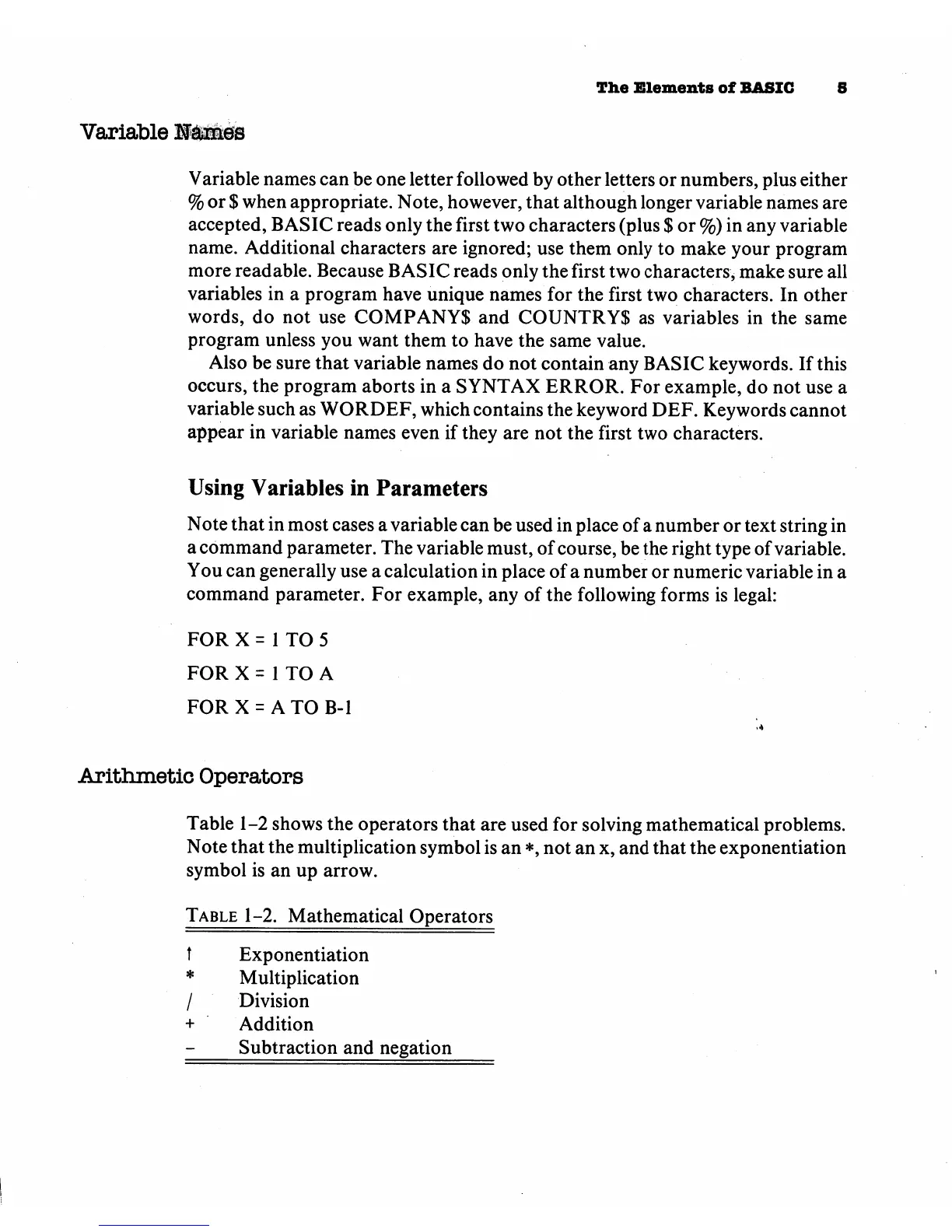
Table
1-2
shows
the
operators
that
are
used
for
solving
mathematical
problems.
Note
that
the
multiplication
symbol
is
an
*,
not
an
x,
and
that
the
exponentiation
symbol
is
an
up
arrow.
Table
1-2.
Mathematical
Operators
t
Exponentiation
*
Multiplication
/
Division
+
Addition
Subtraction
and
negation

Other manuals for Commodore Plus 4

Related product manuals