EasyManua.ls Logo

Commodore Plus 4 - Page 197

Commodore Plus 4
464 pages
Print Icon
To Next Page IconTo Next Page
To Previous Page IconTo Previous Page
Loading...
Using
the
Built-in
Error-Trapping
Routine
18S
Using
the
Built-in
Error-Trapping
Routine
The
TRAP
command
lets
you
prevent
a
program
from
being
aborted
because
of
any
BASIC
error
condition
except
an
UNDEFINED
STATEMENT
error.
TRAP
catches
the error
and
branches
to
the
line
number
named
as
the
TRAP
parameter.
At
this
line
number,
you
can
write
any
sort
of
error-handling
and/or
error-reporting
routine.
You
should
use
RESUME
to
resume
execution
after
completing
your
error
routine.
Using
a
GOTO
to
leave
a
trap
routine
causes
BASIC
to
think
it
is
still
in
the
TRAP
routine
(unless
it
receives
another
TRAP
command).
Because
errors
inside
TRAP
routines
cannot
be
trapped,
it
is
best
never
to
leave
a
trap
routine
through
a
GOTO.
RESUME
reexecutes
the
line
in
which
the
error
occurred.
RESUME
NEXT
resumes
executing
at
the
statement
following
the
error.
RESUME
linenumber
resumes
execution
at
the
specified
line
number.
Error
trapping
can
be
turned
off
by
using
a
TRAP
command
with
no
line
number.
Error
trapping
is
also
turned
off
by
a
CLR
command.
TRAP
does
not
trap
disk
drive
errors
(read
from
the
disk
error
channel)
or
other
errors
not
generated
by
BASIC.
For
a
list
of
all
the
BASIC
errors.
See
Appendix
A.
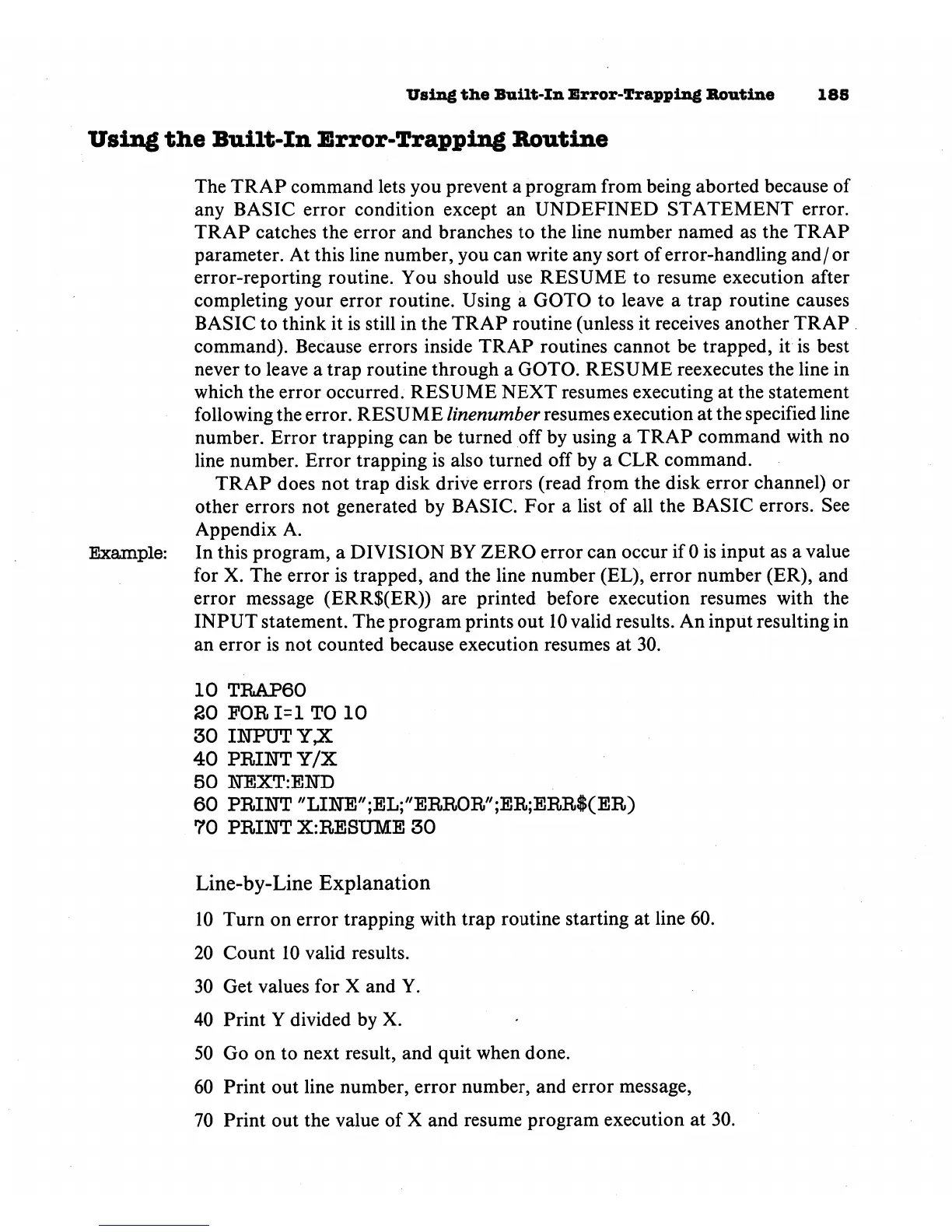
Example:
In
this
program,
a
DIVISION
BY
ZERO
error
can
occur
if
0
is
input
as
a
value
for
X.
The
error
is
trapped,
and
the
line
number
(EL),
error
number
(ER),
and
error
message
(ERR$(ER))
are
printed
before
execution
resumes
with
the
INPUT
statement.
The
program
prints
out
10
valid
results.
An
input
resulting
in
an
error
is
not
counted
because
execution
resumes
at
30.
10
TRAP60
20
FOR
1=1
TO
10
30
INPUT
Y,X
40
PRINT
Y/X
50
NEXT:END
60
PRINT
'TINE'';EL;/'ERROR/';ER;ERR$(ER)
70
PRINT
X:RESUME
30
Line-by-Line
Explanation
10
Turn
on
error
trapping
with
trap
routine
starting
at
line
60.
20
Count
10
valid
results.
30
Get
values
for
X
and
Y.
40
Print
Y
divided
by
X.
50
Go
on
to
next
result,
and
quit
when
done.
60
Print
out
line
number,
error
number,
and
error
message,
70
Print
out
the
value
of
X
and
resume
program
execution
at
30.

Other manuals for Commodore Plus 4

Related product manuals