EasyManua.ls Logo

Commodore Plus 4 - Page 391

Commodore Plus 4
464 pages
Print Icon
To Next Page IconTo Next Page
To Previous Page IconTo Previous Page
Loading...
The
Printer
379
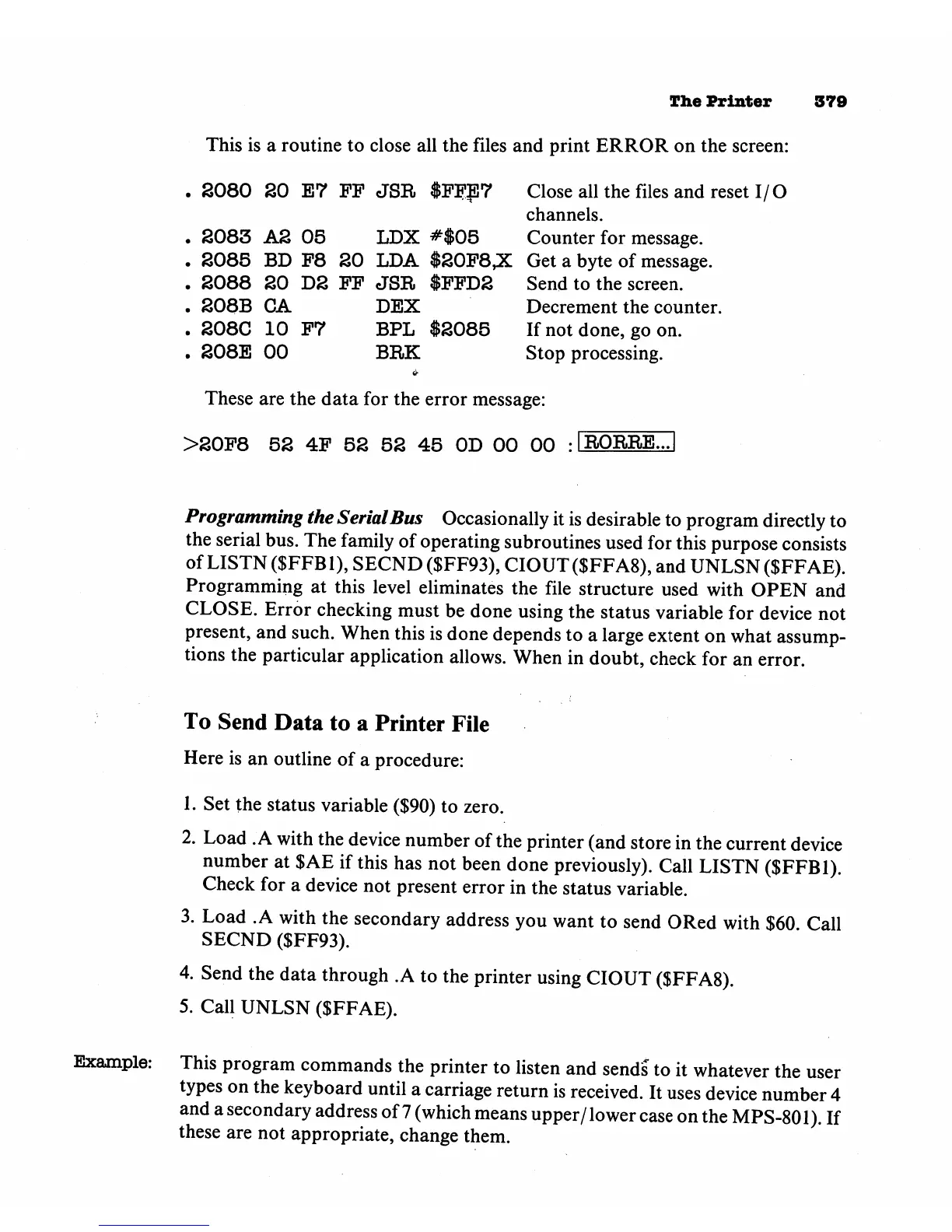
This
is
a
routine
to
close
all
the
files
and
print
ERROR
on
the
screen:
.
2080
20
E7
FP
JSR
$FF$7
Close
all
the
files
and
reset
I/O
channels.
.
2083
A2
05
LDX
#$05
Counter
for
message.
.
2085
BD
F8
20
LDA
$20F8,X
Get
a
byte
of
message.
.
2088
20
D2
FF
JSR
$FFD2
Send
to
the
screen.
.
208B
CA
DEX
Decrement
the
counter.
.
208C
10
F7
BPL
$2085
If
not
done,
go
on.
.
208E
00
BRK
Stop
processing.
These
are
the
data
for
the
error
message:
>20F8
52
4F
52 52
45
OD
00 00
-1R0RRE...1
Programming
the
Serial
Bus
Occasionally
it
is
desirable
to
program
directly
to
the
serial
bus.
The
family
of
operating
subroutines
used
for
this
purpose
consists
of
LISTN
(SFFB1),
SECND
($FF93)5
CIOUT($FFA8),
and
UNLSN
($FFAE).
Programming
at
this
level
eliminates
the
file
structure
used
with
OPEN
and
CLOSE.
Error
checking
must
be
done
using
the
status
variable
for
device
not
present,
and
such.
When
this
is
done
depends
to
a
large
extent
on
what
assump
tions
the
particular
application
allows.
When
in
doubt,
check
for
an
error.
To
Send
Data
to
a
Printer
File
Here
is
an
outline
of
a
procedure:
1.
Set
the
status
variable
($90)
to
zero.
2.
Load
.A
with
the
device
number
of
the
printer
(and
store
in
the
current
device
number
at
$AE
if
this
has
not
been
done
previously).
Call
LISTN
($FFB1).
Check
for
a
device
not
present
error
in
the
status
variable.
3.
Load
.A
with
the
secondary
address
you
want
to
send
ORed
with
$60
Call
SECND
($FF93).
4.
Send
the
data
through
.A
to
the
printer
using
CIOUT
($FFA8).
5.
Call
UNLSN
($FFAE).
Example:
This
program
commands
the
printer
to
listen
and
sends
to
it
whatever
the
user
types
on
the
keyboard
until
a
carriage
return
is
received.
It
uses
device
number
4
and
a
secondary
address
of
7
(which
means
upper/lower
case
on
the
MPS-801).
If
these are
not
appropriate,
change
them.