EasyManua.ls Logo

Commodore Plus 4 - High resolution graphics

Commodore Plus 4
234 pages
Print Icon
To Next Page IconTo Next Page
To Previous Page IconTo Previous Page
Loading...
HIGH
RESOLUTION
GRAPHICS
Your
Plus/4
screen
contains
25
rows
of
40
characters
each,
or
1000
total
character
positions
on
the
screen.
Each
character
is
formed
out
of
single
dots,
with
8
rows
of
8
dots
each
making
an
entire
character.
Your
screen
has
a
total
of
320
dots
on
each
row,
and
200
rows
of
dots,
or
64.000
dots
all
together.
Your
Plus/4
has
control
over every
single
dot.
Using
normal
graphics,
you
have
limited
control
over
the
individual
dots.
You
must
use
the
256
characters
in
each
character
set
built
into
the
Plus/4,
which
lets
you
create
many
pictures.
But
think
of
how
many
you
could
create
if
you
could
control
each
dot
by
itself!
The
high
resolution
graphics
ability
of
the Plus/4
lets
you
do
just
that.
You
can
use
commands
that
let
you
draw
and
erase
dots,
lines,
circles,
and
other
shapes.
There
is
one
limit
to
high-res
graphics
The
Plus/4
can
only
use
two
colors
in
each
8x8
character
position.
That
is,
each
8x8
space
on
the
screen
where
characters
usually
go
is
limited
to
two
colors
(fore
ground
and
background
color
for
that
square).
You can
use
different
colors
for
each
different
character
position,
but
only
two
colors
within
that
position
Another
graphic
mode
that
will
be
covered
later
in
this
section,
multi-color
mode,
allows
up
to
four
different
colors
per
character
position
at
the
cost
of
the
resolution
available
in
the
high-
resolution
mode
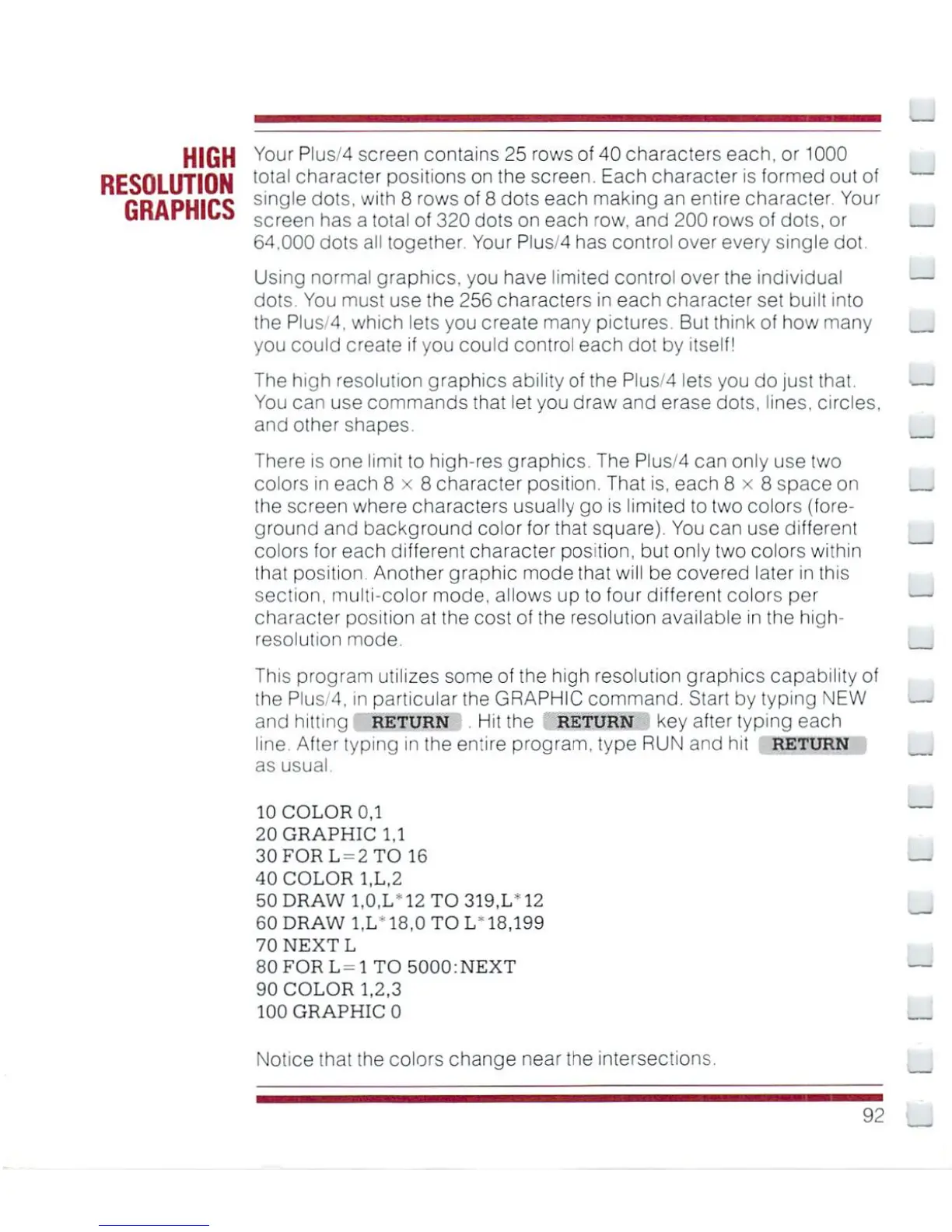
This
program
utilizes
some
of
the
high
resolution
graphics
capability
of
the
Plus/4,
in
particular
the
GRAPHIC
command.
Start
by
typing
NEW
and
hitting
return
Hit
the
RETURN
key
after
typing
each
line.
After
typing
in
the
entire
program,
type
RUN
and
hit
RETURN
as
usual.
10
COLOR
0,1
20
GRAPHIC
1,1
30
FOR
L
=
2
TO
16
40
COLOR
1.L.2
50
DRAW
l,0.L"12
TO
319.1/12
60
DRAW
1,1/18,0
TO
1/18.199
70
NEXTL
80FORL-lTO5u00:NEXT
90
COLOR
1,2,3
100
GRAPHIC
0
Notice
that
the
colors
change
near
the
intersections.
92

Other manuals for Commodore Plus 4

Related product manuals