EasyManua.ls Logo

Commodore Plus 4 - Page 135

Commodore Plus 4
234 pages
Print Icon
To Next Page IconTo Next Page
To Previous Page IconTo Previous Page
Loading...
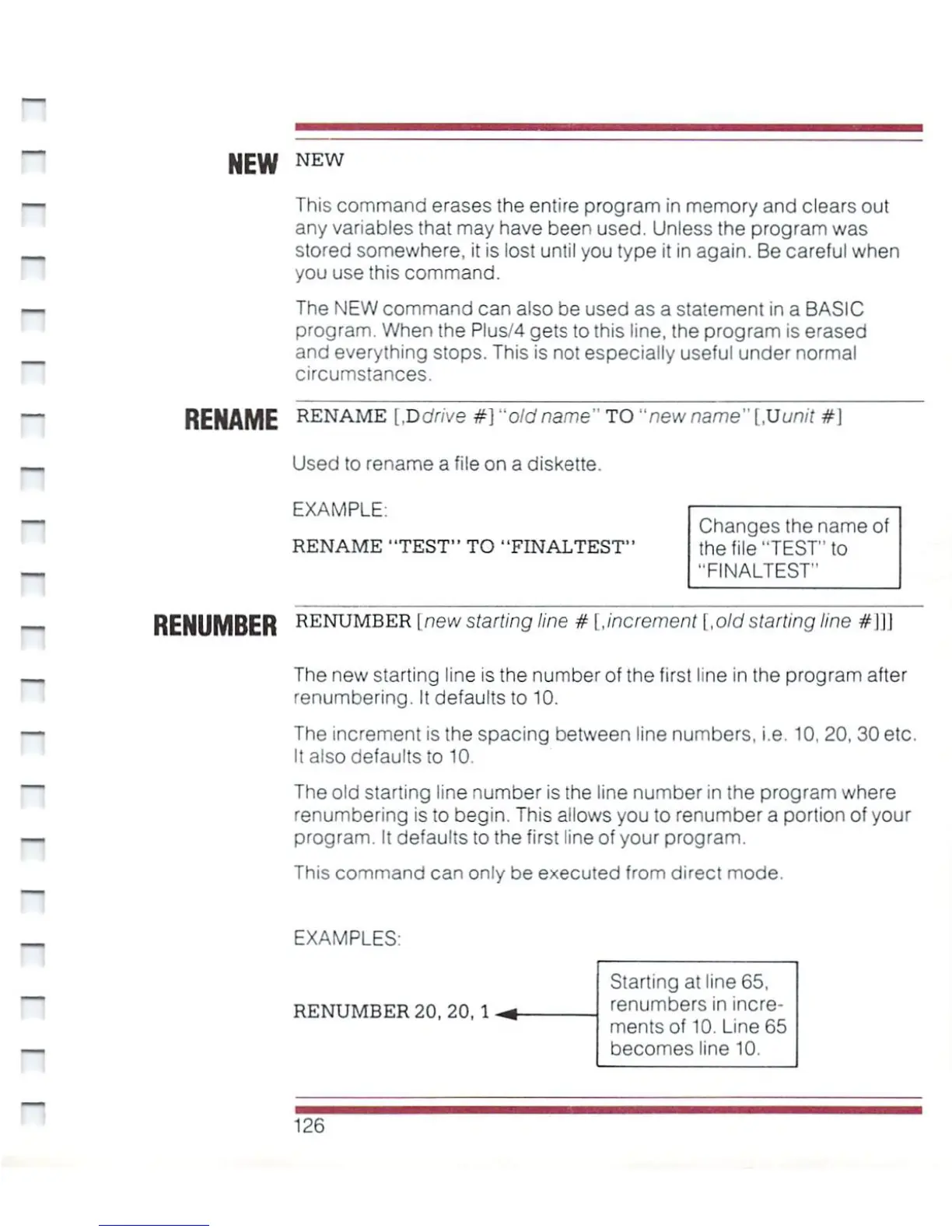
NEW
NEW
This
command
erases
the
entire
program
in
memory
and
clears
out
any
variables
that
may
have
been
used.
Unless
the
program
was
stored
somewhere,
it
is
lost
until
you
type
it
in
again.
Be
careful
when
you
use
this
command.
The
NEW
command
can
also
be
used
as
a
statement
in
a
BASIC
program.
When
the Plus/4
gets
to
this
line,
the
program
is
erased
and
everything
stops. This
is
not
especially
useful
under
normal
circumstances.
PI
RENAME
R£NAME
IDdrive
#]
"old
name"
TO
"new
name"
[.U
unit
#]
_
Used
to
rename
a
file
on
a
diskette.
EXAMPLE.
RENAME
"TEST"
TO
"FINALTEST"
~
Changes
the
name
of
the
file
"TEST"
to
"FINALTEST"
RENUMBER
reNUMBEB\
new
starting
line
#
[.increment
[,old
starting
line
//111
_
The
new
starting
line
is
the
number
of
the
first
line
in
the
program
after
renumbering.
It
defaults
to
10.
The
increment
is
the
spacing
between
line
numbers,
i.e.
10,
20,
30
etc.
It
also
defaults
to
10.
The
old
starting
line
number
is
the
line
number
in
the
program
where
renumbering
is
to
begin.
This
allows
you
to
renumber
a
portion
of
your
—.
program.
It
defaults
to
the
first
line
of
your
program.
This
command
can
only
be
executed
from
direct
mode.
H
_
EXAMPLES:
~
Starting
at
line
65,
■^
_j
renumbers
in
incre
ments
of
10.
Line
65
becomes
line
10.
126

Other manuals for Commodore Plus 4

Related product manuals