EasyManua.ls Logo

Commodore Plus 4 - Page 137

Commodore Plus 4
234 pages
Print Icon
To Next Page IconTo Next Page
To Previous Page IconTo Previous Page
Loading...
-
trying
to
LOAD
a
program
and
the
Plus/4
finds
one
of
these
markers
rather
than
the
program
you
are
trying
to
LOAD,
you
get
a
FILE
NOT
FOUND
ERROR.
~
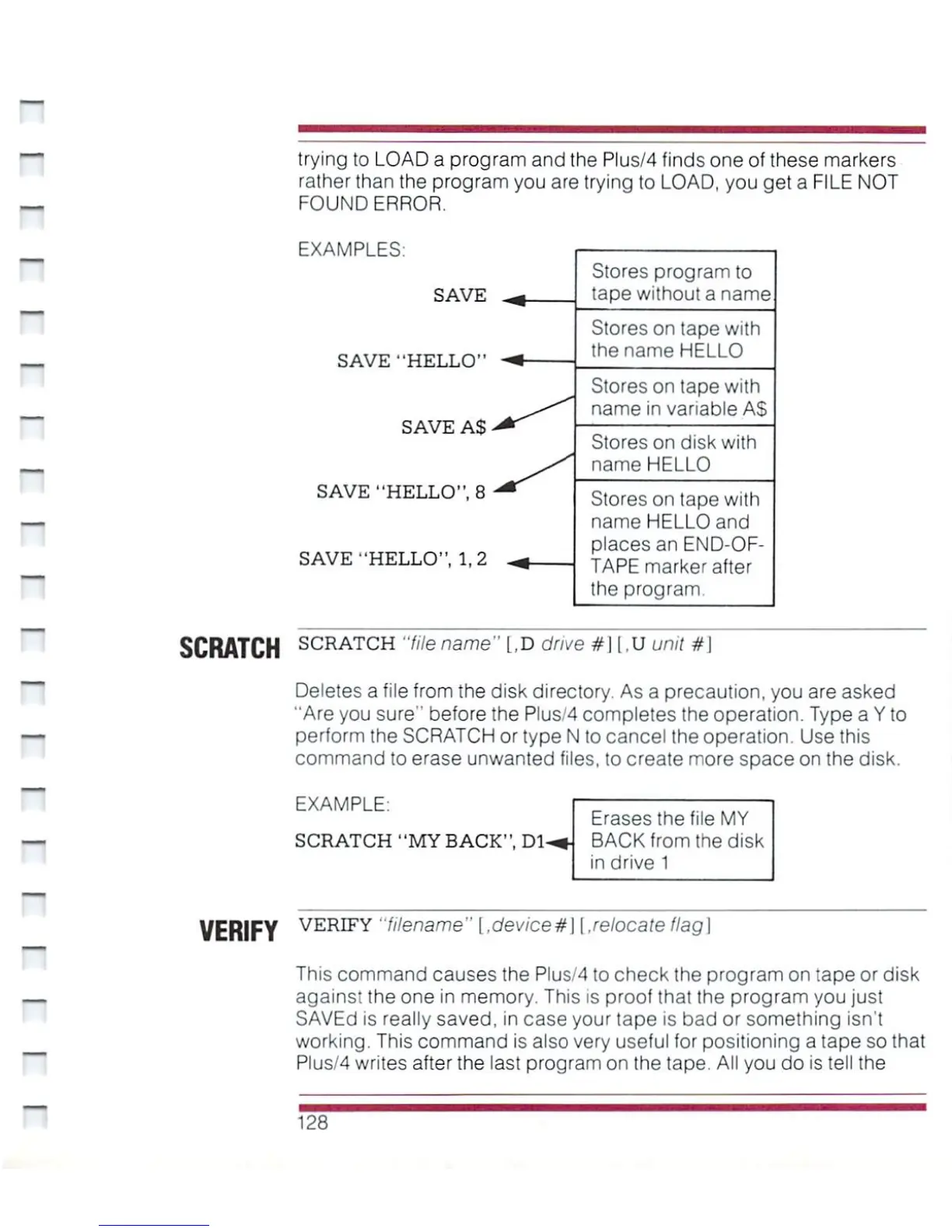
EXAMPLES:
SAVE
SAVE
"HELLO"
SAVE
A$
SAVE
"HELLO",
8
SAVE
"HELLO",
1,2
Stores
program
to
tape
without
a
name
Stores
on
tape
with
the
name
HELLO
Stores
on
tape
with
name
in
variable
AS
Stores
on
disk with
name
HELLO
Stores
on
tape
with
name
HELLO
and
places
an
END-OF-
TAPE
marker
after
the
program.
SCRATCH
SCRATCH
"file
name"
[,D
drive
#]
|,U
unit
#|
Deletes
a
file
from
the disk
directory.
As
a
precaution,
you
are
asked
"Are
you
sure"
before
the Plus/4
completes
the
operation.
Type
a
Y
to
perform
the
SCRATCH
or
type
N
to
cancel
the
operation.
Use
this
command
to
erase
unwanted
files,
to
create
more
space
on
the
disk.
EXAMPLE:
SCRATCH
"MY
BACK",
Dl-
Erases
the
file
MY
BACK
from
the
disk
in
drive
1
~
n
VERIFY
VERIFY
"filename"
[,device#]
\
.relocate
flag]
This
command
causes
the
Plus/4
to
check
the
program
on
tape
or
disk
againsi
the
one
in
memory.
This
is
proof
that
the
program
you
just
SAVEd
is
really
saved,
in
case
your
tape
is
bad
or
something
isn't
working.
This
command
is
also
very
useful
for
positioning
a
tape
so
that
Plus/4
writes
after
the
last
program
on
the
tape.
All
you
do
is
tell
the
128

Other manuals for Commodore Plus 4

Related product manuals