EasyManua.ls Logo

Commodore Plus 4 - Page 139

Commodore Plus 4
234 pages
Print Icon
To Next Page IconTo Next Page
To Previous Page IconTo Previous Page
Loading...
BASIC
BOX
\colorsource
#lah
b1, a2,
b2,
[[.angle]
[.paint]]
color
source
Color
source
(0-3);
default
is
1
(foreground
BOX
color»
a1,
b1
Corner
coordinate
(scaled)
a2,
b2
Corner
opposite
a1,
b1
(scaled);
default
is
the
PC
angle
Rotation
in
clockwise
degrees;
default
is
0
degrees
paint Paint
shape
with
color
(O:off,
1
:on);
default
isO
This
command
allows
you
to
draw
a
rectangle
of
any
size
anywhere
on
the
screen.
To
get
the
default
value,
include
a
comma
without
entering
a
value.
Rotation
is
based
on
the
center
of
the rectangle.
The
Pixel
Cursor
(PC)
is
left
at
a2,
b2
after
the
BOX
statement
is
executed.
~
~
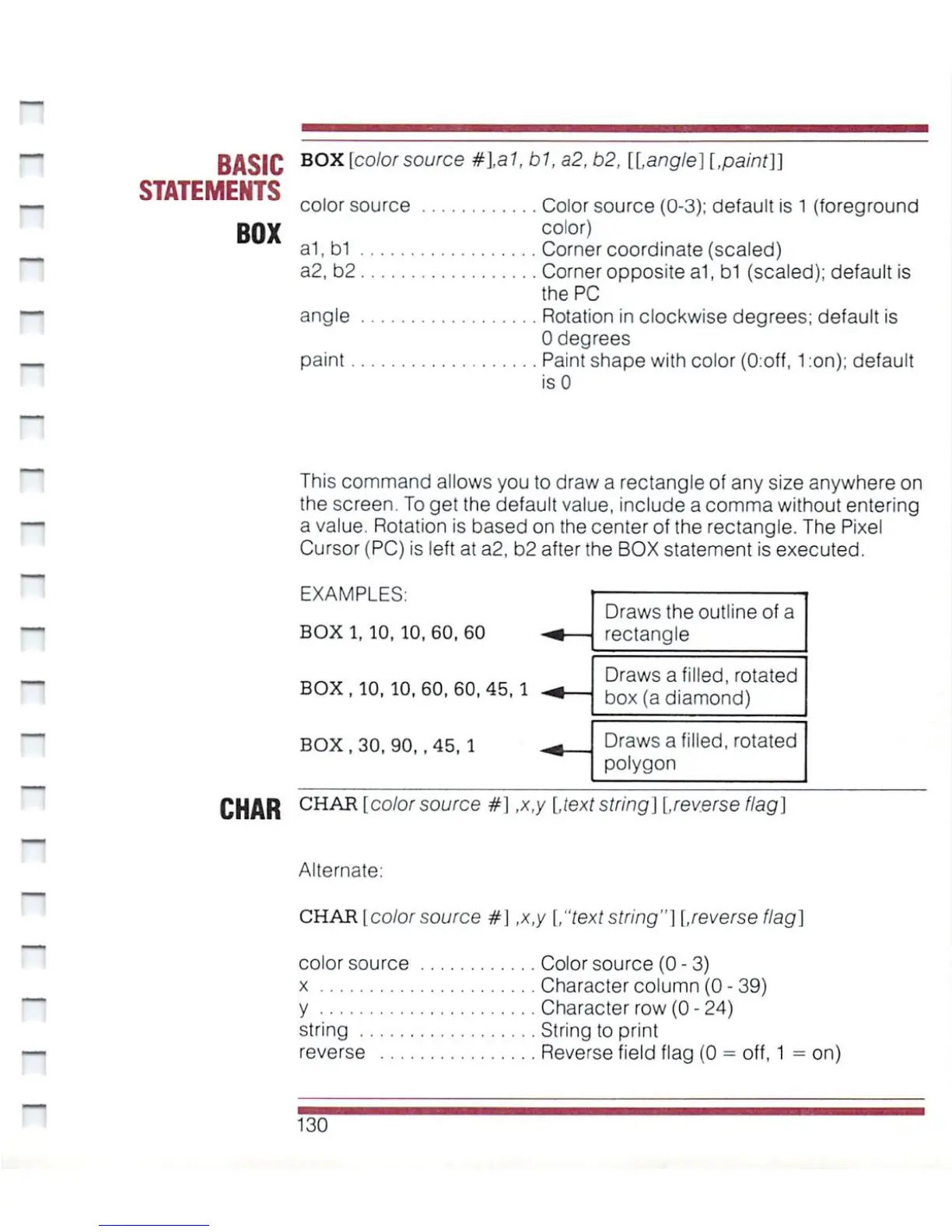
EXAMPLES:
BOX1,
10,10,60,60
BOX,
10,
10,60,60,45,1
BOX,
30,
90,
.45,
1
Draws
the
outline
of
a
rectangle
Draws
a
filled,
rotated
box
(a
diamond)
Draws
a
filled,
rotated
polygon
CHAR
CHAR
I
co/or
source
#1
,x,y
[,text
string]
[.reverse
flag]
n
n
Alternate:
CHAR
I
color
source
#1
,x,y
[."text
string"]
[.reverse
flag]
color
source
Color
source
(0
-
3)
x
Character
column
(0
-
39)
y
Character
row
(0
-
24)
string
String
to
print
reverse
Reverse
field
flag
(0
=
off,
1
=
on)
130

Other manuals for Commodore Plus 4

Related product manuals