EasyManua.ls Logo

Commodore Plus 4 - Page 154

Commodore Plus 4
234 pages
Print Icon
To Next Page IconTo Next Page
To Previous Page IconTo Previous Page
Loading...
5
OPEN
8,8,12,"TESTFILE,SEQ,WRITE"-»1
creates
a
sequential
disk
file
for
writing.
See
also:
CLOSE,
CMD,
GET#,
INPUT#,
and
PRINT#
statements,
system
variable
ST,
DS,
and
DSS.
PAINT
PAINT
[colorsource]
[,[a,b]
Imode)
]
Color
source
(0-3);
(default
is
1,
foreground
color)
a,b
starting
coordinate,
seated
{default
is
at
the
PC)
mode
0
=
paint
an
area
defined
by
the color
source
selected
1
=
paint
an
area
defined
by
any
non-
background
source
The
PAINT
command
lets
you
fill
an
area
with
color.
It
fills
in
the
area
around
the
specified
point
until
a
boundary
of
the
same
color
(or
any
non-background
color,
depending
on
which
mode
you
have
chosen)
is
encountered.
The
final
position
of
the
PC
will
be
at
the
starting
point
(a,b).
NOTE:
If
the
starting
point
is
already
the color
of
color
source
you
name
(or
any
non-background
when
mode
1
is
used),
there
is
no
change.
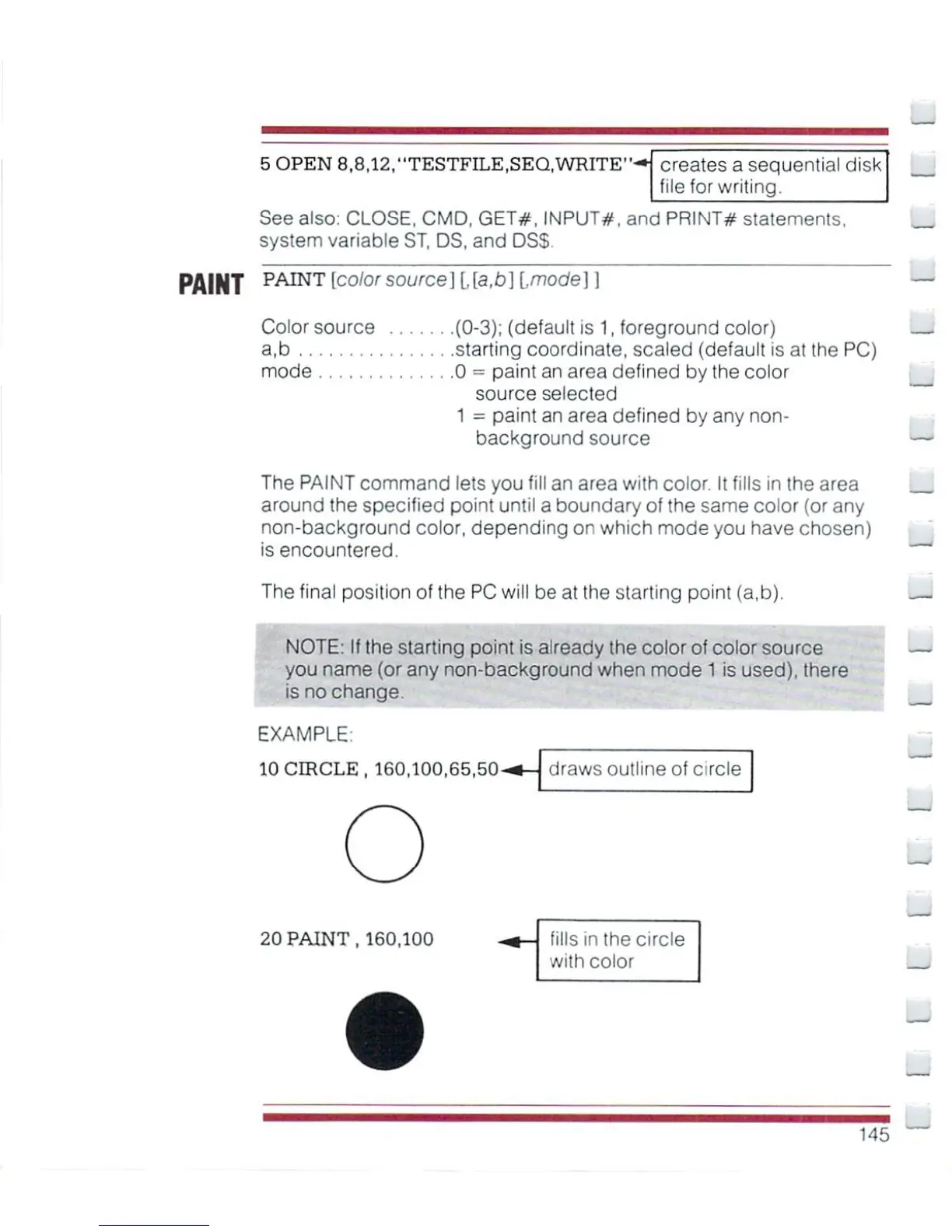
EXAMPLE
10
CIRCLE,
160.100.65,50-
draws
outline
of circle
20
PAINT,
160,100
fills
in
the
circle
with
cotor
-
145

Other manuals for Commodore Plus 4

Related product manuals