EasyManua.ls Logo

Commodore Plus 4 - Page 24

Commodore Plus 4
234 pages
Print Icon
To Next Page IconTo Next Page
To Previous Page IconTo Previous Page
Loading...
-
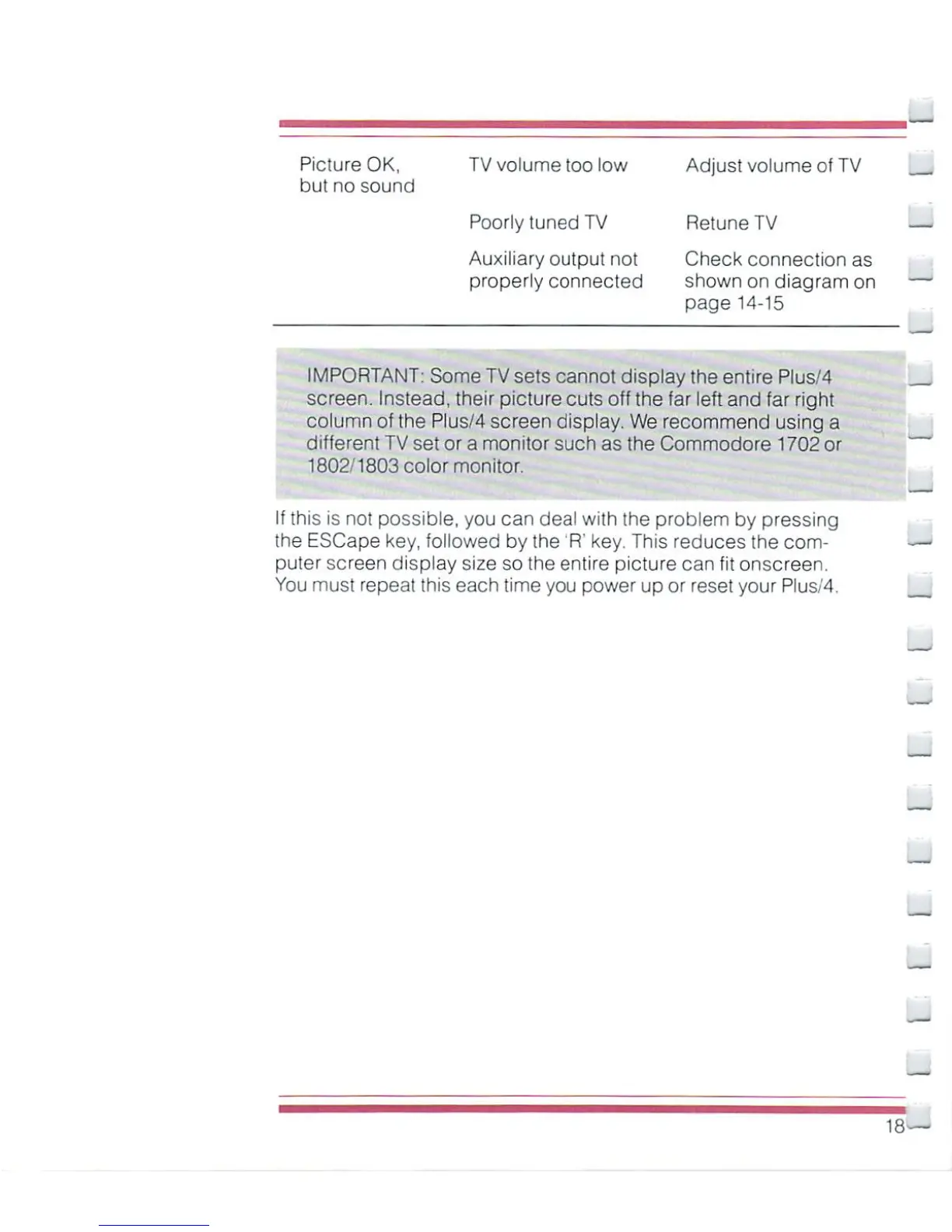
Picture
OK,
TV
volume
too
low
Adjust
volume
of
TV
but
no
sound
Poorly
tuned
TV
Retune
TV
Auxiliary
output
not
Check
connection
as
properly
connected
shown
on
diagram on
page
14-15
IMPORTANT:
Some
TV
sets
cannot
display
the
entire
Plus/4
screen.
Instead,
their
picture
cuts
off
the
far
left
and
far
right
column
of
the Plus/4
screen
display.
We
recommend
using
a
different
TV
set
or
a
monitor
such
as
the
Commodore
1702
or
1802/1803
color
monitor.
If
this
is
not
possible,
you
can
deal
with
the
problem
by
pressing
the
ESCape
key,
followed
by
the
'R'
key.
This
reduces
the
com
puter
screen
display
size
so
the
entire
picture
can
fit
onscreen.
You must
repeat
this
each
time
you
power
up
or
reset
your
Plus/4.
18

Other manuals for Commodore Plus 4

Related product manuals