EasyManua.ls Logo

Commodore Plus 4 - Page 36

Commodore Plus 4
234 pages
Print Icon
To Next Page IconTo Next Page
To Previous Page IconTo Previous Page
Loading...
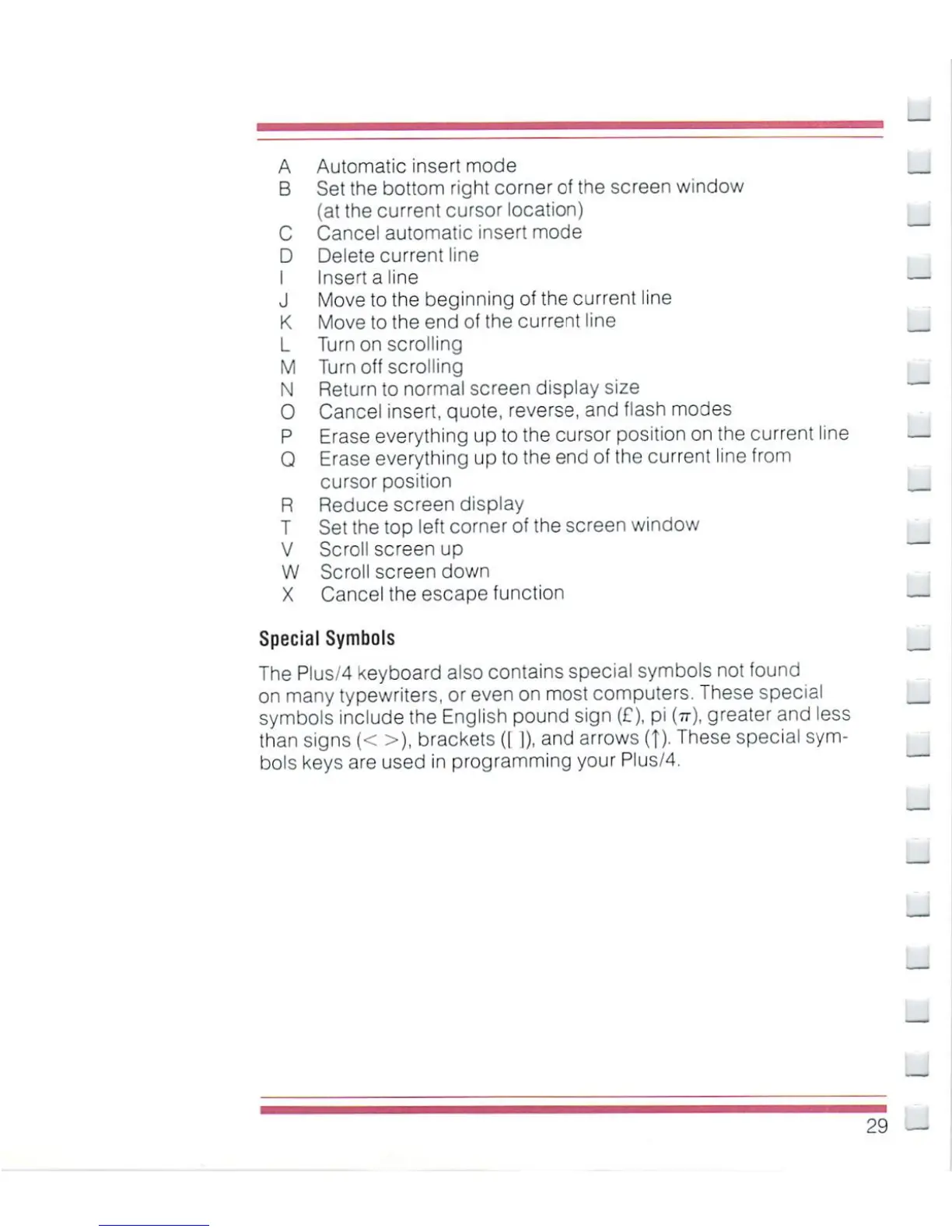
A
Automatic
insert
mode
B
Set
the
bottom
right
corner
of
the
screen
window
(at
the
current
cursor
location)
C
Cancel
automatic
insert
mode
D
Delete
current
line
I
Insert
a
line
J
Move
to
the
beginning
of
the
current
line
K
Move
to
the
end
of
the
current
line
L
Turn
on
scrolling
M
Turn
off
scrolling
N
Return
to
normal screen
display
size
0
Cancel
insert,
quote,
reverse,
and
flash
modes
P
Erase
everything
up
to
the
cursor
position
on
the
current
line
Q
Erase
everything
up
to
the
end
of
the current
line
from
cursor
position
R
Reduce
screen
display
T
Set
the
top
left
corner
of
the
screen
window
V
Scroll
screen
up
W
Scroll
screen
down
X
Cancel
the
escape
function
Special
Symbols
The
Plus/4
Keyboard
also
contains
special
symbols
not
found
on
many
typewriters,
or
even on most
computers.
These
special
symbols
include
the
English
pound
sign
(£?),
pi
(it),
greater
and
less
than
signs
(<
>),
brackets
([
|),
and
arrows
{]).
These
special
sym
bols
keys
are
used
in
programming
your
Plus/4.
29

Other manuals for Commodore Plus 4

Related product manuals