EasyManua.ls Logo

Commodore Plus 4 - PROGRAMMABLE FUNCTION KEYS

Commodore Plus 4
234 pages
Print Icon
To Next Page IconTo Next Page
To Previous Page IconTo Previous Page
Loading...
PROGRAMMABLE
FUNCTION
KEYS
~
n
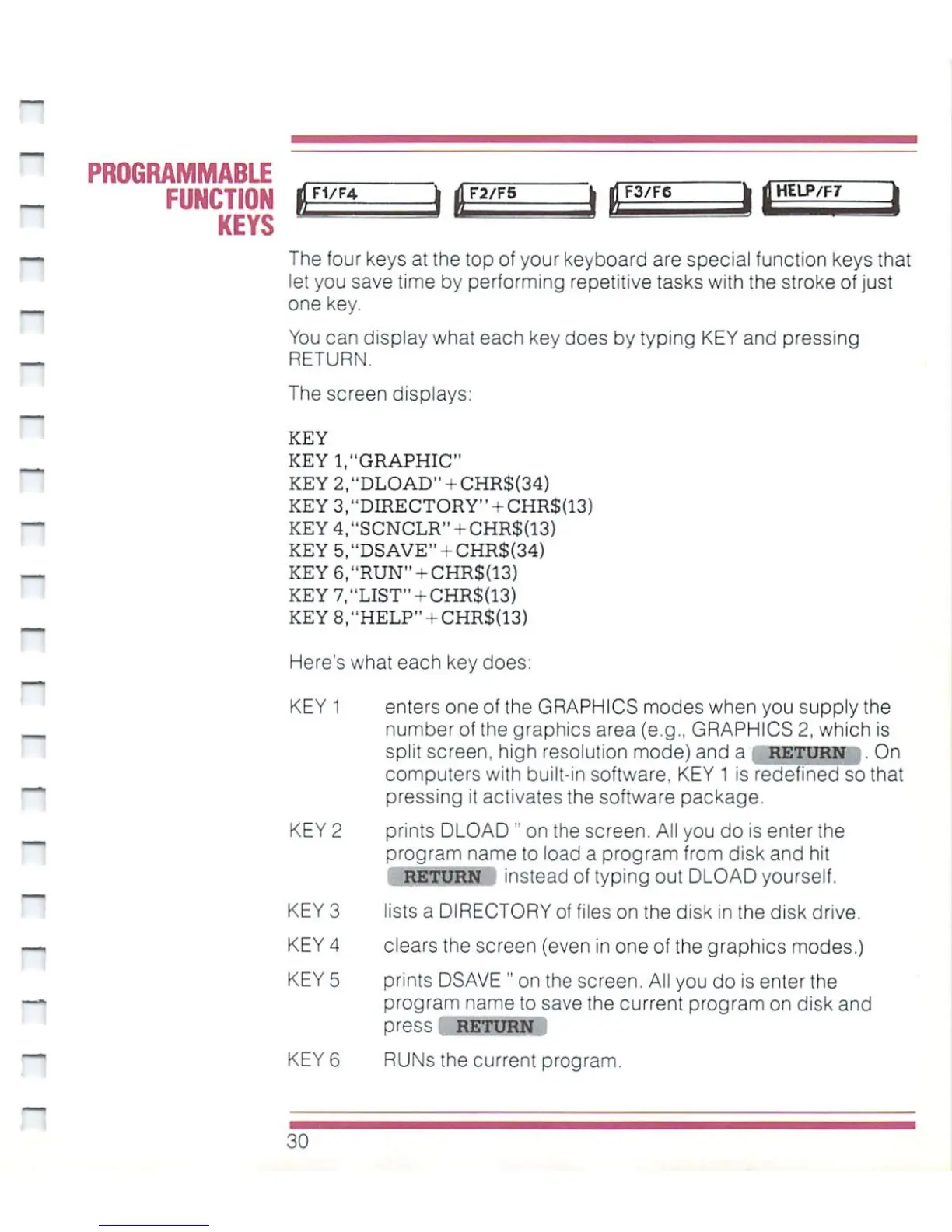
The
four
keys
at
the
top
of
your
keyboard
are
special
function
keys
that
let
you
save
time
by
performing
repetitive
tasks
with
the stroke
of just
one
key.
You
can
display
what
each
key
does
by
typing
KEY
and
pressing
RETURN.
The
screen
displays:
GRAPHIC"
'DLOAD1'-CHR${34)
DIRECTORY"
+
CHR${13)
SCNCLR"-CHR${13)
DSAVE"-CHR${34)
KEY
KEY1
KEY
2
KEY
3
KEY
4
KEY
5
KEY
6
KEY7,"LIST"-CHR$(13)
KEY8I"HELP"+CHR$(13)
Here's
what
each
key
does:
KEY
1
enters
one
of
the
GRAPHICS
modes
when
you
supply
the
number
of
the
graphics
area
(e.g.,
GRAPHICS
2,
which
is
split
screen,
high
resolution
mode)
and
a
RETURN
.
On
computers
with
built-in
software.
KEY
1
is
redefined
so
that
pressing
it
activates the
software
package
KEY
2
prints
DLOAD"
on
the
screen.
All
you
do
is
enter
the
program
name
to
oa:; a
program
from
:i
Bk
and
hit
RETURN
instead
of
typing
out
DLOAD
yourself.
KEY
3
lists
a
DIRECTORY
of
files
on
the
disk
in
the
disk
drive.
KEY
4
clears the
screen
(even
in
one
of
the
graphics
modes.)
KEY
5
prints
DSAVE
"
on
the
screen.
All
you
do
is
enter
the
program
name
to
save
the
current
program
on
disk
and
press
RETURN
KEY
6
RUNs
the
current
program.
30

Other manuals for Commodore Plus 4

Related product manuals