EasyManua.ls Logo

Commodore Plus 4 - Cassettes

Commodore Plus 4
234 pages
Print Icon
To Next Page IconTo Next Page
To Previous Page IconTo Previous Page
Loading...
CASSETTES
Loading
Cassette
Tapes
A
variety
of
software
products
for
the
Plus/4
is
available
on
cassette
tape.
These
cassette
tapes
are
similar
to
the
music
cassettes
that
you
play
on
your
tape
deck
or
stereo.
Computer
tapes
run
in
the
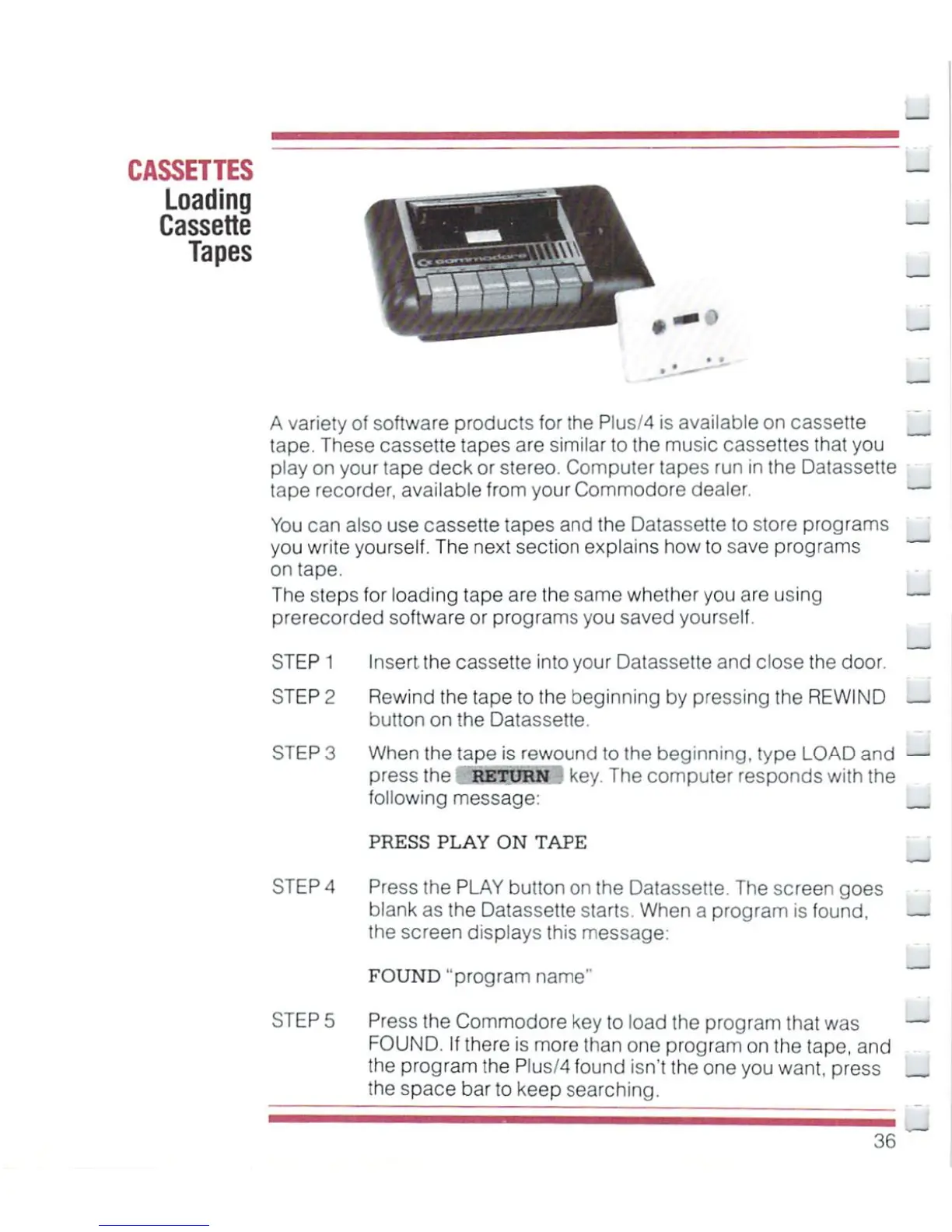
Datassette
tape
recorder,
available
from
your
Commodore
dealer.
You
can
also
use
cassette
tapes
and
the
Datassette
to
store
programs
you
write
yourself.
The
next
section
explains
how
to
save
programs
on
tape.
The
steps
for
loading
tape
are
the
same
whether
you
are
using
prerecorded
software
or
programs
you
saved
yourself.
STEP
1
Insert
the
cassette
into
your
Datassette
and
close
the
door.
STEP
2
Rewind
the
tape
to
the
beginning
by
pressing
the
REWIND
—.
button
on
the
Datassette.
STEP
3
When
the
tape
is
rewound
to
the
beginning,
type
LOAD
and
—l
press
the
RETURN
key.
The
computer
responds
with
the
following
message:
PRESS
PLAY
ON
TAPE
STEP
A
Press
the
PLAY
button
on
the
Datassette.
The
screen
goes
blank
as
the
Datassette
starts
When
a
program
is
found,
Hi
the
screen
displays
this
message:
LJ
FOUND
"program
name"
M
STEP
5 Press
the
Commodore
key
to
load
the
program
that
was
FOUND.
If
there
is
more
than
one
program
on
the
tape,
and
the
program
the
PlusM
found
isn't
the
one
you
want,
press
___
the
space
bar
to
keep
searching.
36
^

Other manuals for Commodore Plus 4

Related product manuals