EasyManua.ls Logo

Commodore Plus 4 - Diskettes

Commodore Plus 4
234 pages
Print Icon
To Next Page IconTo Next Page
To Previous Page IconTo Previous Page
Loading...
DISKETTES
Loading
Programs
From
Diskette
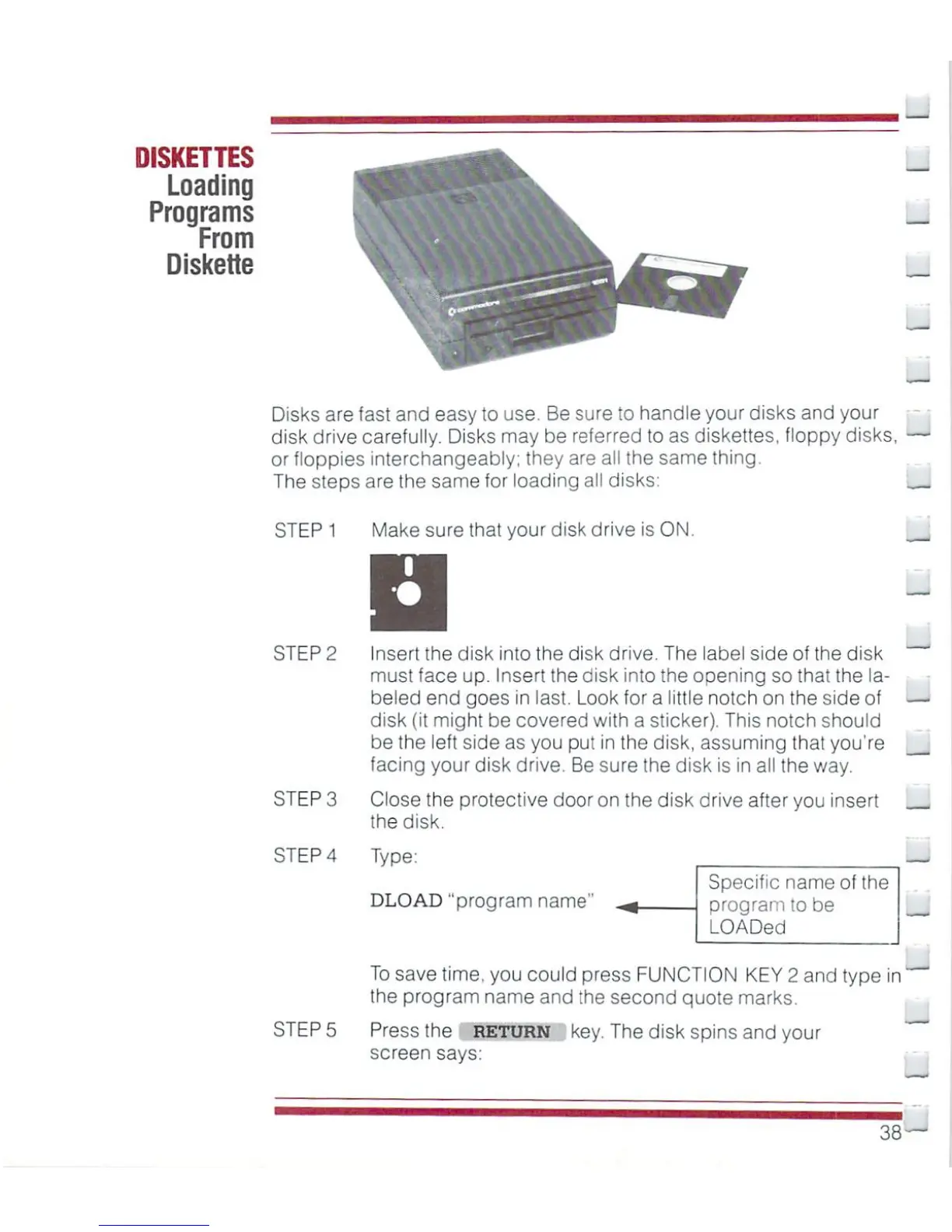
Disks
are
fast
and
easy
to
use.
Be
sure
to
handle
your
disks
and
your
disk
drive
carefully.
Disks
may
be
referred
to
as
diskettes,
floppy
disks,
or
floppies
interchangeably;
they
are
all
the
same
thing.
The
steps
are
the
same
for
loading
all
disks:
__
STEP
1
Make
sure
that
your
disk drive
is
ON.
STEP
2
STEP
3
STEP
5
Insert
the disk
into
the disk
drive.
The
label
side
of
the
disk
must
face
up.
insert
the
disk
into
the
opening
so
that
the
la
beled
end
goes
in
last.
Look
for
a
little
notch
on
the
side
of
disk
(it
might
be
covered
with
a
sticker).
This
notch
should
be
the
left
side
as
you
put
in
the
disk,
assuming
that
you're
facing
your
disk
drive.
Be
sure
the disk
is
in
all
the
way.
Close
the protective
door
on
the disk
drive
after
you
insert
the
disk.
STEP
4
Type:
DLOAD
"program
name"
Specific
name
of
the
program
to
be
LOADed
_
To
save
time,
you
could
press
FUNCTION
KEY
2
and
type
in
the
program
name
and
the
second
quote
marks.
Press
the
return
screen
says:
key.
The
disk
spins
and
your
38

Other manuals for Commodore Plus 4

Related product manuals