EasyManua.ls Logo

Commodore Plus 4 - Page 49

Commodore Plus 4
234 pages
Print Icon
To Next Page IconTo Next Page
To Previous Page IconTo Previous Page
Loading...
the
new
one.
If
you want
to
keep
both
the old
and
the
changed
versions,
you
have
to
give
the
new
one
a
different
name
when
you
SAVE
it.
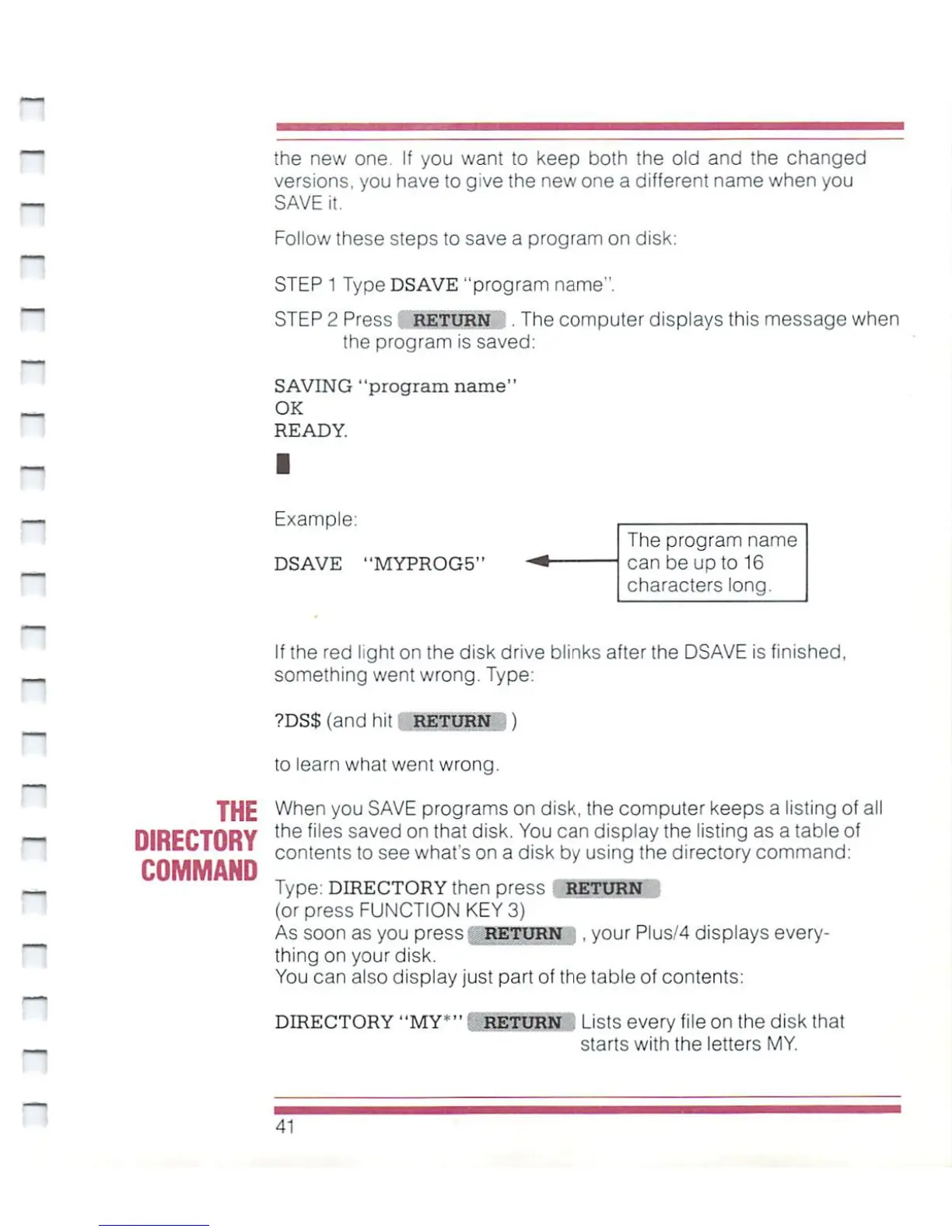
Follow
these steps
to
save
a
program
on
disk:
STEP
1
Type
DSAVE
"program
name".
STEP
2
Press
RETURN
.
The
computer
displays
this
message
when
the
program
is
saved;
SAVING
"program
name"
_
OK
READY.
Example:
DSAVE
"MYPR0G5"
The
program
name
can be
up
to
16
characters
long.
If
the
red
light
on
the disk
drive
blinks
after
the
DSAVE
is
finished,
something
went
wrong.
Type:
?DS$(andhit
RETURN
)
to
learn
what went
wrong.
THE
When
you
SAVE
programs
on
disk,
the
computer
keeps
a
listing
of
all
DIRECTORY
the
files
saved on
tnat ^'sk.
You can
display
the
listing
as
a
table
of
contents
to
see
what's
on
a
disk
by
using
the
directory
command:
Type:
DIRECTORY
then
press
RETURN
(or
press
FUNCTION
KEY
3)
As
soon
as
you
press
RETURN
.
your
Plus/4
displays
every
thing
on
your
disk.
You can
also
display
just
part
of
the table
of
contents:
DIRECTORY
"MY*"'
return
Lists
every
file
on
the disk
that
._.
starts
with
the
letters
MY.
41

Other manuals for Commodore Plus 4

Related product manuals