EasyManua.ls Logo

Commodore Plus 4 - Screen windows

Commodore Plus 4
234 pages
Print Icon
To Next Page IconTo Next Page
To Previous Page IconTo Previous Page
Loading...
SCREEN
WINDOWS
COMMDOBE
BI1S1C
U3
•>
MIP.VI
BYItS
Ni
fl
SPM
II II
At[n
i>
....
imUf
(in
i"'
.'
i
-
J
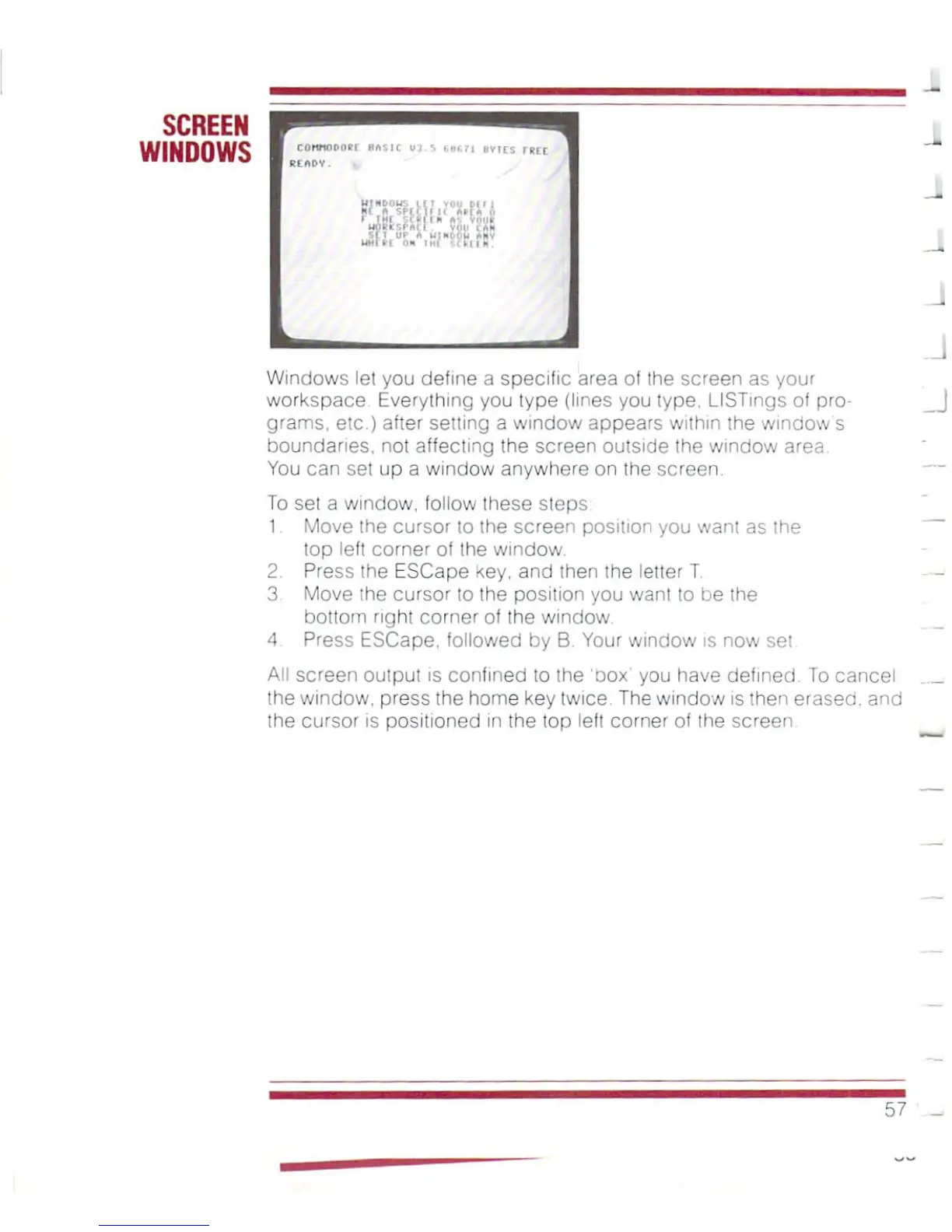
Windows
let
you
define
a
specific
area
of
the
screen
as
your
workspace.
Everything
you
type
(lines
you
type.
LISTings
of
pro
grams,
etc.)
after
setting
a
window
appears
within
the
window's
boundaries,
not
affecting
the
screen
outside
the
window
area.
You
can
set
up
a
window
anywhere
on
the
screen.
To
set
a
window,
follow
these sleps
1
Move
the
cursor
to
the
screen
position
you
want
as
the
top
left
corner
of
the
window.
2.
Press
the
ESCape
Key.
and
then
the
letter
T.
3
Move
the
cursor
to
the
position
you
want
to
be
the
bottom
right
corner
of
Ihe
window.
4
Press
ESCape,
followed
by
B.
Your
window
is
now
set.
AN screen
output
is
confined
to
the
'oox'
you
have
defined.
To
cancel
the
window,
press
the
home
key
twice.
The
window
is
then
erased,
and
the
cursor
is
positioned
in
the
top
left
corner
of
the
screen
57

Other manuals for Commodore Plus 4

Related product manuals