EasyManua.ls Logo

Commodore VIC-20 - Page 22

Commodore VIC-20
308 pages
Print Icon
To Next Page IconTo Next Page

To Previous Page IconTo Previous Page
Loading...
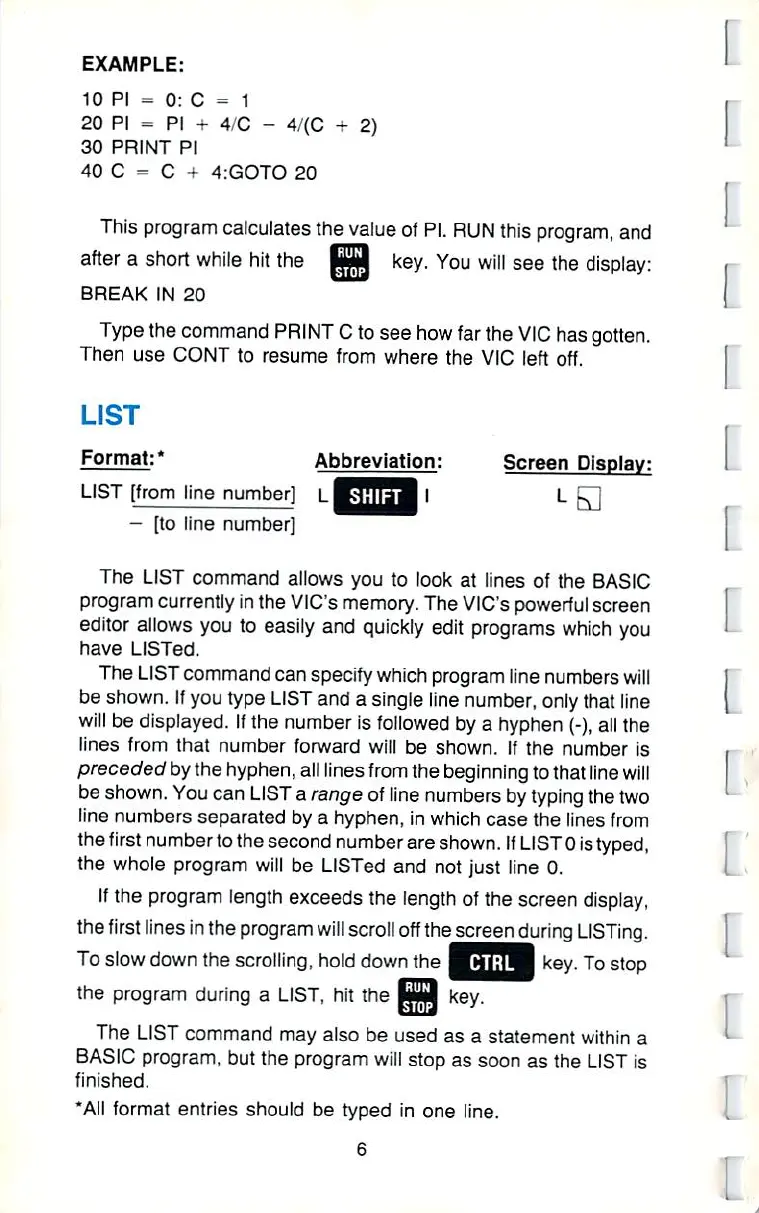
EXAMPLE:
10
PI
=
0:
C
--â– 
1
20
PI
=
30
PRINT
PI
40
C
-
C
+
4:GOTO
20
0:
C
=
1
PI
+
4/C
-
4/(C
+
2)
â– 
Dl
This
program
calculates
the
value
of
PI.
RUN
this
program,
and
after
a
short while
hit
the
^9
key.
You
will
see
the
display:
BREAK
IN
20
Type
the
command
PRINT
C
to
see
how
far
the
VIC
has
gotten.
Then
use
CONT
to
resume
from
where
the
VIC
left off.
LIST
Format:
*
Abbreviation:
Screen
Display:
LIST
[from
line
number]
LKi;!!rTiJ
I
L
-,
-
[to
line
number]
The
LIST
command
allows
you
to
look
at lines
of
the
BASIC
program
currently
in
the
VIC's
memory.
The
VfC's
powerful
screen
editor
allows
you
to
easily
and
quickly
edit
programs
which
you
have
LISTed.
The
LIST
command
can
specify
which
program
line
numbers
will
be shown.
If
you
type
LIST
and
a
single
line
number,
only
that
line
will
be
displayed.
If
the
number
is
followed
by
a
hyphen
(-),
all
the
lines
from
that
number
forward
will
be
shown.
If
the
number
is
preceded
by
the
hyphen,
all
lines
from
the
beginning
to
that
line
will
be
shown.
You
can
LIST
a
range
of
line
numbers
by
typing
the
two
line
numbers
separated by a
hyphen,
in
which
case
the
lines
from
the
first
number
to
the
second
number
are
shown.
If
LIST0
is
typed,
the
whole
program
will
be
LISTed
and
not
just
line
0.
If
the
program
length
exceeds
the
length
of
the
screen
display,
the
first
lines
in
the
program
will
scroll
off
the
screen
during
LISTing.
To
slow
down
the
scrolling,
hold
down
the
p^
hi
if
I
key.
To
stop
the
program
during
a
LIST,
hit
the
EQ3
key.
The
LIST
command
may
also
be
used
as a
statement
within
a
BASIC
program,
but the
program
will
stop
as
soon
as
the
LIST
is
finished.
"All
format
entries
should
be
typed
in
one
line

Other manuals for Commodore VIC-20

Related product manuals