EasyManua.ls Logo

Commodore VIC-20 - Editing Programs

Commodore VIC-20
308 pages
Print Icon
To Next Page IconTo Next Page

To Previous Page IconTo Previous Page
Loading...
EDITING
PROGRAMS
CURSOR
CONTROLS
One
of
the
most
important
features
of
the
VIC
is
the
ability
to
move
the cursor
around
the
screen
and
make
changes
to
program
lines.
This
is
called
"screen
editing."
The
VIC
will
allow
cursor
movement
around
the
screen
in
any
direction,
inserting
extra
spaces
into
a
line,
and
erasing
unwanted
characters.
The
VIC's
editor
is
one
of
the
most
powerful
and
easy
to
use
of
any
computer.
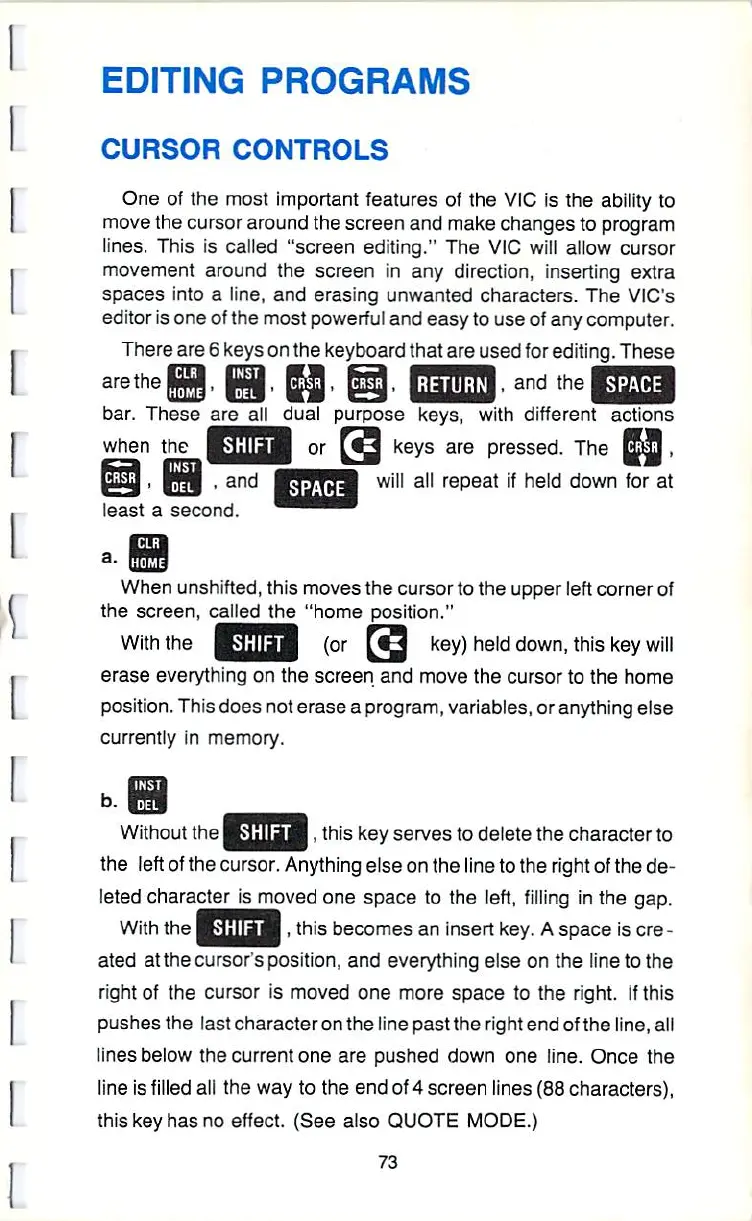
There
are
6 keys
on
the
keyboard
that
are
used
for
editing.
These
bar.
These
are
all
dual
purpose
keys, with
different
actions
when
the
I
W,\\'<
I
or
[<Q
keys
are
pressed.
The
SPACE
will
all
repeat
if
held
down
for at
,
and
least
a
second.
a.
When
unshifted,
this
moves
the
cursor
to
the
upper
left
corner
of
the
screen,
called
the
"home
position."
Withthe
|
Nijlinl
I
(or
[^
key)
held
down,
this
key
will
erase
everything
on
the
screen
and
move
the
cursor
to
the
home
position.
This
does
not
erase a program,
variables,
or
anything
else
currently
in
memory.
b.
Without
the
I
â– ';
[\-
â– 
I,
this
key
serves
to
delete
the
character
to
the
left
of
the
cursor.
Anything
else
on
the
line
to
the
right
of
the
de
leted
character
is
moved
one
space
to
the
left,
filling
in
the
gap.
With
the
I
â– '
â– 
i
i'
I,
this
becomes
an
insert
key.
A
space
is
ere
-
ated
atthecursor'sposition,
and
everything
else
on
the
line
to
the
right
of
the
cursor
is
moved
one
more
space
to
the
right.
If
this
pushes
the
last
character
on
the
line
past
the
right
end
of
the
line,
all
lines
below
the
current
one
are
pushed
down
one
line.
Once
the
line
is
filled
all
the
way
to
the
end
of
4
screen
lines
(88
characters),
this
key
has
no
effect.
(See
also
QUOTE
MODE.)
73

Other manuals for Commodore VIC-20

Related product manuals