EasyManua.ls Logo

Commodore VIC-20 - Page 40

Commodore VIC-20
308 pages
Print Icon
To Next Page IconTo Next Page

To Previous Page IconTo Previous Page
Loading...
I
EXAMPLE
1:
100
INPUT
A
110
INPUTS,
C,
D
120
INPUT
"PROMPT11;
E
i
This
program
will
fill
the
entire
screen
with
Zs,
including
the
bottom
right
corner,
and
then
freeze.
The
IF
in
tine
120
checks
for
both
X =
23
and
Y
=
22
being
true,
or
else
the
program
just
drops
through
to
line
130.
When
the
conditions
aretrue,
the
VIC
PRINTS
a
cursor
left
and
an
insert.
By
the
way,
this
really
is
a
trick to
PRINT
in
the
lower
right
earner
in
the
screen
without
forcing
the
screen
to
scroll
up
a
line.
This
is
because
you
never
really
PRINT
in
that
position,
you
insert
in
the
position
before
that,
which
pushes
the
character
into
position.
For
those
of
you
using
cartridges
that
add
extra
commands
to
BASIC,
like
"Super
Expander" and
''Programmers
Aid,"
make
sure
thai
you
put
a
colon
between
the
word
THEN
and
one
of
the
exira
commands.
EXAMPLE
4;
100
IF
X
=
4
THEN
:
GRAPHIC
4
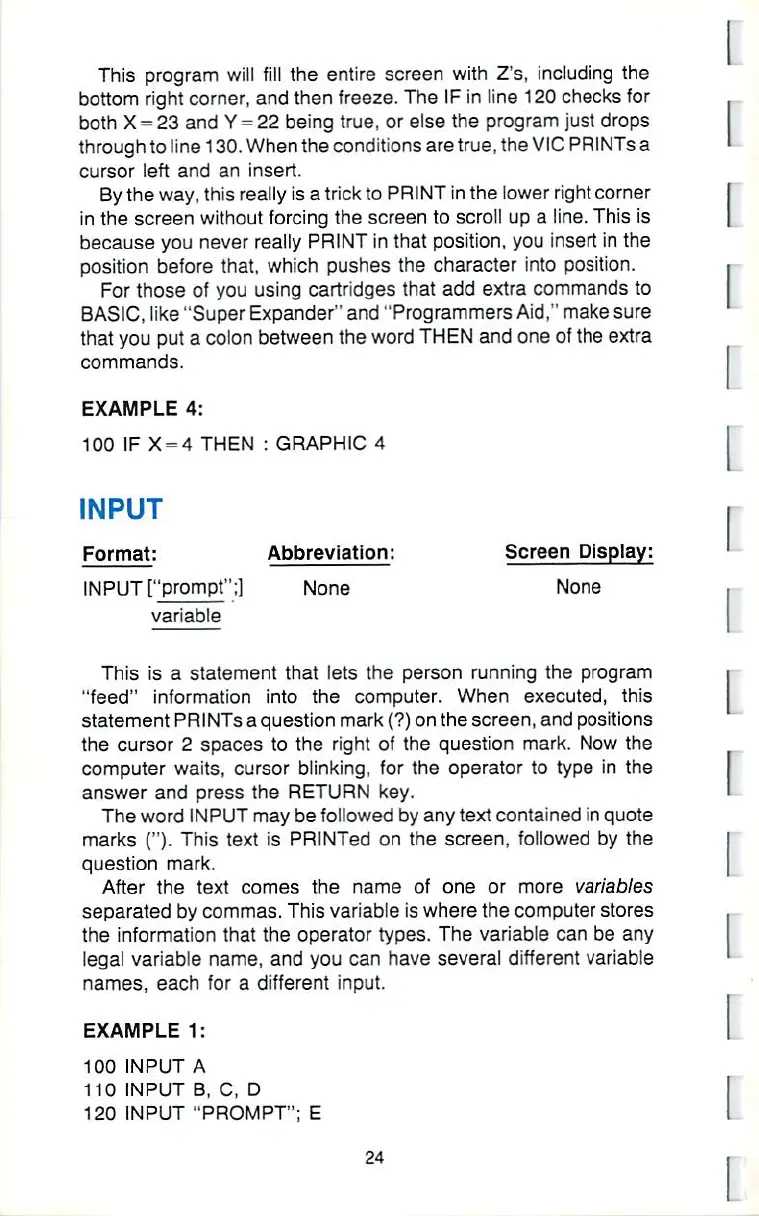
INPUT
|
Format:
Abbreviation:
Screen
Display:
INPUT
["prompt";]
None
None
variable
This
is
a
statement
that
lets
the
person
running
the
program
"feed"
irrformation
into
the
computer.
When
executed,
this
statement
PRINTS
a
question
mark
(?)
on
the
screen,
and
positions
the
cursor
2
spaces
to
the
right
of
the
question
mark,
Now
the
computer
waits,
cursor
blinking,
for
the
operator
to
type
in
the
answer
and
press
the
RETURN
key.
The
word
INPUT
may
be
followed
by
any
text
contained
in
quote
marks
O-
This
text
is
PRlNTed
on
the
screen,
lollowed
by
the
question
mark.
After
the
text
comes
the
name
of
one
or
more
variables
separated
by
commas.
This
variable
is
where
the
computer
stores
the
information
that
the
operator
types.
The
variable
can
be
any
legal
variable
name,
and
you
can
have
several
different
variable
names,
each
for
a
different
input.
i
I
I

Other manuals for Commodore VIC-20

Related product manuals