EasyManua.ls Logo

Commodore VIC-20 - Page 47

Commodore VIC-20
308 pages
Print Icon
To Next Page IconTo Next Page

To Previous Page IconTo Previous Page
Loading...
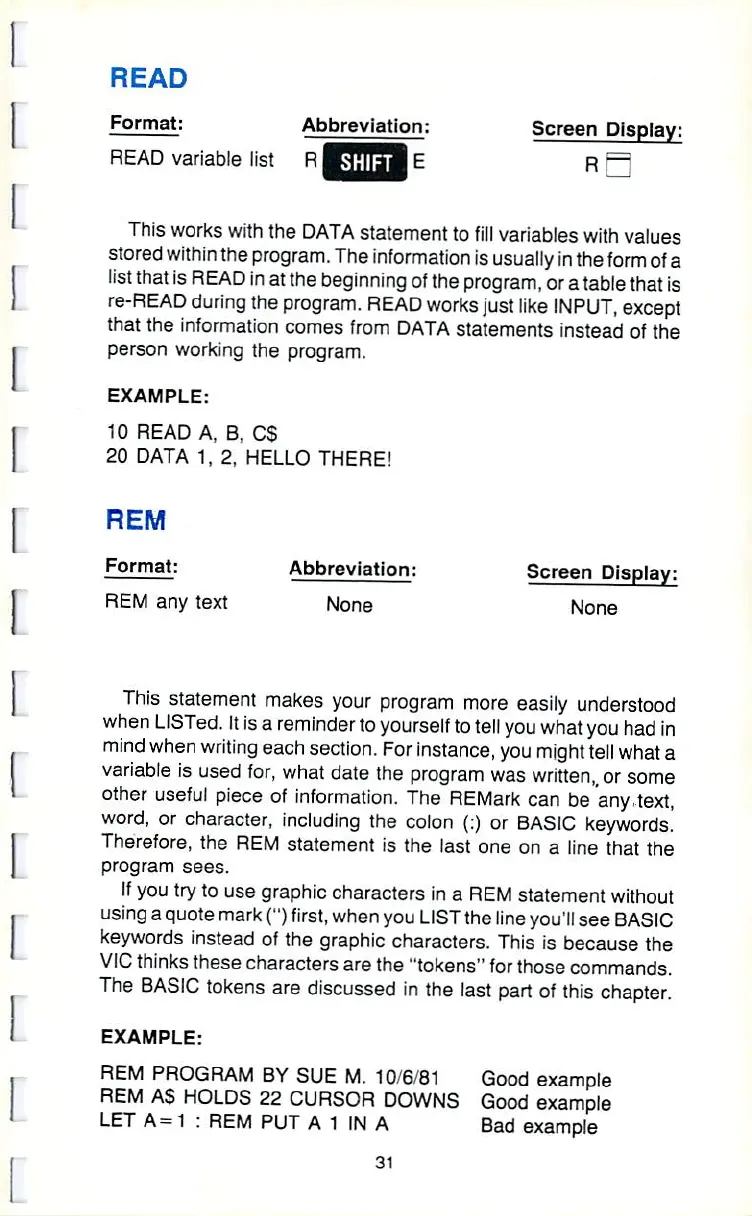
READ
Format:
Abbreviation:
Screen
Display:
READ
variable
list
R
HfflHI
E
R
—;
This
works
with
the
DATA
statement
to
fill
variables
with
values
stored
within
the
program.
The
information
Is
usually
in
the
form
of
a
list
that
is
READ
in
at
the
beginning
of
the
program,
or
a
table
that
is
re-READ
during the
program.
READ
works
just
like
INPUT,
except
that
the
information
comes
from
DATA
statements
instead
of
the
person
working
the
program.
EXAMPLE:
10
READ
A,
B;
CS
20
DATA
1,
2,
HELLO
THERE!
REM
Format:
Abbreviation:
Screen
Display:
REM
any
text
None None
This
statement
makes
your
program
more
easily
understood
when
LISTed.
It
is
a
reminder
to
yourself
to
telJ
you
what
you had
in
mind
when
writing
each
section.
For
instance,
you
might
tell
what
a
variable
is
used
for,
what
date
the
program
was
written,
or
some
other
useful
piece
of
informatfon.
The
REMark
can be
"any-text,
word,
or
character,
including
the
colon
(:)
or
BASIC
keywords!
Therefore,
the
REM
statement
is
the
fast
one
on
a
Jine
that
the
program
sees.
ff
you
try
to
use
graphic
characters
in
a
REM
statement
without
using
a
quote
mark
Q
first,
when
you
LfST
the
line
youJI
see
BASIC
keywords
instead
of
the
graphic
characters.
This
is
because
the
VIC
thinks
these
characters
are
the
"tokens"
for
those
commands.
The
BASIC
tokens
are
discussed
in
the
last
part
of
this
chapter.
EXAMPLE;
REM
PROGRAM
BY
SUE
M.
10/6/81
Good
example
REM
AS
HOLDS
22
CURSOR
DOWNS
Good
example
LET
A-
1
:
REM
PUT
A1INA
Bad
example
31

Other manuals for Commodore VIC-20

Related product manuals