106
The
VIC
20
User
Guide
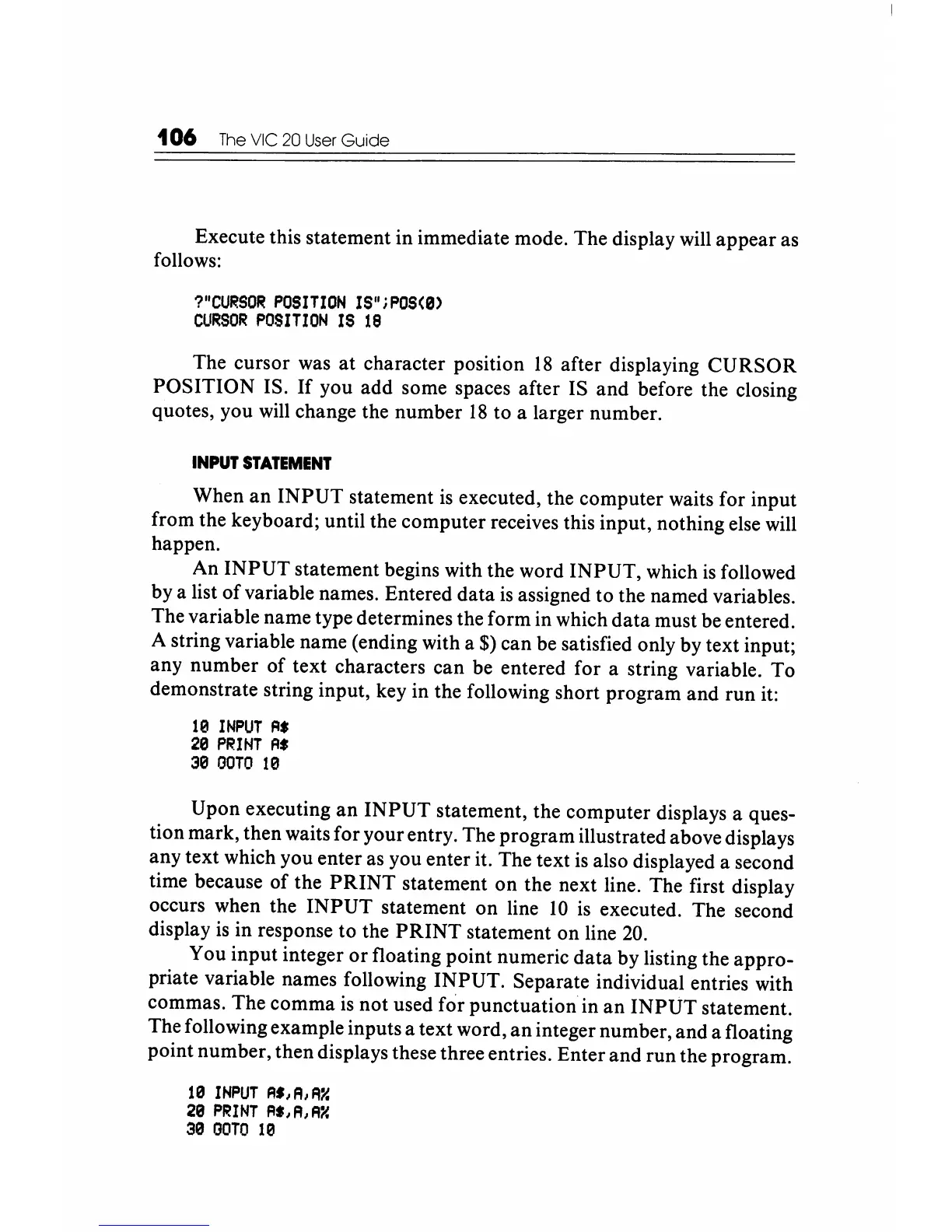
Execute this statement in immediate mode. The display will appear as
follows:
?"CURSOR
POSITION
IS"iPOS(0)
CURSOR
POSITION
IS
18
The cursor was
at
character position
18
after displaying
CURSOR
POSITION IS.
If
you add some spaces after IS and before the closing
quotes, you will change the number
18
to a larger number.
INPUT
STATEMENT
When
an
INPUT
statement
is
executed, the computer waits for input
from the keyboard; until the computer receives this input, nothing else will
happen.
An
INPUT
statement begins with the word INPUT, which
is
followed
by a list
of
variable names. Entered data
is
assigned to the named variables.
The variable name type determines the form in which
data
must be entered.
A string variable name (ending with a
$) can be satisfied only by text input;
any number
of
text characters
can
be entered for a string variable. To
demonstrate string input, key in the following short program and run it:
10
INPUT
A.
20
PRINT
fl.
30
OOTO
10
Upon executing
an
INPUT
statement, the computer displays a ques-
tion mark, then waits for your entry. The program illustrated above displays
any text which you enter as you enter it. The text
is
also displayed a second
time because
of
the
PRINT
statement on the next line. The first display
occurs when the
INPUT
statement
on
line
10
is
executed. The second
display
is
in response to the
PRINT
statement on line
20.
You input integer
or
floating point numeric
data
by listing the appro-
priate variable names following INPUT. Separate individual entries with
commas. The comma
is
not used for punctuation in
an
INPUT
statement.
The following example inputs a text word,
an
integer number, and a floating
point number, then displays these three entries. Enter and run the program.
10
INPUT
R',A,A~
20
PRINT
A',A,A~
30
OOTO
10






 To Next Page