124
The
VIC
20
User
Guide
In this program, the VIC 20's screen
is
unformatted. The screen width
is
22
characters; most names and addresses entered would wrap
around
to the
line below the original entry because the entry message,
or
prompt, takes up
several spaces on the input line.
While running this program, the person entering names and addresses
might discover a mistake in a name after pressing
RETURN.
But the operator
can't go back to fix the name when the program
is
asking for address input.
Other problems with this program are obvious if you enter and run it.
The display
is
not
very easy
to
read. One entry for a name
and
address
follows another, all the way down the screen. This kind
of
clutter will
increase the possibility of incorrect entries.
The
INPUT
statement on line
60
will cause the program
to
fail
if
the
operator puts a comma between the city and state when entering them. The
city and state have
to
be entered without a comma between them. Try
entering a city and state separated by a comma (for example, OAKLAND,
CALIFORNIA). This
is
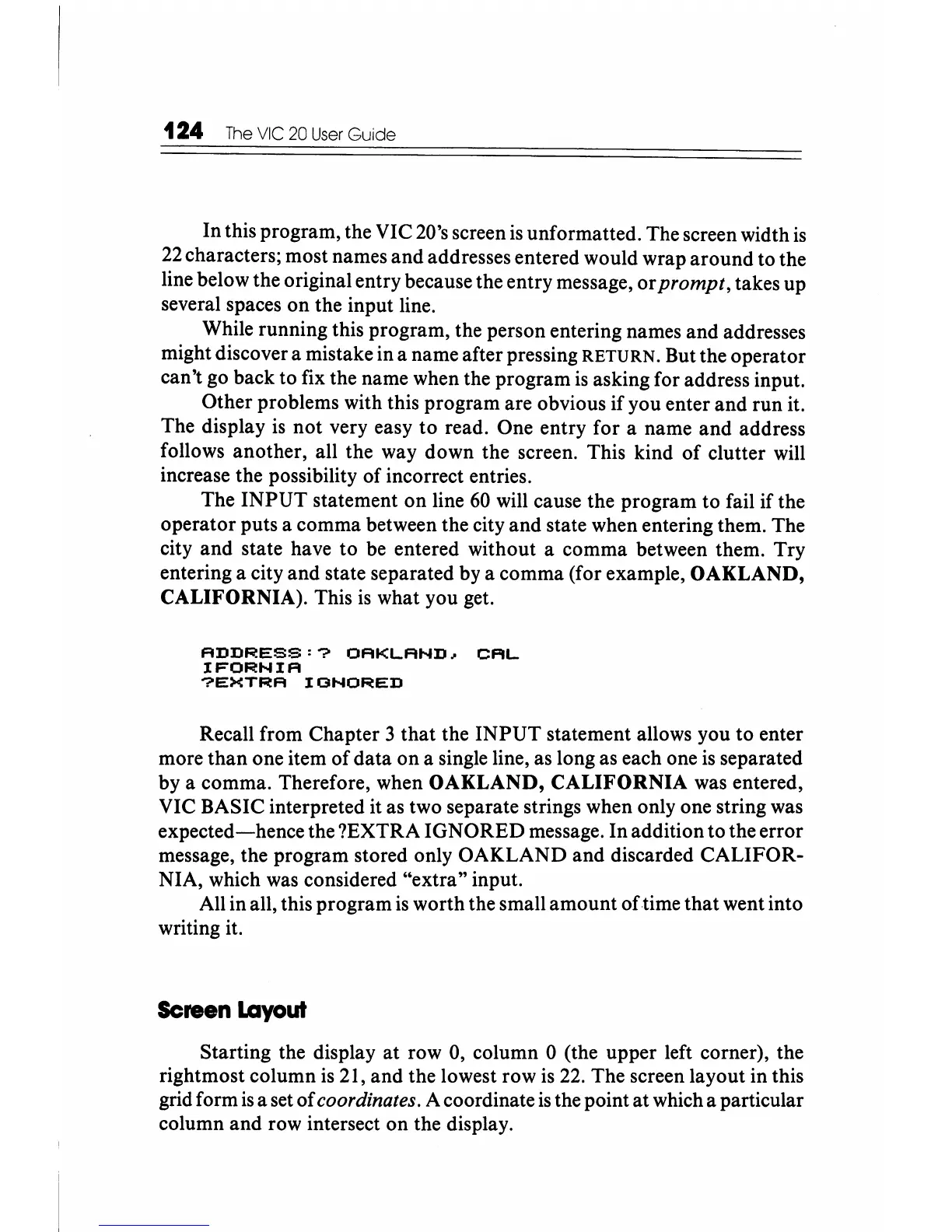
what you get.
ADDRESS:?
OAKLAND~
CAL
IFORNIA
?EXTRA
IGNORED
Recall from Chapter 3
that
the
INPUT
statement allows you to enter
more than one item
of
data on a single line, as long as each one
is
separated
by a comma. Therefore, when OAKLAND,
CALIFORNIA
was entered,
VIC BASIC interpreted it as two separate strings when only one string was
expected-hence
the ?EXTRA IGNORED message.
In
addition to the error
message, the program stored only OAKLAND and discarded CALIFOR-
NIA, which was considered "extra" input.
All in all, this program
is
worth the small amount oftime
that
went into
writing it.
Screen
Layout
Starting the display
at
row 0, column 0 (the upper left corner), the
rightmost column
is
21, and the lowest row is
22.
The screen layout in this
grid form
is
a set
of
coordinates. A coordinate
is
the point at which a particular
column and row intersect on the display.






 To Next Page