Chapter
4:
Advanced
BASIC
Programming
133
r------Cursor
flashing at entry
J.-
character position
W-[IJ-[O
T T T
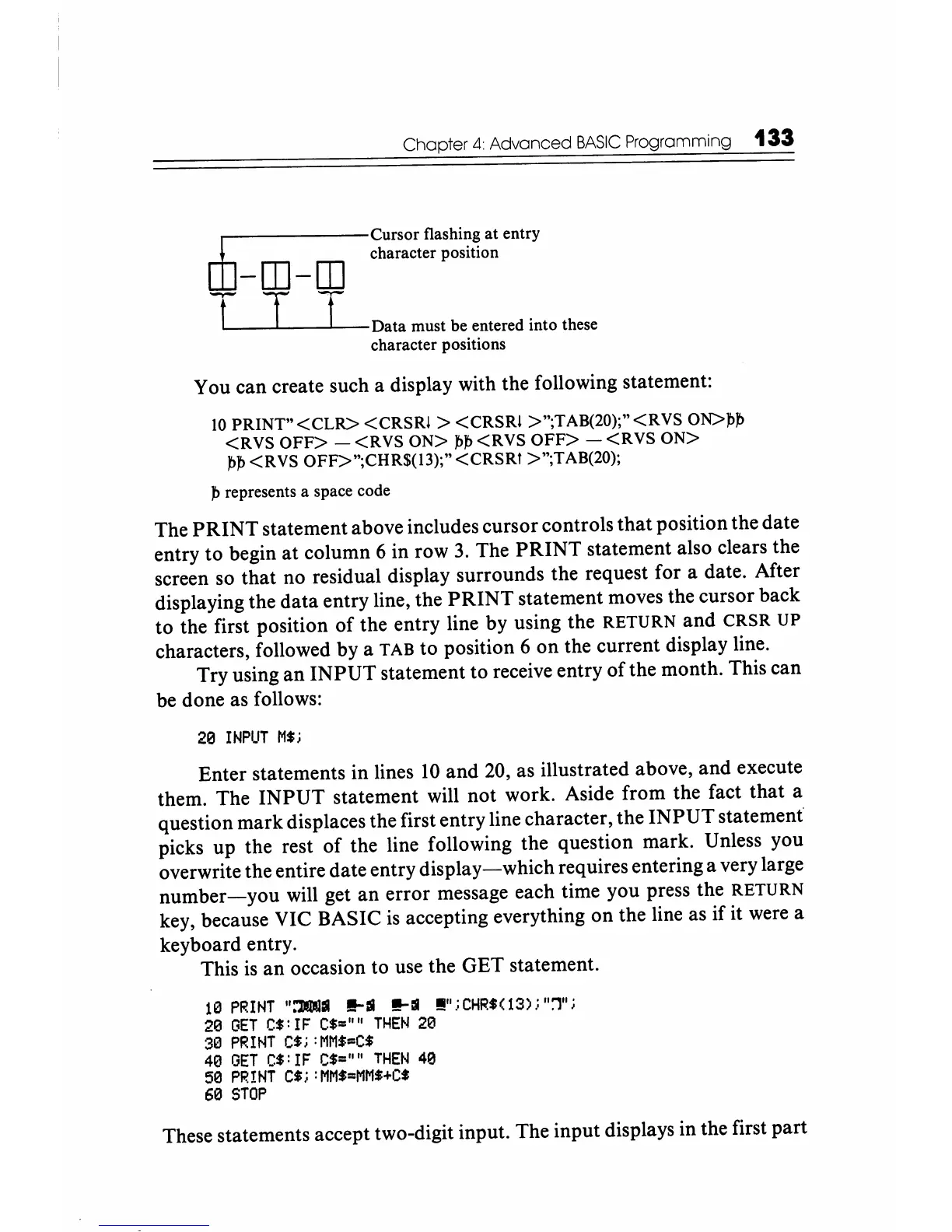
Data must be entered into these
character positions
You can create such a display with the following statement:
10
PRINT"
<CLR>
<CRSRI
>
<CRSRI
>";TAB(20);"<RVS
ON>,b,b
<RVS
OFF>
-
<RVS
ON>
,b,b
<RVS
OFF>
-
<RVS
ON>
,b,b<RVS
OFF>";CHR$(l3);"<CRSRI
>";TAB(20);
,b
represents a space code
The
PRINT
statement above includes cursor controls
that
position the date
entry to begin at column 6 in row
3.
The
PRINT
statement also clears the
screen so that no residual display surrounds the request for a date. After
displaying the data entry line, the
PRINT
statement moves the cursor back
to the first position of the entry line by using the
RETURN and
CRSR
UP
characters, followed by a TAB to position 6 on the current display line.
Try using an
INPUT
statement to receive entry of the month. This can
be done as follows:
213
INPUT
M$i
Enter statements in lines
10
and
20,
as illustrated above, and execute
them. The
INPUT
statement will not work. Aside from the fact
that
a
question mark displaces the first entry line character, the
INPUT
statement
picks up the rest of the line following the question mark. Unless you
overwrite the entire date entry
display-which
requires entering a very large
number-you
will get
an
error message each time you press the RETURN
key, because VIC BASIC
is
accepting everything on the line as if it were a
keyboard entry.
This
is
an occasion to use the GET statement.
113
PRINT
":'300:11
!!-:II
!!-:II
!!!!"
,;
CHR$(
13) i "1" i
20
GET
C$:
IF
C$=
'"'
THEN
213
313
PRINT
C$i
:MM$=C$
413
GET
C$:
IF
C$=""
THEN
413
513
PRINT
C$i
:MM$=MM$+C$
613
STOP
These statements accept two-digit input. The input displays in the first part






 To Next Page