Chapter
4:
Advanced
BASIC
Programming
151
20
will generate random numbers with the
RND
function.
RND provides a real number between 0 and
1.
This number
is
actually
pseudo-random;
that
is, it
is
not truly random. However, that
is
a point
raised by statisticians. The number
is
a close approximation of randomness.
To determine the degree
of
randomness the
RND
function will have,
you provide a starting number,
or
seed.
If
you use zero as the seed,
that
is,
RND(O), the values it generates are based
on
three separate internal clocks.
The odds against all three clocks having the same values twice in a row are
very high; therefore, any number generated can be considered random.
The sequence
of
most random numbers generated will always be the
same. The only exceptions are RND(O) and RND(TI). Numbers that are
very nearly random may be obtained using a random seed
of
O.
A predicta-
ble pattern
of
numbers may be obtained by using a negative number as a
seed.
It
may not seem very useful to have a
random
number with such a small
range
of
values.
To
obtain larger numbers, multiply the random number by
the maximum value you want.
For
instance, to get a random number
between 0
and
100, multiply the random number by
100.
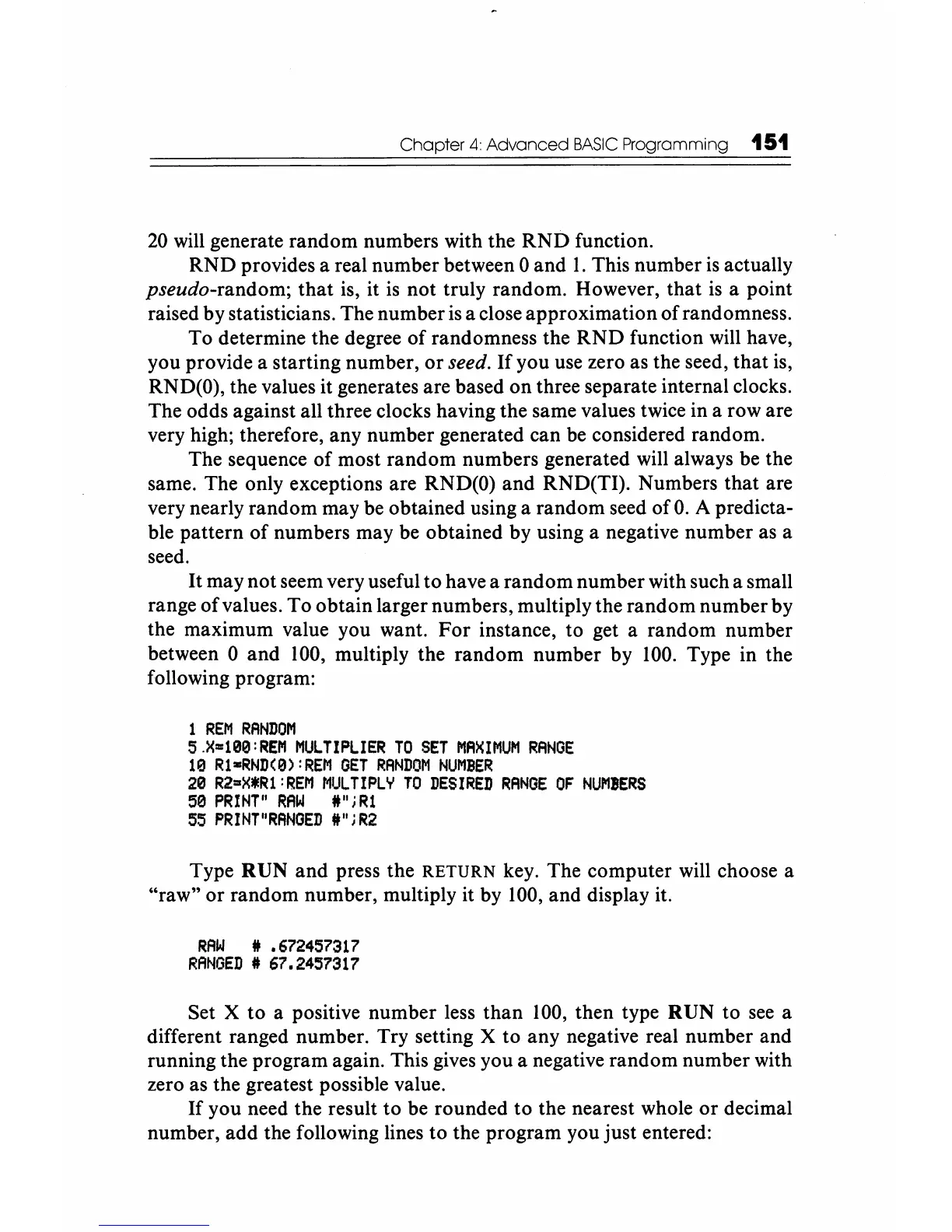
Type in the
following program:
1
REM
RANDOM
5.X=100:REM
MULTIPLIER
TO
SET
MAXIMUM
RANGE
10
Rl-RND(0):REM
GET
RANDOM
NUMBER
20
R2"X*R1:REM
MULTIPLY
TO
DESIRED
RANGE
OF
NUMBERS
50
PRINT"
RAW
l"jRl
55
PRINT"RANGED
1t";R2
Type
RUN
and
press the
RETURN
key. The computer will choose a
"raw"
or
random number, mUltiply it by 100, and display it.
RAW
It
.672457317
RANGED
It 67.2457317
Set X to a positive number less
than
100,
then type
RUN
to
see
a
different ranged number. Try setting X to any negative real number and
running the program again. This gives you a negative random number with
zero as the greatest possible value.
If
you need the result
to
be rounded
to
the nearest whole
or
decimal
number, add the following lines to the program you just entered:






 To Next Page