172
The
VIC
20
User
Guide
Finally, the VIC chip locates the light pen or paddle controller knob
positions.
Your program communicates with the VIC chip by using PEEK and
POKE. Much
of
the
art
of
VIC graphics involves knowing what to POKE
and where to PEEK. That
is
the focus
of
this chapter.
The
VIC
Screen
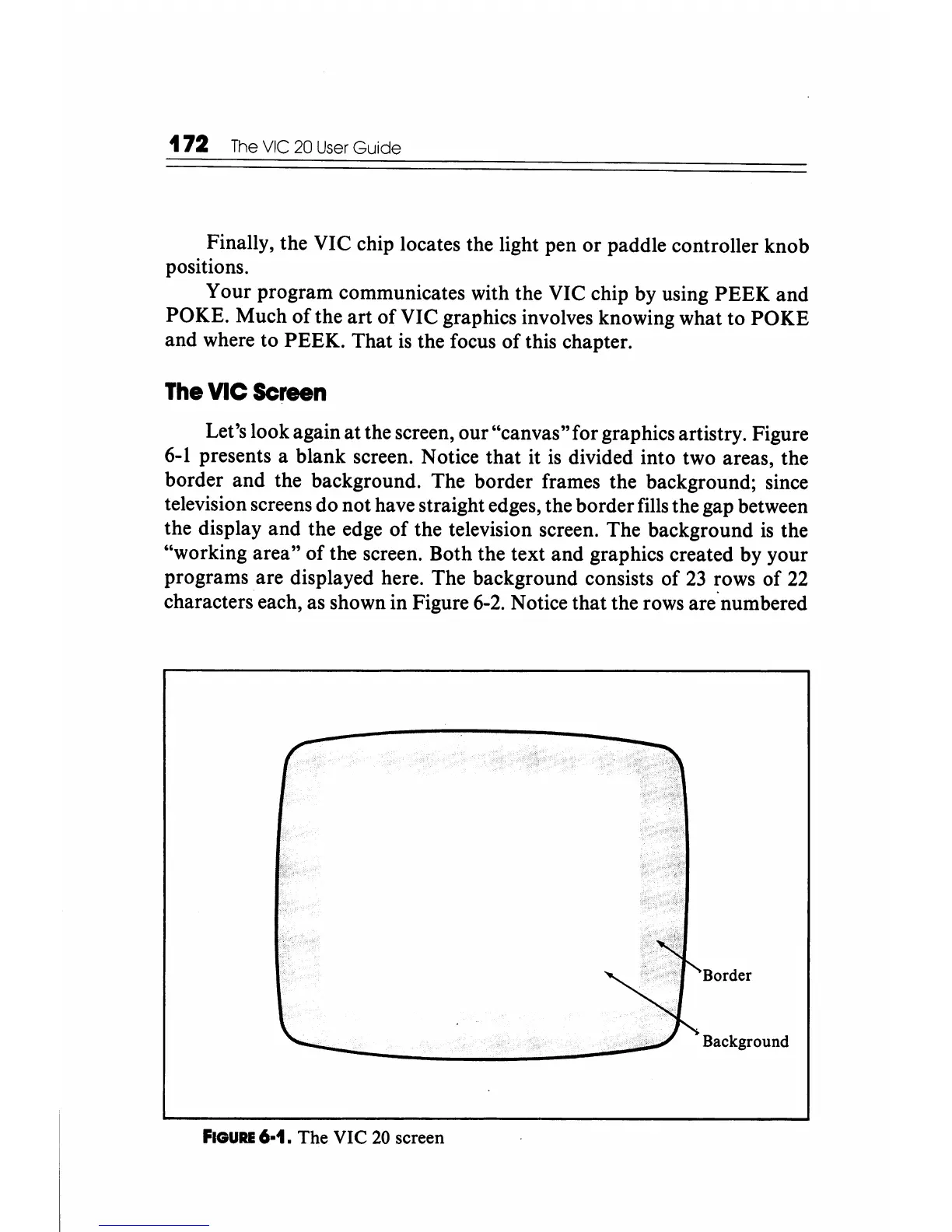
Let's look again at the screen, our "canvas"for graphics artistry. Figure
6-1
presents a blank screen. Notice that it
is
divided into two areas, the
border and the background. The border frames the background; since
television screens do not have straight edges, the border fills the gap between
the display and the edge
of
the television screen. The background
is
the
"working area" of the screen. Both the text and graphics created by your
programs are displayed here. The background consists of
23
rows of
22
characters each, as shown in Figure
6-2.
Notice that the rows are"numbered
Border
Background
FIGURE
6·1. The VIC
20
screen





 To Next Page