Chapter
6:
Graphics
173
Column
o I 2 3 4 5 6 7 8 9
10
II
12
13
14
IS
16
17
18 19
20
21
I
2
3
4
5
6
7
8
I
3
5
I
9
10
I
12
I
14
I
16
17
18
19
20
2
22
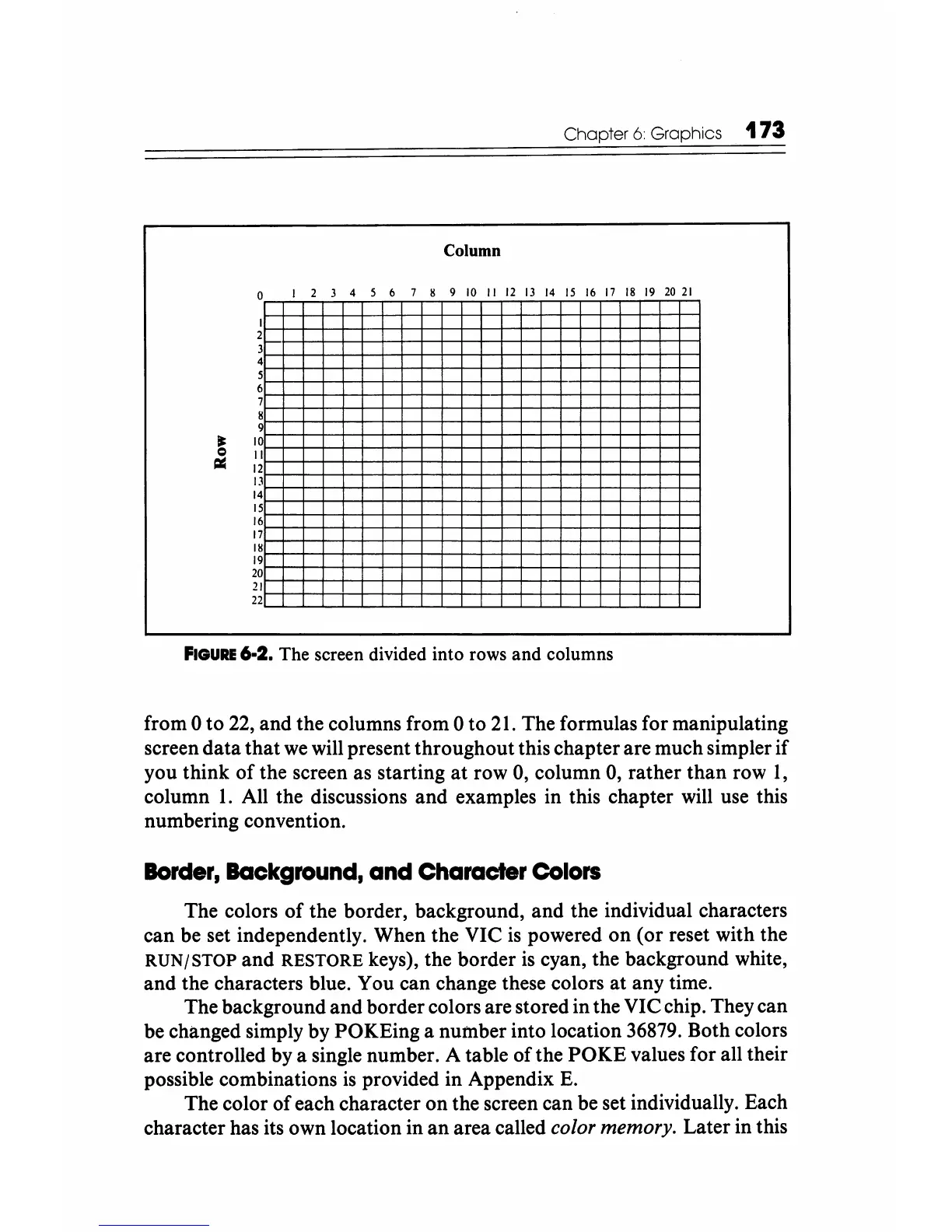
FIGURE
6-2. The screen divided into rows
and
columns
from 0
to
22, and the columns from 0 to
21.
The formulas for manipulating
screen
data
that
we
will present throughout this chapter are much simpler if
you think
of
the screen as starting
at
row 0, column 0, rather than row
1,
column
1.
All the discussions and examples in this chapter will use this
numbering convention.
Border,
Background,
and Character
Colors
The colors
of
the border, background, and the individual characters
can be set independently. When the VIC
is
powered
on
(or reset with the
RUN/STOP
and
RESTORE
keys), the border
is
cyan, the background white,
and the characters blue. You can change these colors
at
any time.
The background
and
border colors are stored in the VIC chip. They can
be changed simply by POKEing a number into location 36879. Both colors
are controlled by a single number. A table
ofthe
POKE
values for all their
possible combinations
is
provided in Appendix
E.
The color
of
each character on the screen can be set individually. Each
character has its own location in
an
area called color memory. Later in this






 To Next Page