60050
IF
SC(160
THEN
SC=128:RETURN
60060
IF
SC(192
THEN
SC=SC-64:RETURN
60070
IF
SC(255
THEN
SC=SC-128:RETURN
60~80
SC-94:RETURN
Moving
Dot
Revisited
Chapter
6:
Graphics
185
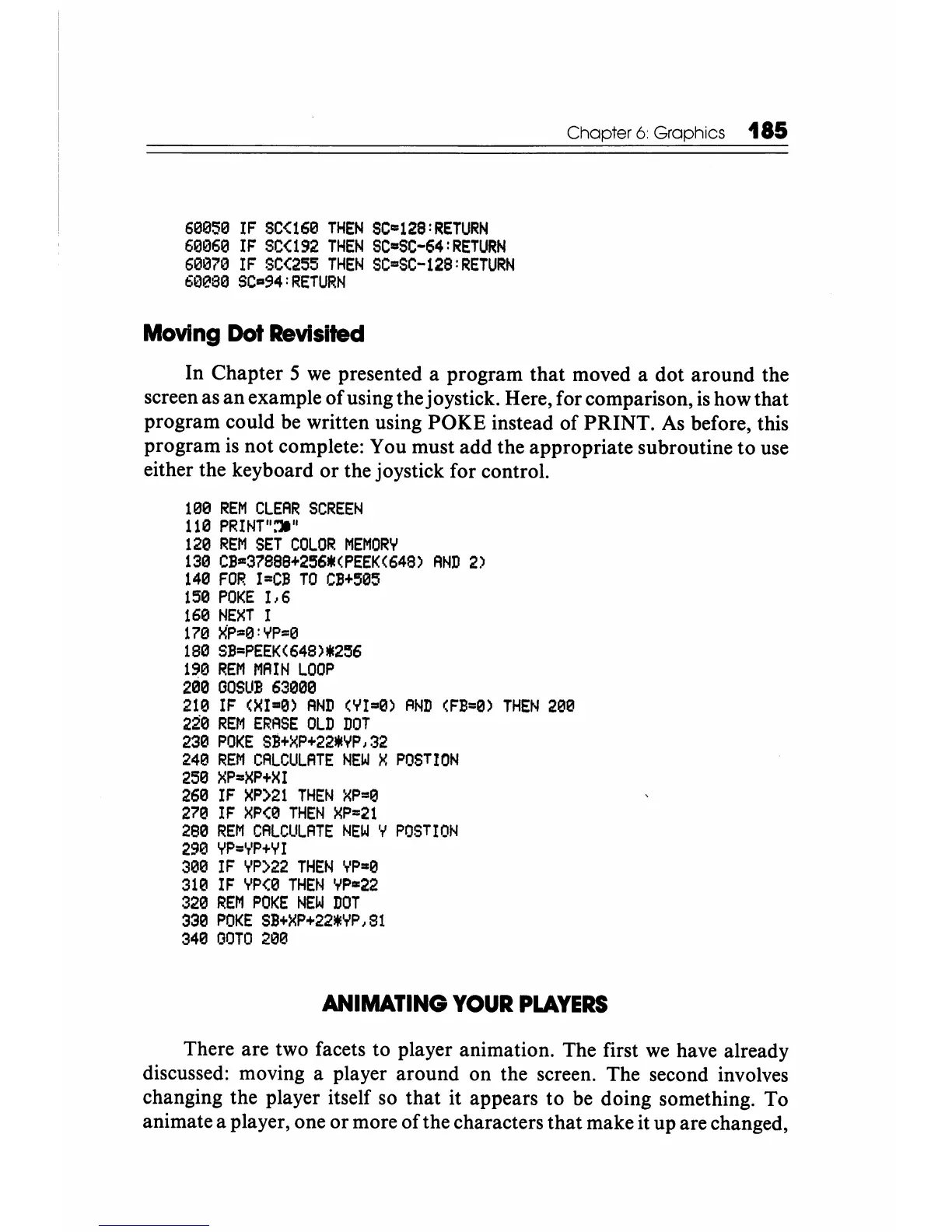
In Chapter 5
we
presented a program that moved a dot around the
screen as an example
of
using the joystick. Here, for comparison,
is
how that
program could be written using POKE instead
of
PRINT.
As
before, this
program
is
not complete: You must add the appropriate subroutine to use
either the keyboard
or
the joystick for control.
100
REM
CLEAR
SCREEN
110
PRINT":'lI"
120
REM
SET
COLOR
MEMORY
130
CB=37888+256*<PEEK(648)
AND
2)
140
FOR
I=CB
TO
CB+505
150
POKE
1,6
160
NEXT
I
170
){P=0:YP=0
180
SB=PEEK(648)*256
190
REM
MAIN
LOOP
290
GOSUB
63000
210
IF
(XI-0)
AND
(YI=0)
RND
(FB=0)
THEN
200
220
REM
ERASE
OLD
DOT
230
POKE
SB+XP+22*YP,32
240
REM
CALCULATE
NEW
X
POSTION
250
XP=XP+XI
260
IF
XP)21
THEN
XP=0
270
IF
XP(0
THEN
XP=21
280
REM
CALCULATE
NEW
Y
POSTION
290
YP=YP+YI
300
IF
YP)22
THEN
YP=0
310
IF
YP(0
THEN
YP=22
320
REM
POKE
NEW
DOT
330
POKE
SB+XP+22*YP,Sl
340
GOTO
200
ANIMATING
YOUR
PLAYERS
There are two facets to player animation. The first
we
have already
discussed: moving a player around on the screen. The second involves
changing the player itself so that it appears to
be
doing something. To
animate a player, one
or
more
of
the characters that make it up are changed,






 To Next Page