206
The
VIC
20
User
Guide
170
FOR
1=7168
TO
7183
:
REAn
X :
POKE
I,X
NEXT
I
180
DATA
3,3,3,1,7,13.23.23
190
DATA
128,136,136.8,248,192,192,192
200
REM
LOAD
BOTTOM
HRLF
OF
PLAYER
210
FOR
1=7344
TO
7359
:
READ
X :
POKE
I,X
NEXT
I
220
DATA
19,19,2,2,2,2,6,0
230
DATA
128,128,128,128,128,128,192,O
240
REM
LOAD
~EXTRA
ARMS~
250
FOR
1=7192
TO
7207
:
READ
X :
POKE
I,X
NEXT
I
260
DATA
128,128,132,8,248,192,192,192
270
DATA
128,128,128,O,232,192,192,192
280
POKE
SB+l,129
290
FOR
1=1
TO
DLY
NEXT
I
300
POKE
SB+l,
131
310
FOR
1=1
TO
DLY
NEXT
I
320
POKE
SB+l,132
330
FOR
1=1
TO
DLY
NEXT
I
340
POKE
SB+l,
131
350
FOR
1=1
TO
DLY
NEXT
I
360
OOTO
280
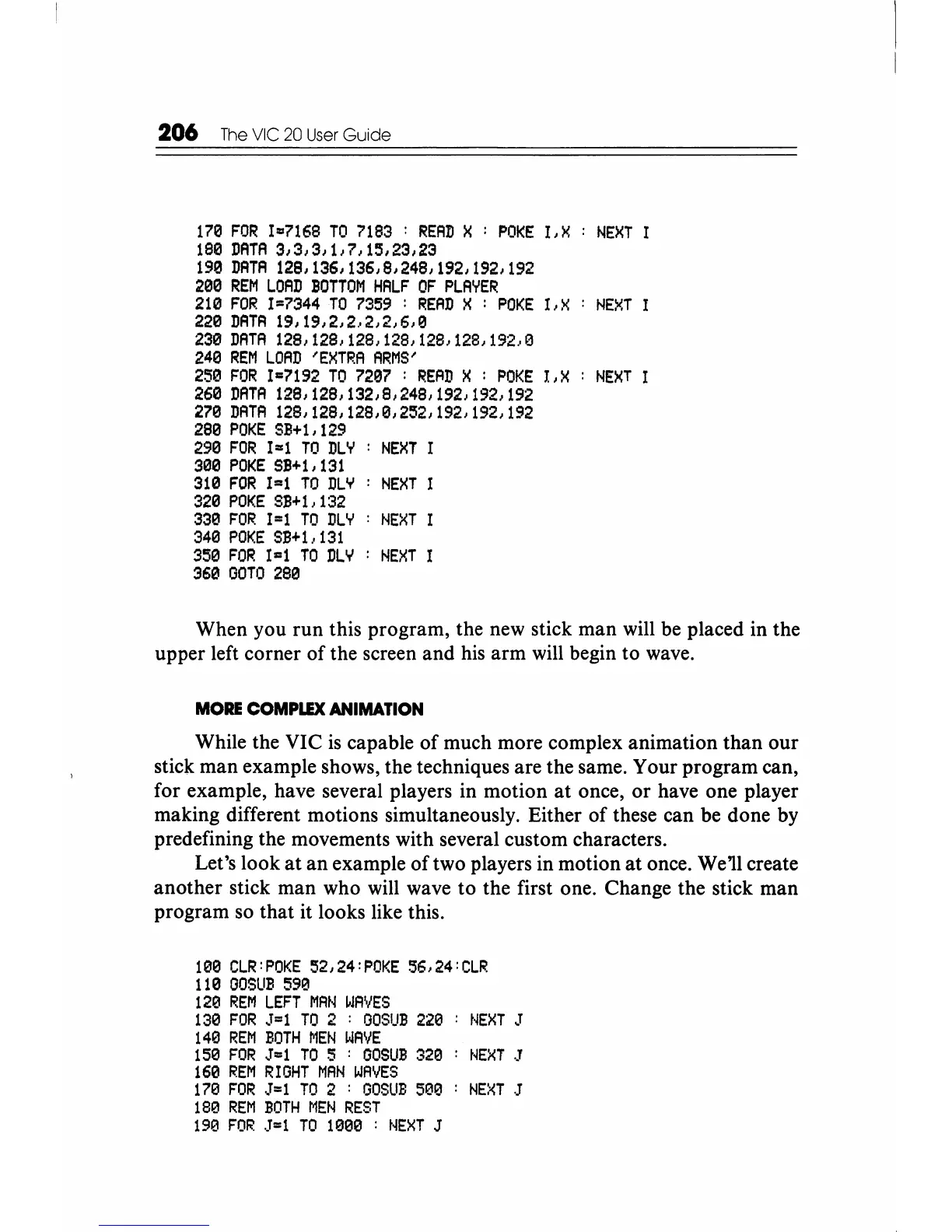
When you run this program, the new stick man will be placed in the
upper left corner of the screen and his arm will begin to wave.
MORE
COMPLEX
ANIMATION
While the VIC
is
capable
of
much more complex animation than our
stick man example shows, the techniques are the same. Your program can,
for example, have several players in motion at once,
or
have one player
making different motions simultaneously. Either
of
these can be done by
predefining the movements with several custom characters.
Let's look
at
an example
of
two players in motion at once. We'll create
another stick man who will wave to the first one. Change the stick man
program
so
that it looks like this.
100
CLR:POKE
52,24:POKE
56,24:CLR
110
OOSUB
590
120
REM
LEFT
MAN
WAVES
130
FOR
J=1
TO
2 :
OOSUB
220
NEXT
J
140
REM
BOTH
MEN
WAVE
150
FOR
J=l
TO
5 :
GOSUB
320
NEXT
J
160
REM
RIGHT
MAN
WAVES
170
FOR
J=l
TO
2 :
GOSUB
500
NEXT
J
180
REM
BOTH
MEN
REST
190
FOR
J=l
TO
1000
:
NEXT
J






 To Next Page