216 The VIC 20
User
Guide
Making a Character Multicolored
Multicolor mode can be turned on or off for each character on the
screen. Whether a character
is
high-resolution or multicolor
is
controlled by
the fourth bit in color memory.
If
that
bit
is
0 (as it has been in all our
experiments so far), the character
is
high-resolution.
If
the fourth bit
is
1,
the
character
is
in multicolor mode. This makes it possible to mix multicolor
characters with standard or with high-resolution custom characters.
Using
Custom
Character
Design
Tools
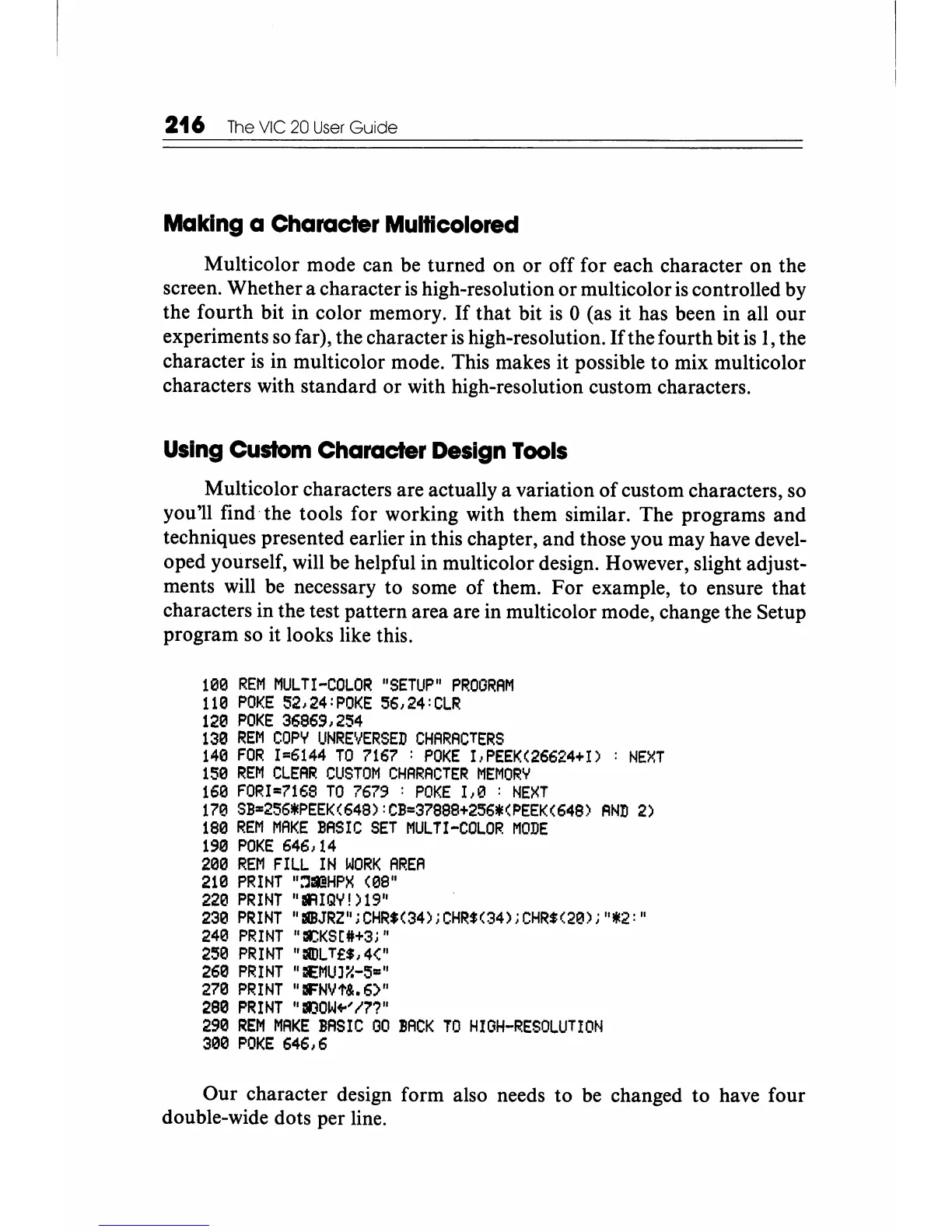
Multicolor characters are actually a variation of custom characters, so
you'll find the tools for working with them similar. The programs and
techniques presented earlier in this chapter, and those you may have devel-
oped yourself, will be helpful in multicolor design. However, slight adjust-
ments will be necessary to some of them.
For
example, to ensure that
characters in the test pattern area are in multicolor mode, change the Setup
program so it looks like this.
lee
REM
MULTI-COLOR
"SETUP"
PROGRAM
1113
POKE
52,24:POKE
56,24:CLR
120
POKE
36869,254
130
REM
COpy
UNREVERSED
CHARACTERS
1413
FOR
1=6144
TO
7167
:
POKE
I.,PEEK(26624+I)
:
NEXT
1513
REM
CLEAR
CUSTOM
CHARACTER
MEMORY
1613
FORI=7168
TO
7679
:
POKE
1,O
:
NEXT
170
SB=256*PEEK(648):CB=37888+256*(~EEK(648)
AND
2)
1813
REM
MAKE
BASIC
SET
MULTI-COLOR
MODE
190
POKE
646,14
21313
REM
FILL
IN
WORK
AREA
2Hl
PRINT
":'lIll!HPX
(08"
220
PRINT
"IIUQY!
)19"
230
PRINT
"IIlBJRZ";CHR$(34);CHR$(34);CHR$(20);"*2:"
2413
PRINT
"r£KS(4H3;"
2513
PRINT
":nlLT£$,4("
2613
PRINT
"CEMUJiH5="
270
PRINT
"IIFNlJt&.6)"
2813
PRINT
"I)OW+-'I'n"
2913
REM
MAKE
BAS
I C
00
:BACK
TO
HI
GH-RESOLUTI
ON
31313
POKE
646,6
Our character design form also needs to be changed to have four
double-wide dots per line.






 To Next Page