Chapter
6:
Graphics 217
1
2
6
3
1
8
4
2 6 8 4 2
1
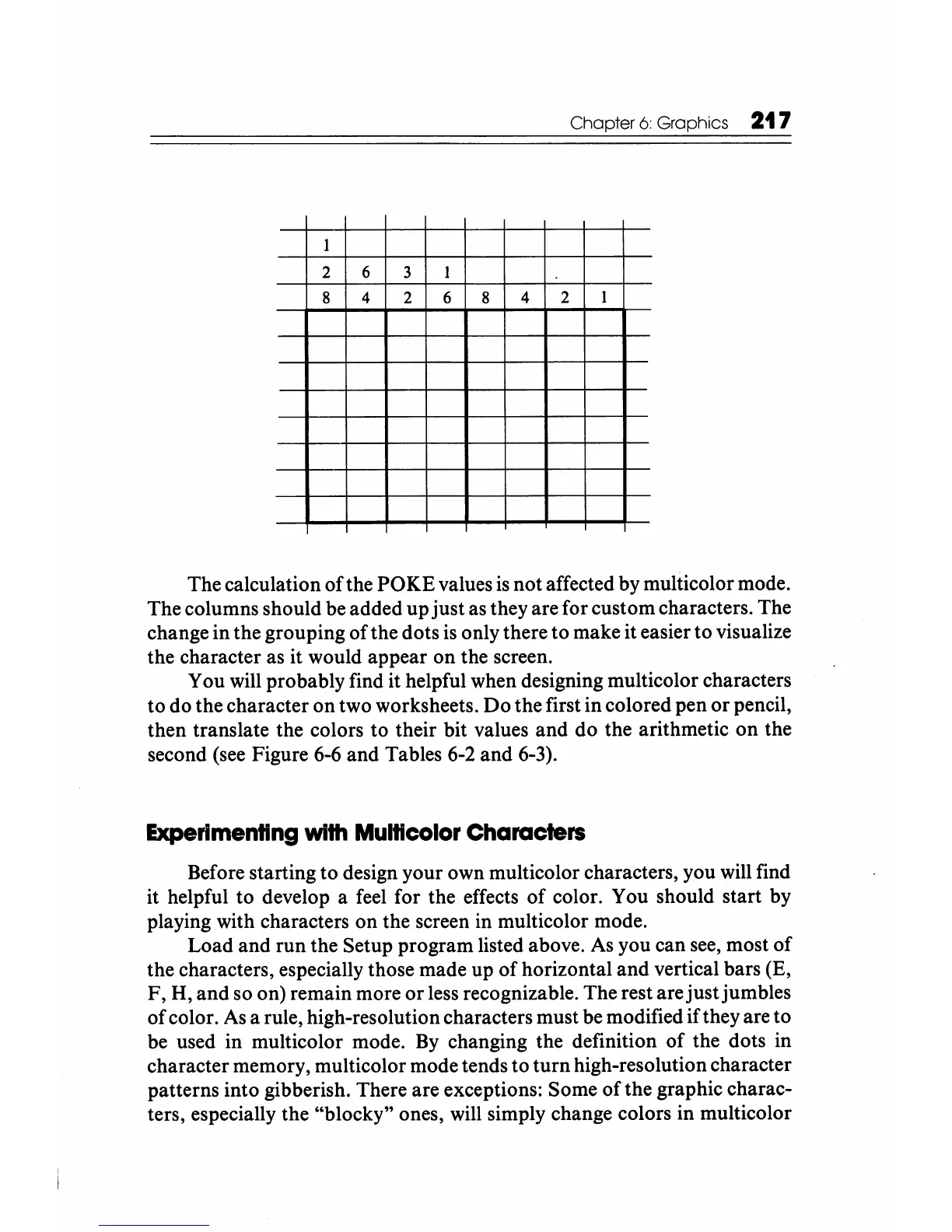
The calculation
of
the POKE values
is
not affected by multicolor mode.
The columns should be added up just as they are for custom characters. The
change in the grouping of the dots
is
only there to make it easier to visualize
the character as it would appear on the screen.
You will probably find it helpful when designing multicolor characters
to do the character on two worksheets.
Do
the first in colored pen or pencil,
then translate the colors to their bit values and do the arithmetic on the
second (see Figure 6-6 and Tables 6-2 and 6-3).
Experimenting
with Multlcolor Characters
Before starting to design your own multicolor characters, you will find
it helpful to develop a feel for the effects
of
color. You should start by
playing with characters on the screen in multicolor mode.
Load and run the Setup program listed above.
As
you can see, most
of
the characters, especially those made up of horizontal and vertical bars (E,
F, H, and so on) remain more or less recognizable. The rest are just jumbles
of color.
As
a rule, high-resolution characters must be modified if they are to
be used in multicolor mode.
By
changing the definition
of
the dots in
character memory, multicolor mode tends to turn high-resolution character
patterns into gibberish. There are exceptions: Some
of
the graphic charac-
ters, especially the "blocky" ones, will simply change colors in multicolor






 To Next Page