12
The
VIC
20
User
Guide
20
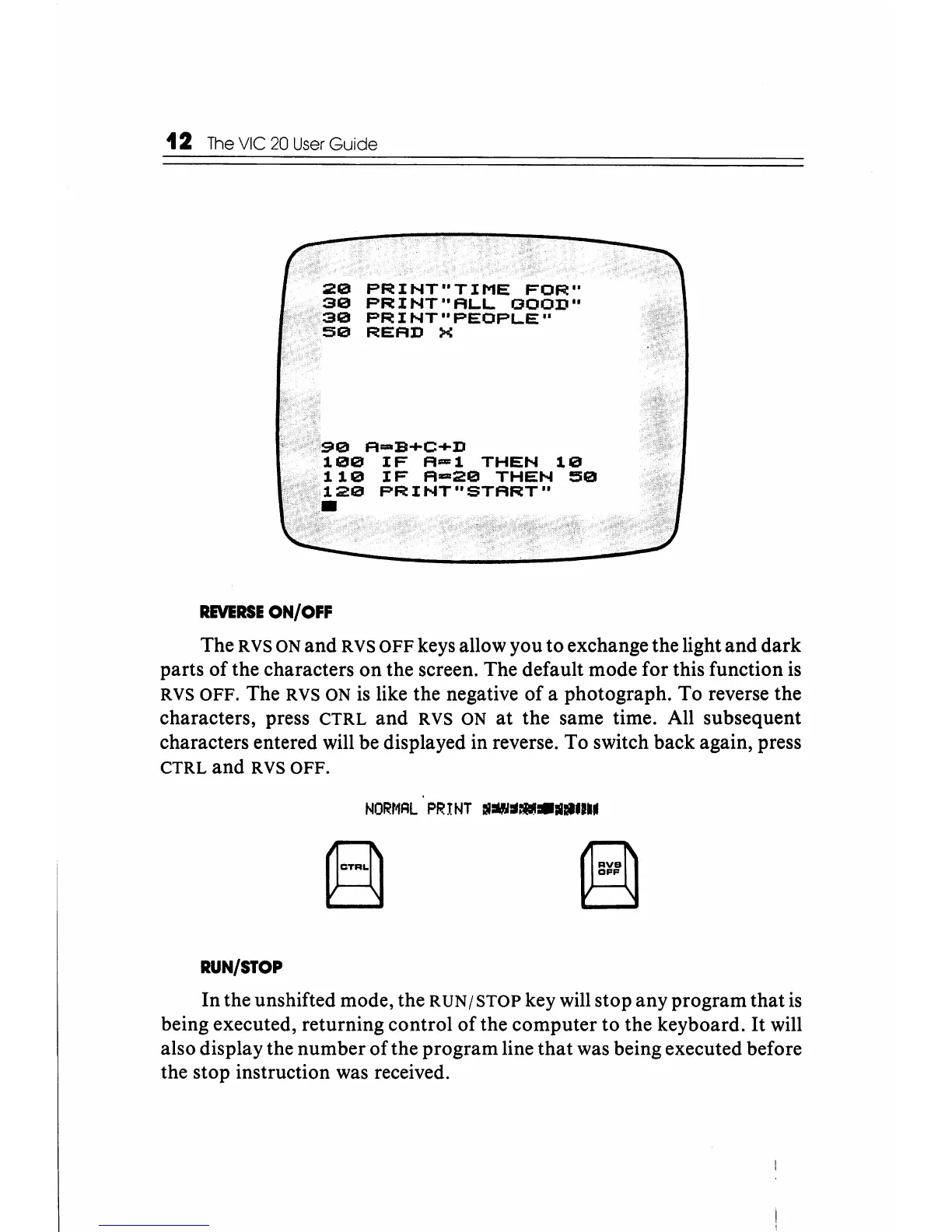
PRINT"TIME
FOR"
30
PRINT"ALL
GOOD"
30
PRINT"PEOPLE"
50
READ
X
90
A-B+C+D
100
IF
A-l
THEN
10
110
IF
A-20
THEN
50
120
PRINT"START"
•
REVERSE
ON/OFF
The R
VS
ON and RVS
OFF
keys allow you to exchange the light and dark
parts
of
the characters
on
the screen. The default mode for this function
is
RVS
OFF.
The RVS ON
is
like the negative
of
a photograph. To reverse the
characters, press
CTRL
and RVS ON
at
the same time. All subsequent
characters entered will be displayed in reverse. To switch back again, press
CTRL and RVS
OFF.
RUN/STOP
(f;i)
B
In the unshifted mode, the
RUN/STOP
key will stop any program that
is
being executed, returning control
of
the computer to the keyboard.
It
will
also display the number
of
the program line
that
was being executed before
the stop instruction was received.






 To Next Page