Chapter
1:
Introducing the
VIC
20
Computer 13
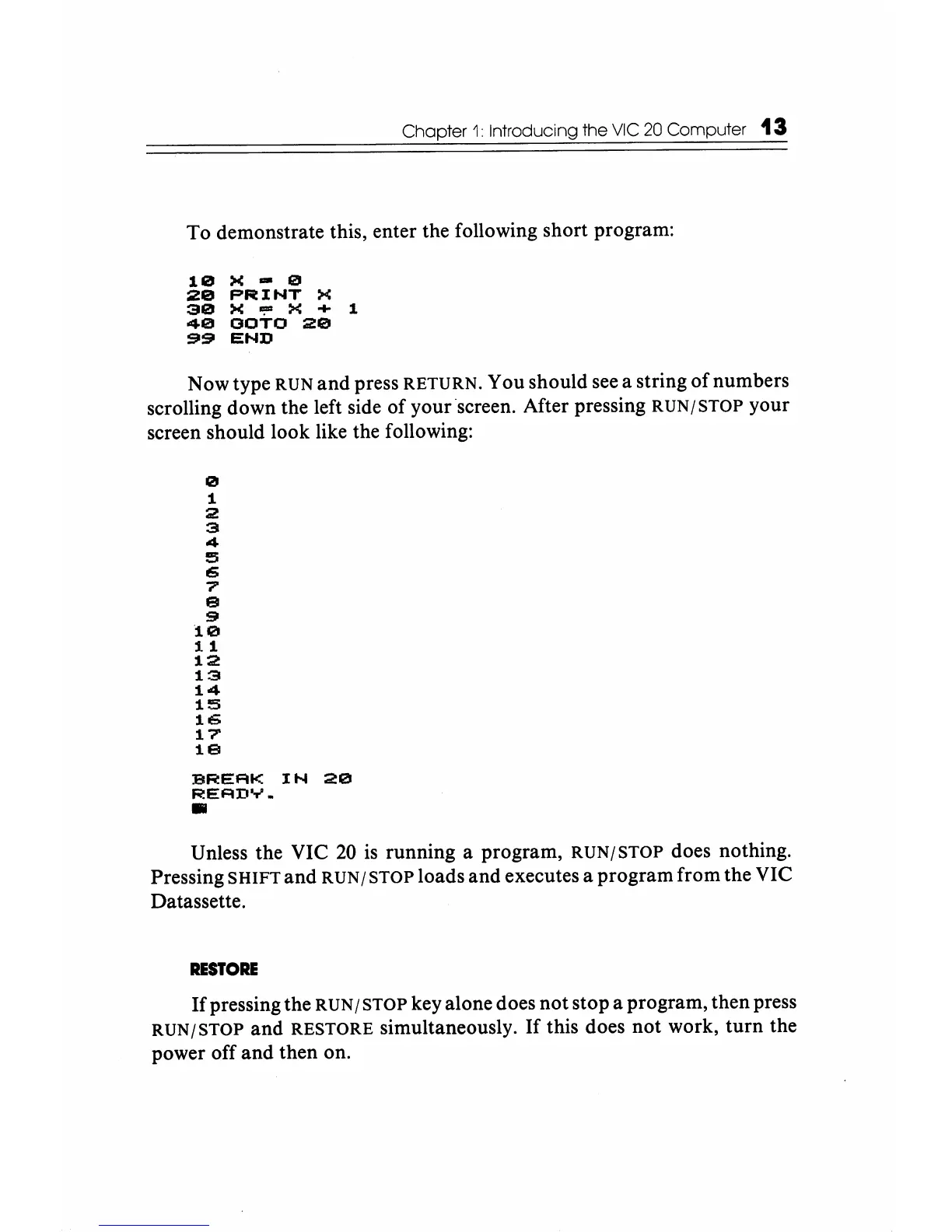
To demonstrate this, enter the following short program:
10
X - 0
20
PRINT
X
30
X
"!ID
X + 1
40
OOTO
20
$11$11
END
Now type RUN and press RETURN. You should see a string
of
numbers
scrolling down the left side of your ·screen. After pressing
RUN/STOP
your
screen should look like the following:
o
1
2
3
4
5
6
7'
9
$II
10
11
12
13
14
15
106
17'
19
BREAK
IN
20
READY
•
•
Unless the VIC
20
is running a program,
RUN/STOP
does nothing.
Pressing
SHIFT
and
RUN/STOP
loads and executes a program from the VIC
Datassette.
RESTORE
If
pressing the RUN / STOP key alone does not stop a program, then press
RUN/STOP
and RESTORE simultaneously.
If
this does not work,
turn
the
power off and then on.






 To Next Page