288 The VIC 20
User
Guide
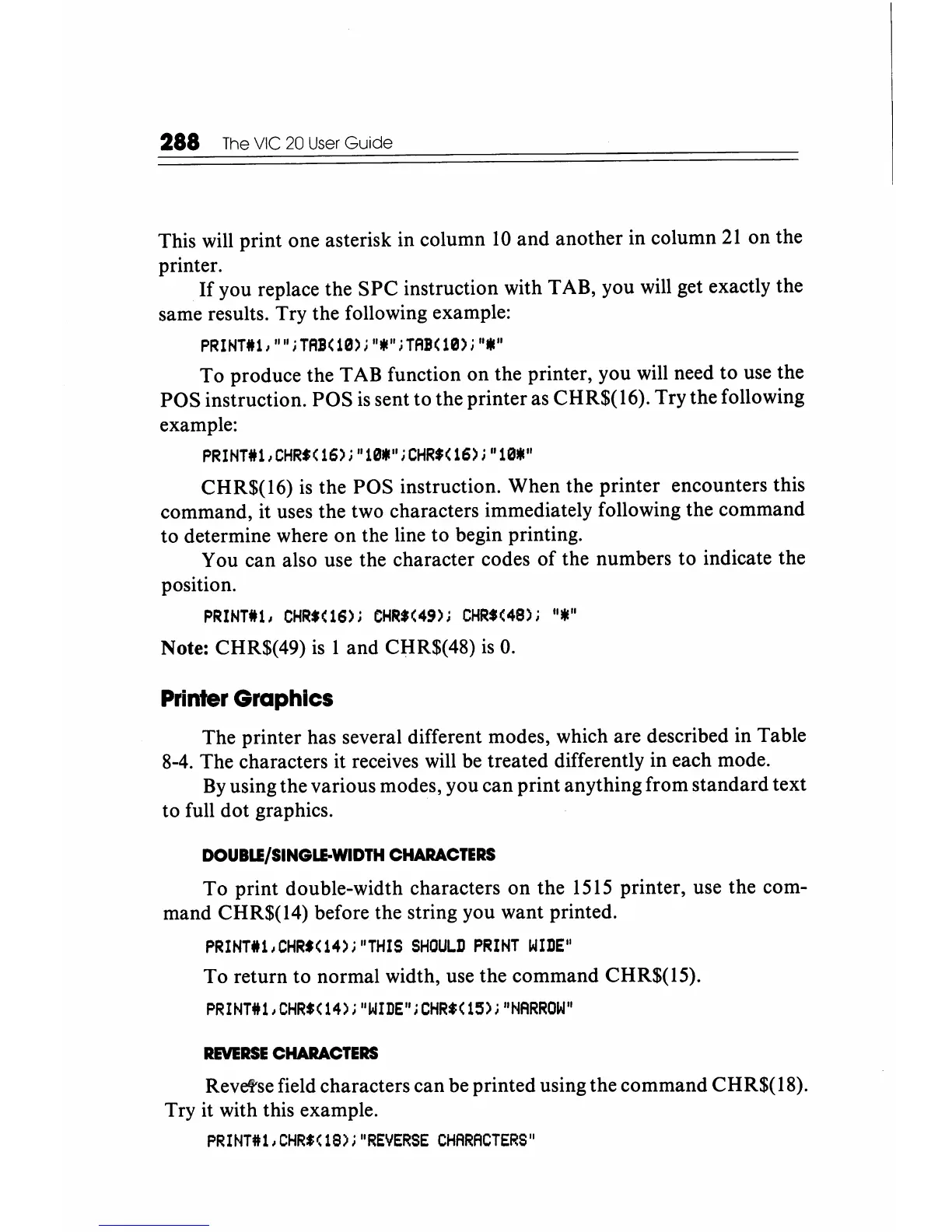
This will print one asterisk in column
10
and another in column
21
on the
printer.
If
you replace the
SPC
instruction with TAB, you will get exactly the
same results. Try the following example:
PRINTl1, "" ;TAB(10);
"III"
;TAB(0);
"III"
To
produce the TAB function on the printer, you will need to use the
POS instruction. POS
is
sent to the printer as CHR$(
16).
Try the following
example:
PRINTI1,
CHR.(
16);"
10111";
CHR$(
16);
"10111"
CHR$(16)
is
the POS instruction. When the printer encounters this
command, it uses the two characters immediately following the command
to determine where on the line to begin printing.
You can also use the character codes
of
the numbers to indicate the
position.
PRINnu, CHR$(16);
CHR$(49);
CHR$(48);
"lIE"
Note: CHR$(49)
is
1 and CHR$(48)
is
O.
Printer
Graphics
The printer has several different modes, which are described in Table
8-4. The characters it receives will be treated differently in each mode.
By
using the various modes, you can print anything from standard text
to full dot graphics.
DOUBLE/SINGLE-WIDTH
CHARACTERS
To
print double-width characters on the
1515
printer, use the com-
mand CHR$(14) before the string you want printed.
PRINTl1,CHR'(14);"THIS
SHOULD
PRINT
WIDE"
To return to normal width, use the command CHR$(15).
PRINnu,
CHR.(
14);
"WIDE";
CHR$(
15);
"NARROW"
REVERSE
CHARACTERS
Revetse field characters can be printed using the command CHR$(
18).
Try it with this example.
PRINT#1,CHR$(1S);"REIIERSE
CHARACTERS"






 To Next Page