Chapter
8:
Peripheral Devices
289
TAIl!
8-4. Printer
Modes
Mode
Printer Command
PRINT DOUBLE-WIDTH CHARACTERS CHR$(14)
PRINT SINGLE-WIDTH CHARACTERS
CHR$(15)
PRINT REVERSE CHARACTERS
CHR$(18)
PRINT NON-REVERSE CHARACTERS
CHR$(146)
GRAPHICS MODE
CHR$(8)
ALTERNATE CHARACTER SET
CHR$(l7)
STANDARD CHARACTER SET
CHR$(143)
REPEAT GRAPHICS. MODE
CHR$(26)
Notice
that
the command CHR$(
18)
is
the same as the CHR$ function,
which prints reverse characters
on
the video screen.
On
the screen, typing
CTRL RVS ON switches to reverse characters. This also works
on
the printer
if you put the instruction in a
PRINT#
statement like the following:
PRINTlll"(CTRL)(RVS
ON)";
"REVERSE
CHARACTERS"
You can use either CHR$(146)
or
CTRL RVS
OFF
to leave reverse mode.
GRAPHICS
The command CHR$(8) causes the printer to enter the graphics mode.
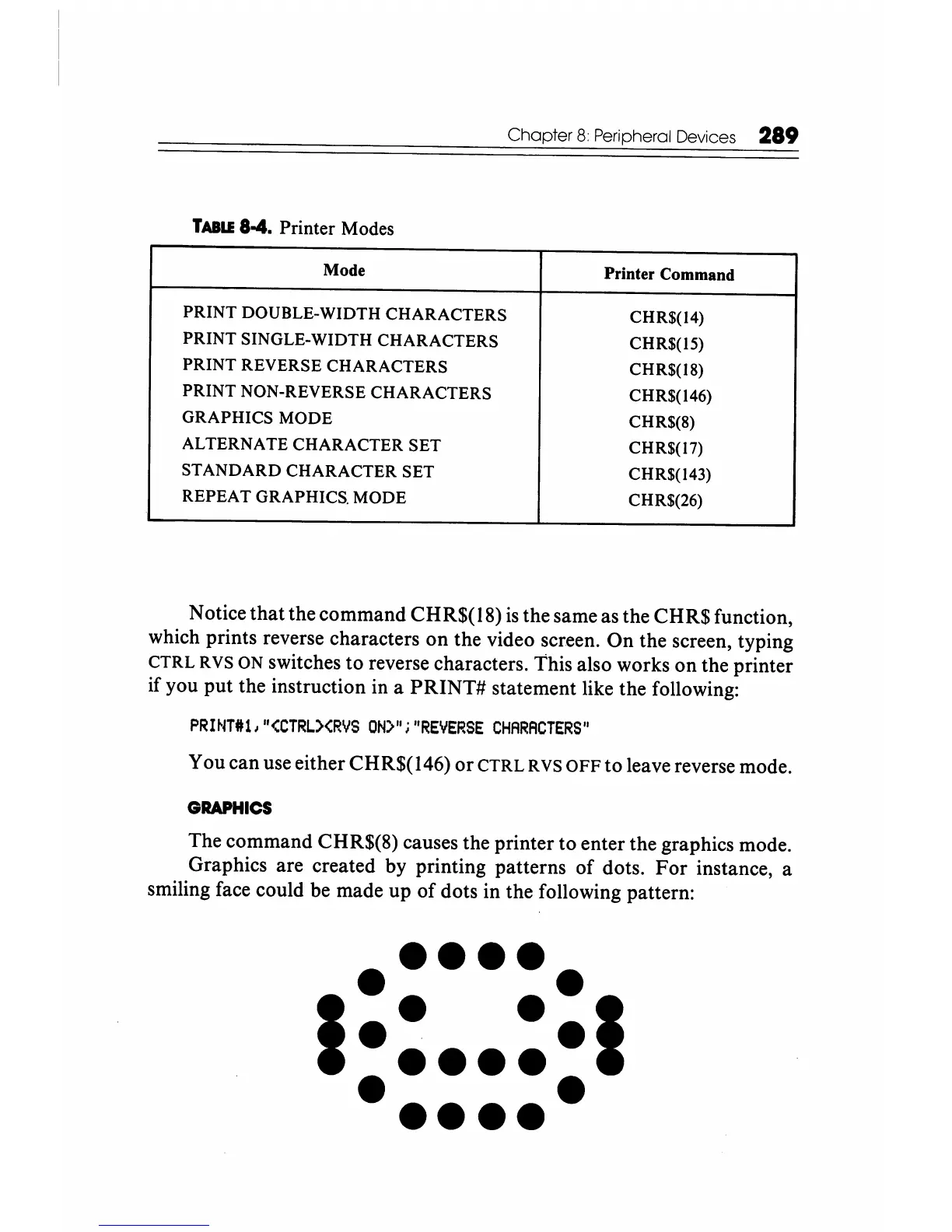
Graphics are created by printing patterns
of
dots.
For
instance, a
smiling face could be made up
of
dots in the following pattern:
••••••
I
•
··1
•••••
••••••






 To Next Page