Chapter
1.
Introducing the
VIC
20
Computer
19
Pressing the
SHIFT
and
C:ij..SR
keys together will move the cursor left
one character position. When the cursor reaches the left-hand border, it
jumps to the rightmost column of the next line up. This
is
called
wraparound.
It
allows you to continue entering lines that are more than
22
characters long without your having to press RETURN. This
is
similar to
having an automatic carriage return.
If
the cursor
is
at
the right-hand edge of the bottom line and
CRSR
RIGHT
is
pressed, the screen will scroll up a line. The wraparound feature
advances the cursor to the beginning of the next line, effectively producing a
CRSRDOWN.
The
CRSR
UP/DOWN
and
CRSRLEFT/RIGHT
keys are used to move the
cursor over text without changing the text. To alter the text, move the
cursor to the character you wish to correct. Typing another character
will
replace the existing one, allowing you to easily edit text on the screen.
INSERT/DELlIE
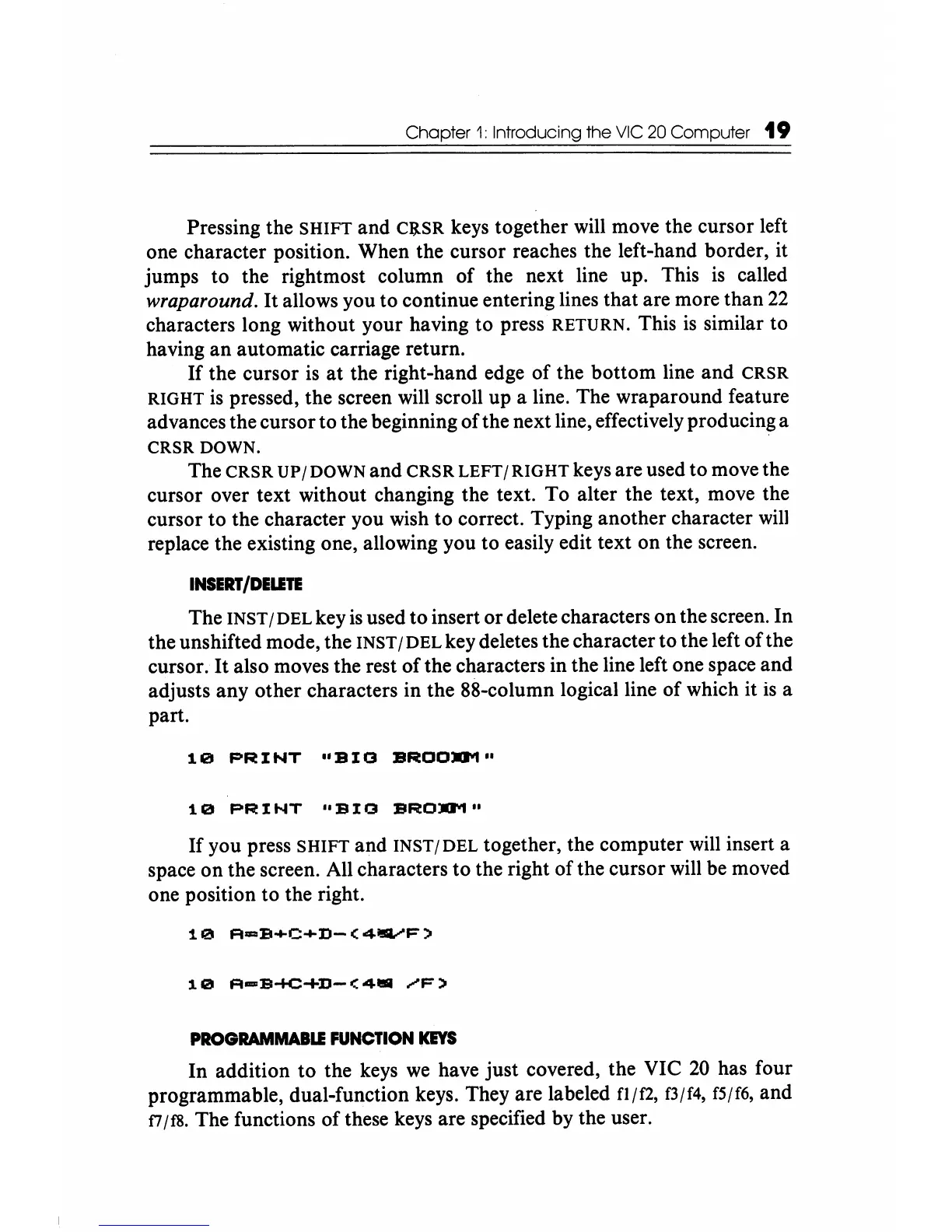
The INST / DEL key
is
used
to
insert or delete characters on the screen.
In
the unshifted mode, the INST /
DEL
key deletes the character to the left
of
the
cursor. It also moves the rest
ofthe
characters in the line left one space and
adjusts any other characters in the 88-column logical line of which it
is
a
part.
10
PRINT
"BIG
BROO..,"
10
PRINT
"BIG
BRO..,"
If
you press
SHIFT
and
INST/DEL
together, the computer will insert a
space on the screen. All characters
to
the right of the cursor will be moved
one position to the right.
10
A-B+C+D-(4.vF)
PROGRAMMABLI
FUNCTION
KEYS
In
addition
to
the keys
we
have just covered, the VIC
20
has four
programmable, dual-function keys. They are labeled
n/f2, f3/f4, f5/f6, and
f7/cs.
The functions ofthese keys are specified by the user.






 To Next Page