30
The
VIC
20
User
Guide
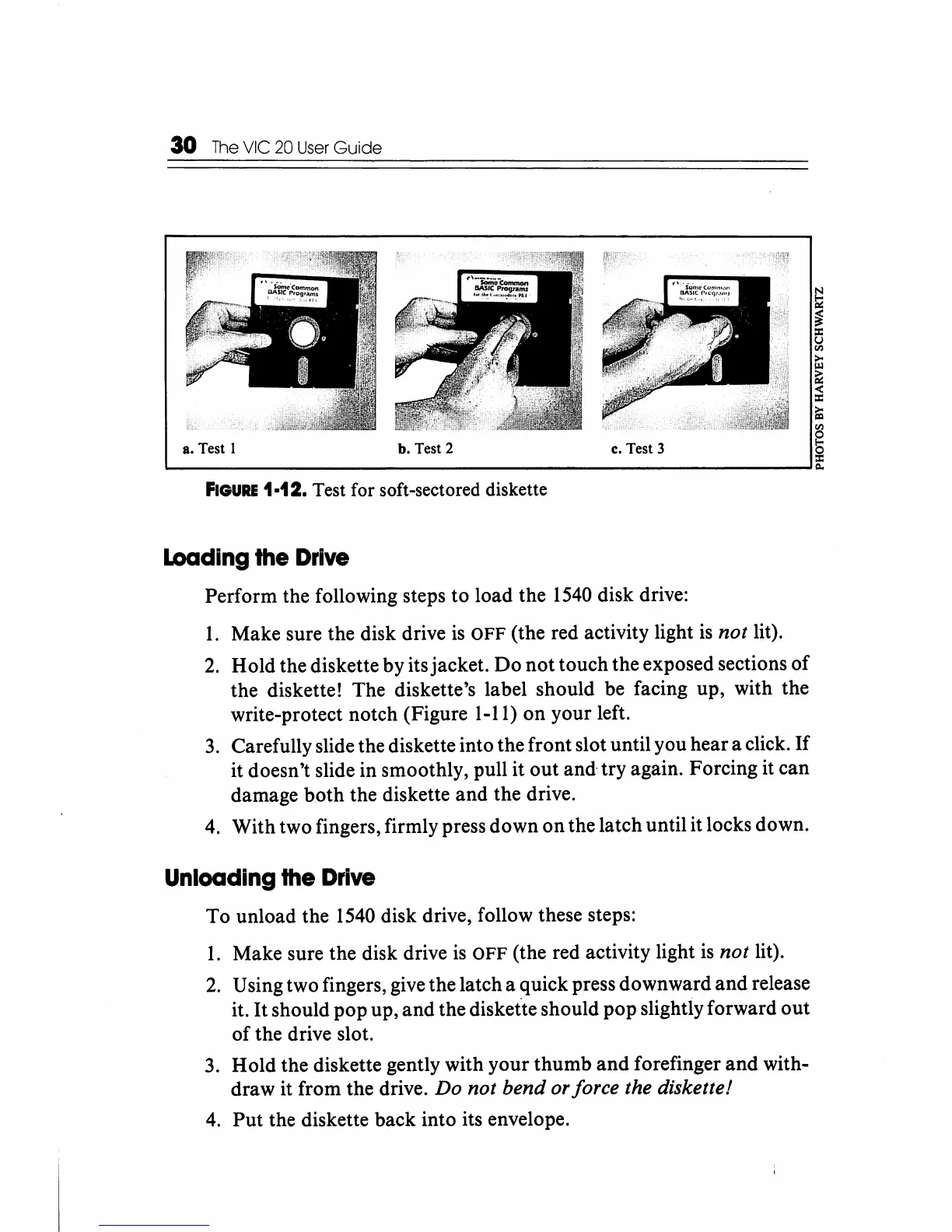
a. Test I b. Test 2 c. Test 3
N
Iii
~
~
i:i
~
<
:c
ili
'"
S
~--------------------------------------------------~~
FIGURE
1·12. Test for soft-sectored diskette
loading
the
Drive
Perform
the following steps
to
load
the
1540 disk drive:
1.
Make
sure the disk drive is
OFF
(the red activity light is not lit).
2.
Hold
the diskette
by
its
jacket.
Do
not
touch
the
exposed sections
of
the
diskette!
The
diskette's label
should
be
facing
up,
with
the
write-protect
notch
(Figure 1-11)
on
your
left.
3. Carefully slide the diskette into
the
front
slot until
you
hear
a click.
If
it
doesn't
slide
in
smoothly, pull
it
out
and·
try
again.
Forcing
it
can
damage
both
the
diskette
and
the
drive.
4.
With
two
fingers, firmly press
down
on
the
latch
until
it locks down.
Unloading
the
Drive
To
unload
the
1540 disk drive, follow these steps:
1.
Make
sure
the
disk drive
is
OFF
(the red activity light is not lit).
2. Using two fingers, give
the
latch
a
quick
press
downward
and
release
it.
It
should
pop
up,
and
the diskette
should
pop
slightly
forward
out
of
the
drive slot.
3.
Hold
the
diskette gently
with
your
thumb
and
forefinger
and
with-
draw
it
from
the
drive. Do not bend or force the diskette!
4.
Put
the diskette
back
into
its envelope.






 To Next Page