32
The
VIC
20
User
Guide
THE
VIC 1515
GRAPHIC
PRINTER
While you can use almost any printer with the VIC
20
through the
parallel
port
or
by installing
an
IEEE 488 interface, the
1515
Graphic Printer
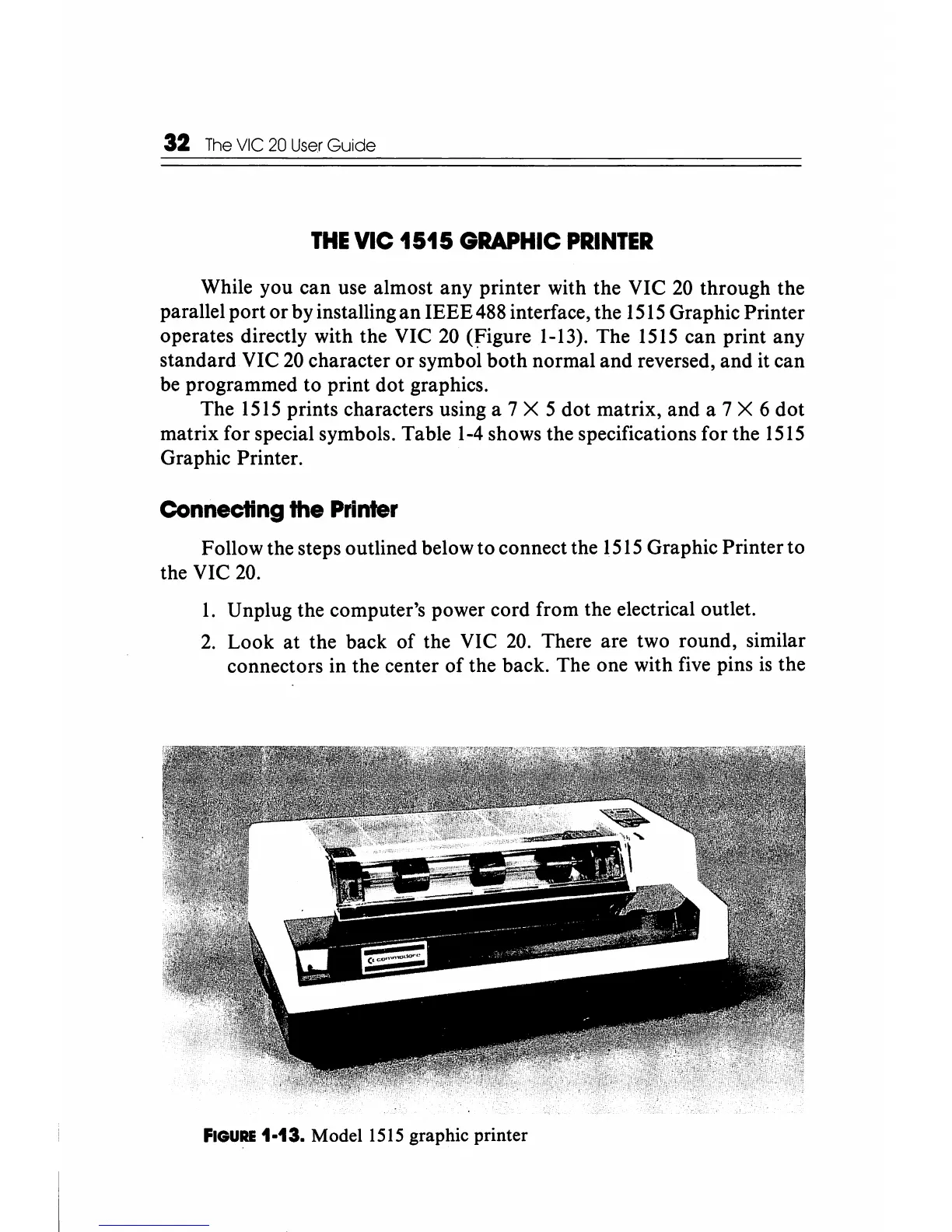
operates directly with the VIC
20
(figure
1-13). The
1515
can print any
standard VIC
20
character
or
symbol
both
normal
and
reversed,
and
it can
be programmed to print dot graphics.
The
1515
prints characters using a 7 X 5
dot
matrix, and a 7 X 6
dot
matrix for special symbols. Table
1-4
shows the specifications for the
1515
Graphic Printer.
Connecting the
Printer
Follow the steps outlined below to connect the
1515
Graphic Printer to
the VIC 20.
1.
Unplug the computer's power cord from the electrical outlet.
2.
Look
at
the back
of
the VIC 20. There are two round, similar
connectors in the center
of
the back. The one with five pins
is
the
FIGURE
1-13.
Model
1515 graphic printer






 To Next Page