Chapter
1:
Introducing the
VIC
20
Computer 37
The following steps show how to insert paper into the
1515
Graphic
Printer: .
1.
Turn the printer OFF and unplug its power cord.
2.
Lift off the clear plastic sound cover.
3.
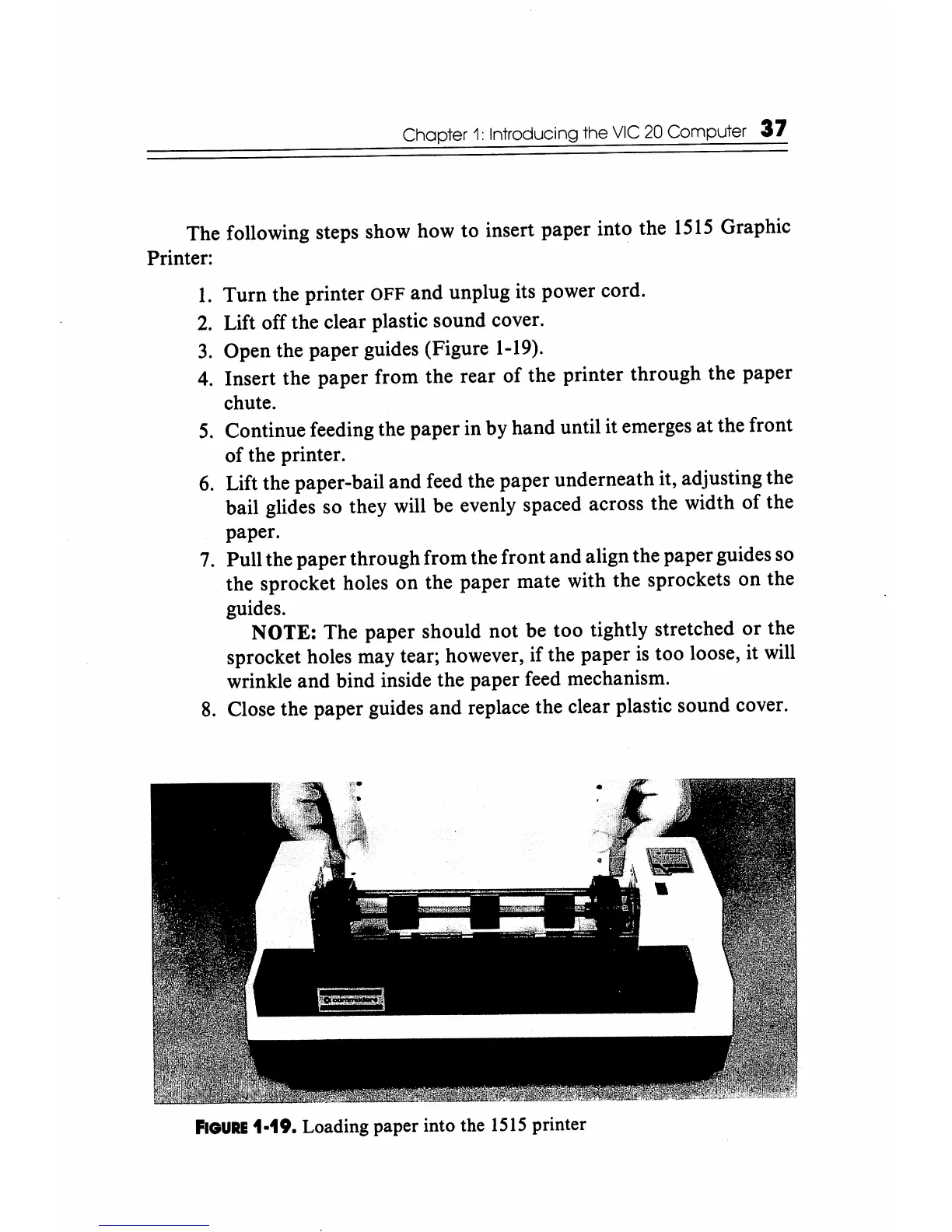
Open the paper guides (Figure
1-19).
4.
Insert the paper from the rear
of
the printer through the paper
chute.
5.
Continue feeding the paper in by hand until it emerges at the front
of the printer.
6.
Lift the paper-bail and feed the paper underneath it, adjusting the
bail glides so they will be evenly spaced across the width
of
the
paper.
7.
Pull the paper through from the front and align the paper guides so
the sprocket holes
on
the paper mate with the sprockets on the
guides.
NOTE: The paper should not be too tightly stretched
or
the
sprocket holes may tear; however, if the paper
is
too loose, it will
wrinkle and bind inside the paper feed mechanism.
8.
Close the paper guides and replace the clear plastic sound cover.
FIGURE
1·19. Loading paper into the
1515
printer






 To Next Page