Chapter
2:
Operating the
VIC
20
41
or
'P"GODFREY
CAMBFtI:DOE"
Screen
Editing
One of the most powerful features
of
the VIC
20
is
its screen editor. The
key to using the VIC 20's editing capabilities
is
the cursor. You can move the
cursor in four directions: up, down, left, and right. You can also insert or
delete characters anywhere on the screen,
or
even clear the entire screen
using a single keystroke.
EDITING
TEXT
ON
THE
CURRENT
DISPlAY
UNE
Occasionally, you may notice a mistake on a line you are currently
entering. You can correct mistakes on a line you are entering by backspacing
to the error and correcting it.
For
example,
OUR
BUDGEY
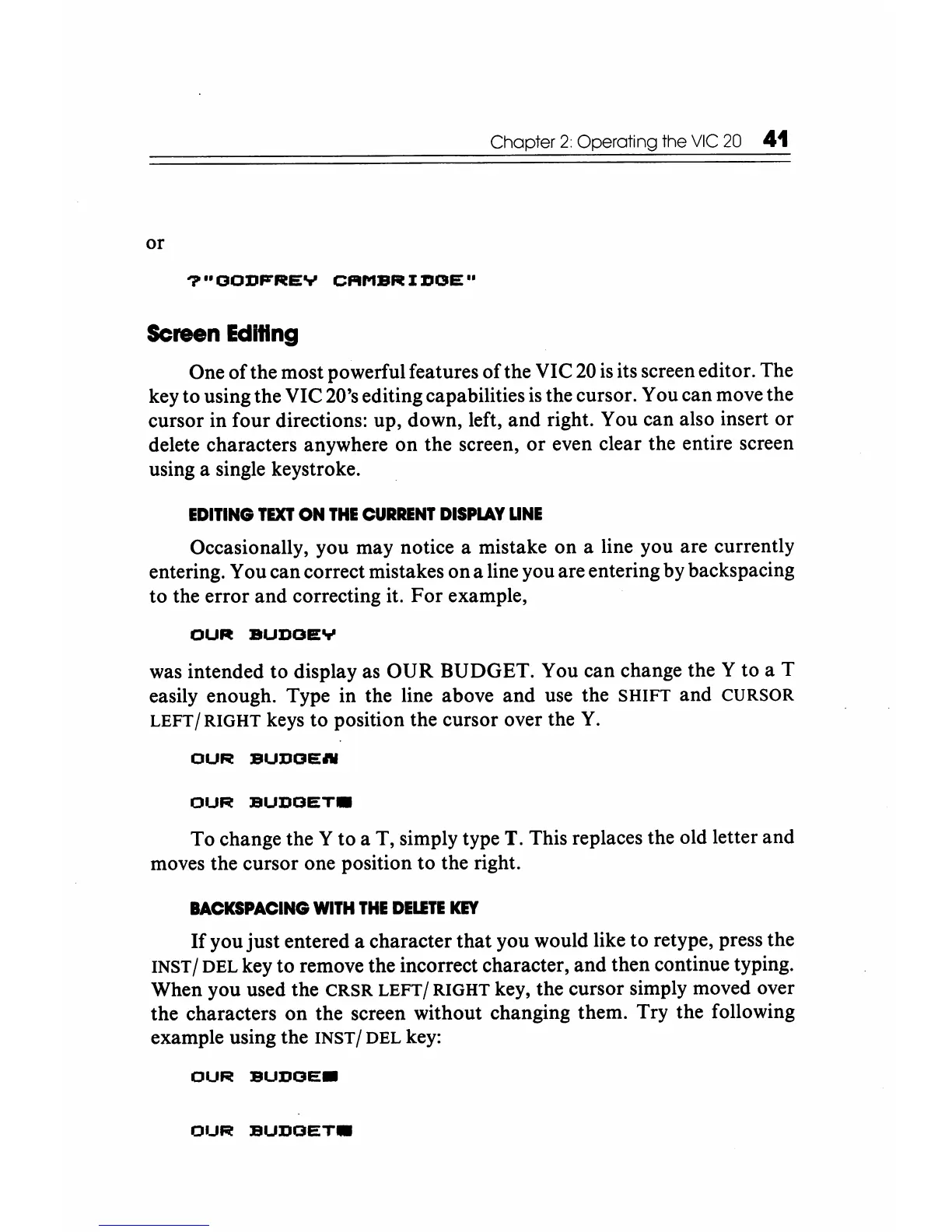
was intended to display as OUR BUDGET. You can change the Y to a T
easily enough. Type in the line above and use the
SHIFT and CURSOR
LEFT/RIGHT
keys to position the cursor over the
Y.
OUR
BUDGE.,.
OUR
BUDGET.
To change the Y to a T, simply type T. This replaces the old letter and
moves the cursor one position to the right.
BACKSPACING
WITH
THE
DELETE
KEY
If
you just entered a character that you would like
to
retype, press the
INST / DEL key to remove the incorrect character, and then continue typing.
When you used the
CRSR LEFT/ RIGHT key, the cursor simply moved over
the characters on the screen without changing them. Try the following
example using the
INST / DEL key:
OUR
BUDGE.
OlJR
BUDGET.






 To Next Page