42 The VIC 20
User
Guide
SHIFTING
AND
DELETING
TEXT
WITH
THE
DELITE
KEY
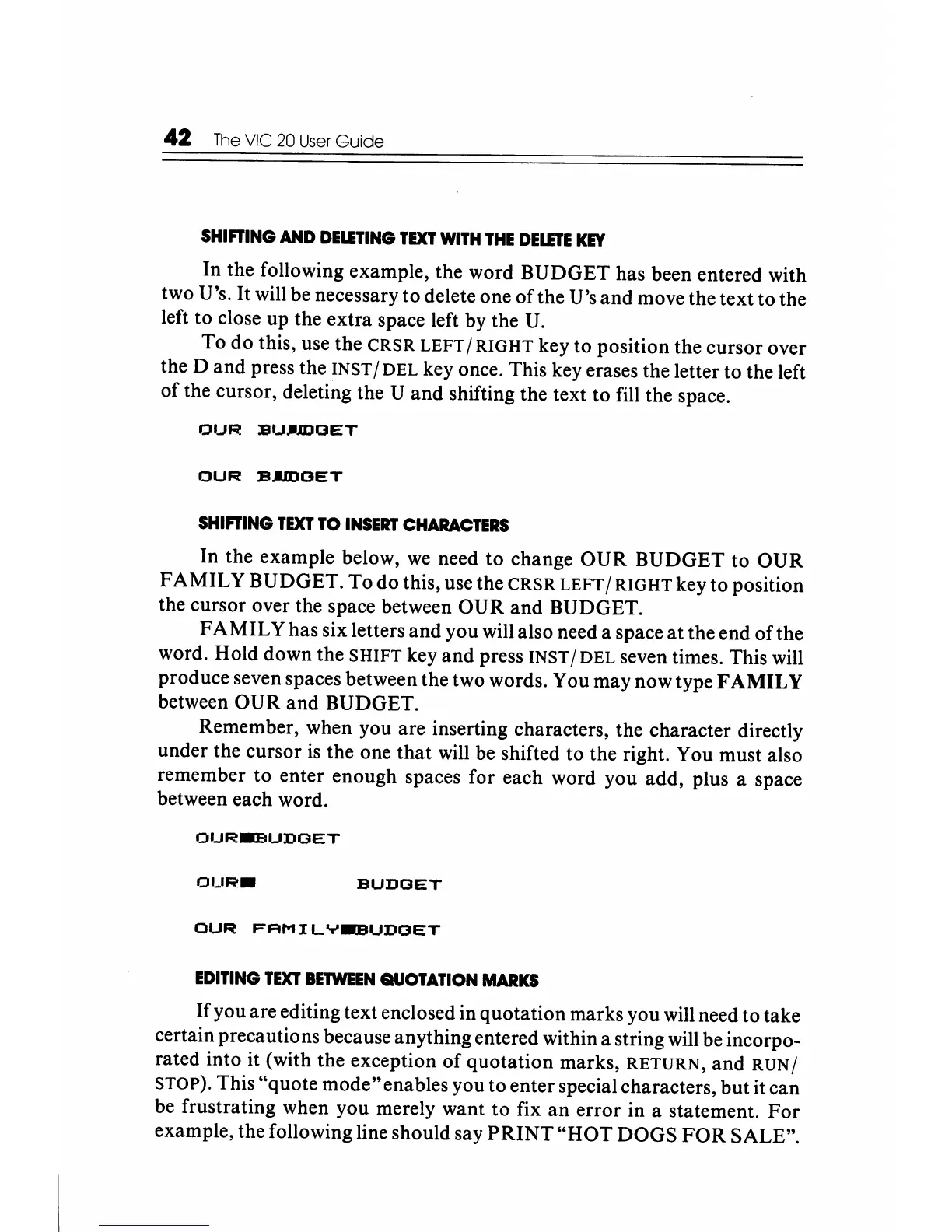
In the following example, the word BUDGET has been entered with
two U's.
It
will be necessary to delete one
ofthe
U's and move the text to the
left to close up the extra space left by the
U.
To do this, use the
CRSR
LEFT
/
RIGHT
key to position the cursor over
the D and press the
INST /
DEL
key once. This key erases the letter to the left
of
the cursor, deleting the U and shifting the text to fill the space.
OUR
BU.-.mOET
OUR
BAmOET
SHIFTING
TEXT
TO
INSERT
CHARACTERS
In the example below,
we
need
to
change
OUR
BUDGET to
OUR
FAMILY
BUDGET. To do this, use the
CRSR
LEFT
/
RIGHT
key to position
the cursor over the space between OUR and BUDGET.
FAMIL
Y has six letters and you will also need a space at the end of the
word. Hold down the
SHIFT
key
and
press INST / DEL seven times. This will
produce seven spaces between the two words. You may now type F
AMIL
Y
between OUR and BUDGET.
Remember, when you are inserting characters, the character directly
under the cursor
is
the one that will
be
shifted to the right. You must also
remember to enter enough spaces for each word you add, plus a space
between each word.
OUR.-BUDOET
OUR.
BUDOET
OUR
FAMILY~UDOET
EDITING
TEXT
BETWEEN
QUOTATION
MARKS
If you are editing text enclosed in quotation marks you will need to take
certain precautions because anything entered within a string will be incorpo-
rated into it (with the exception
of
quotation marks,
RETURN,
and
RUN/
STOP). This "quote mode"enables you to enter special characters, but it can
be frustrating when you merely want to fix
an
error in a statement.
For
example, the following line should say
PRINT
"HOT
DOGS
FOR
SALE".






 To Next Page